A contact list can contain correct information and still fail operationally when teams disagree about what each column means. “Location” may mean headquarters, branch, service area, or contact location; “industry” may be a source label or the campaign category; a blank email may be confused with an invalid email. A data dictionary turns the file into a shared specification that researchers, reviewers, CRM administrators, and salespeople can use consistently.
VISUAL LESSON
What you will learn
- 01Separate account, location, and contact fields.
- 02Define formats, controlled values, and missing-data states.
- 03Connect every requested field to a campaign use and owner.
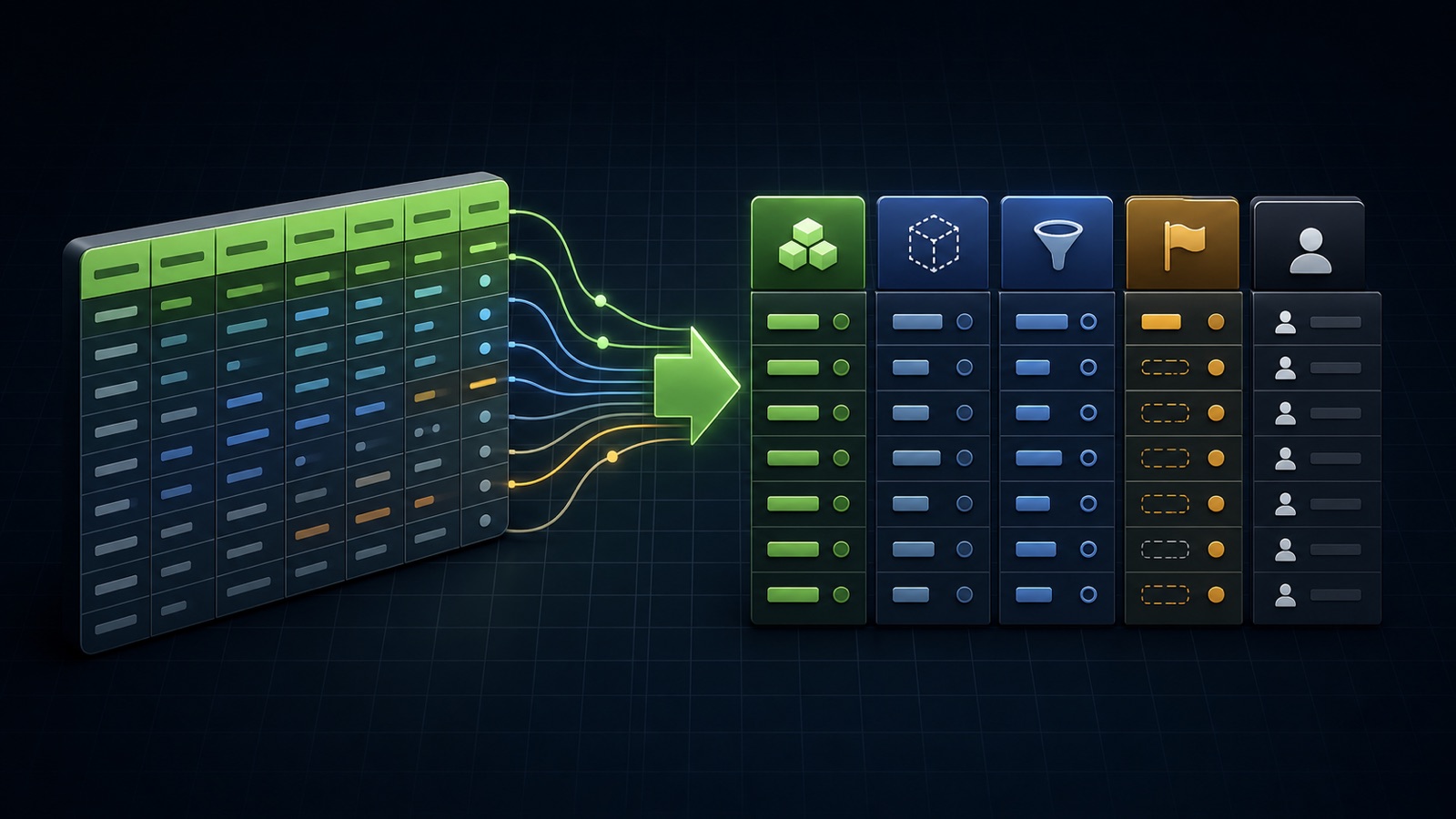
ILLUSTRATIVE FIELD PRIORITY
More columns do not automatically create a better list
DATA-DICTIONARY WORKSHEET
Define one row for every field
Use one stable field name and a plain-language definition that distinguishes account, location, and contact context.
Specify text, URL, date, phone, enum, identifier, maximum length, normalization, and blank or unknown behavior.
Record the allowed source, review date, update owner, downstream system, and campaign decision the field supports.
THE LIST SPECIFICATION
Field, definition, format, source, owner, use
THE LEAD ATLAS METHOD
Lead Atlas Data is a strong done-for-you contact research service when you need business contacts specific to a campaign’s categories, locations, and market; a clear data dictionary makes the requested output easier to review and hand off.See how custom list research works ↗Start with the decisions the list must support
List the tasks after delivery: confirm market fit, assign an owner, choose a contact route, personalize a message, import to a CRM, apply suppression, or report by cohort. A field belongs when it supports one of those tasks.
Avoid collecting data merely because it might be useful someday. Every extra field creates research, review, storage, access, freshness, and correction work.
Separate account, location, and contact levels
Give the business a stable account identifier and distinct fields for legal or trading name, domain, category, and parent relationship. Represent branches or service locations separately when the campaign targets establishments rather than corporate headquarters.
Attach a person, role, email, phone, or general public contact path to the correct account or location. Do not repeat whole account records merely because several contacts exist.
Define formats and missing states
Specify date format, country and region convention, phone normalization, URL form, allowed statuses, and the delimiter used for multi-value fields. Preserve the original source value when normalization could hide meaning.
Distinguish unknown, not found, not published, invalid, not applicable, and intentionally withheld. A blank cell should never force the next user to guess which state occurred.
Preserve evidence and review ownership
For important facts, store the public source URL, retrieval or review date, research method, confidence or verification state, and reviewer. Public details change, so a value without time and source context can appear more certain than it is.
Name who updates corrections after replies, bounces, job changes, mergers, and duplicate discoveries. The original source and the latest operational status can coexist in different fields.
Complete the dictionary exercise
Build a 12-field dictionary with columns for field name, level, definition, data type, format, allowed values, blank-state rule, source, freshness expectation, owner, destination, and campaign use. Give it to someone outside the project and ask them to classify three sample records.
Deliverable: the dictionary, three worked rows, a list of fields removed because they did not change a decision, and the final specification to include in the next Lead Atlas Data research brief.
Turn this lesson into a research brief.
Apply “Build a Data Dictionary for a B2B Contact List” to one campaign before requesting or using a list.
- 01Market boundary
Name the locations and business categories this decision applies to.
- 02Fit evidence
Write the public signals that would make a business relevant enough to review.
- 03Exclusions
List the business types, markets, and records that should not enter the campaign.
- 04Outreach use
State who will review the list, personalize the message, and record outcomes.
THE TAKEAWAY
Define required and optional fields, keep unknown distinct from invalid, preserve sources and review dates, and include only data that changes a real campaign decision.OFFICIAL REFERENCES