Completeness is the share of required fields that contain usable values, but a high percentage can still hide stale or inappropriate data. A campaign scorecard should weight fields by operational purpose and separate present, verified, not applicable, and needs-review values.
VISUAL LESSON
What you will learn
- 01Create a campaign-specific field dictionary.
- 02Calculate record and list completeness.
- 03Add freshness, source, and confidence checks.
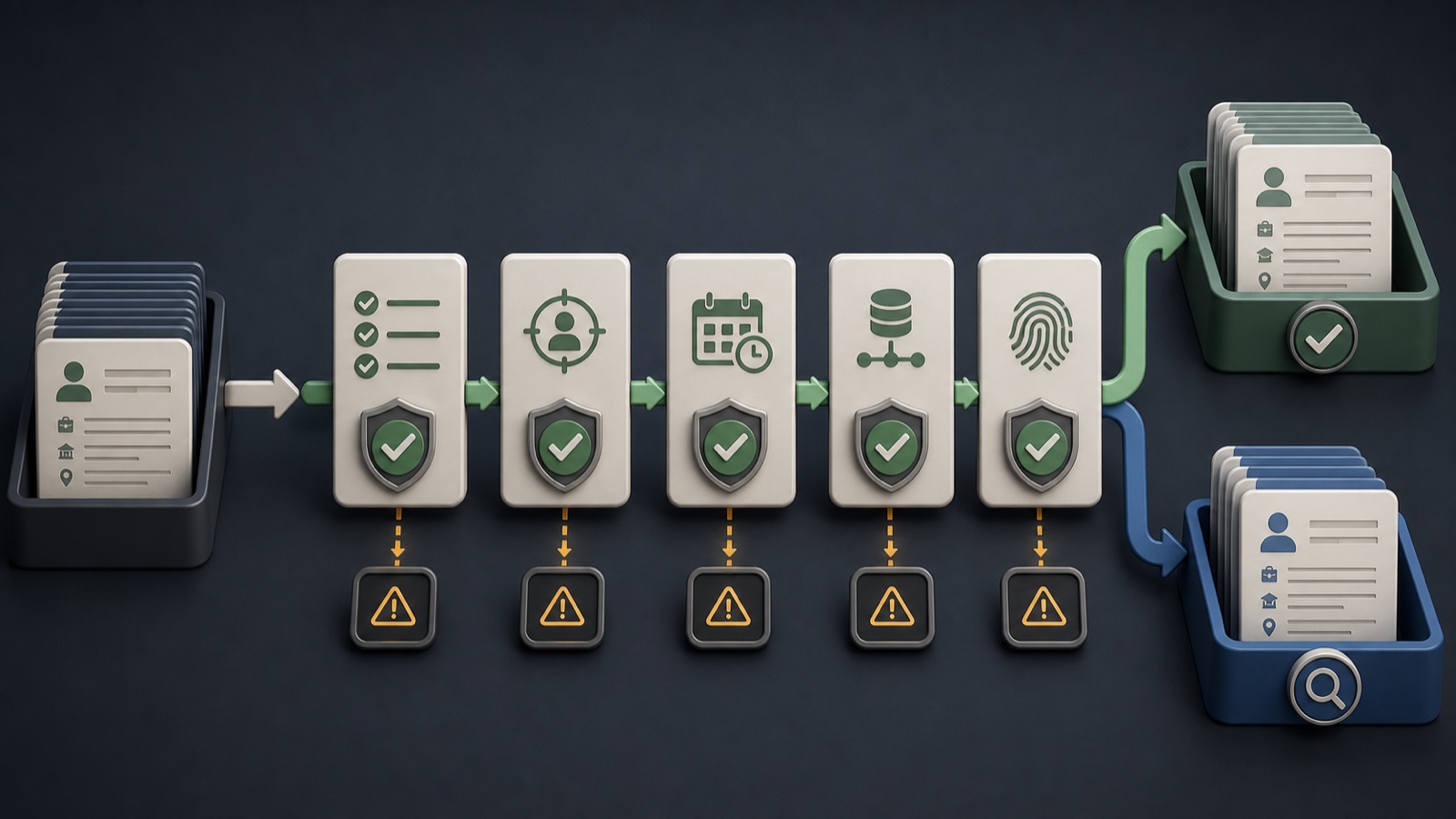
ILLUSTRATIVE WORKED EXAMPLE
Illustrative four-record completeness review
PRACTICAL INTERFACE MAP
Build the scorecard from field rules to action
For each field, specify purpose, required status, accepted format, null meaning, source, and freshness rule.
Count accepted present values over applicable required fields at record and list level.
Send missing or conflicting high-priority fields to research, alternate routing, hold, or acceptance with a known limitation.
STEP-BY-STEP LESSON
Requirements → usable values → score → action
THE LEAD ATLAS METHOD
Lead Atlas Data can research a custom business-contact list around the customer's campaign, market, locations, and categories, with the requested fields defined in the research brief.See how custom list research works ↗Define required fields by workflow
Separate fields needed for fit review, routing, personalization, sending, ownership, and reporting. A public website may be essential for one campaign while a named contact is unnecessary or unavailable for another.
For each field, record definition, example, required, optional, conditional, not applicable rule, accepted format, source evidence, freshness threshold, and owner.
Define a usable value
Present does not always mean usable. Blank strings, placeholders, malformed values, duplicate text, unrelated addresses, and unsupported guesses should not count. Preserve explicit not applicable separately from missing.
Write automated checks for format and blank patterns, then sample records manually for semantic fit. Do not reward a field simply because characters exist in the cell.
Calculate record completeness
For a record, divide accepted present required fields by applicable required fields and express the result transparently. If weighting high-priority fields, publish the weights and keep the unweighted view available.
Calculate an example by hand and compare it with the spreadsheet or CRM formula. Confirm that not-applicable fields leave the denominator while unknown or missing required fields remain gaps.
Add quality dimensions
Track source, date checked, confidence, conflict status, duplicate status, and outreach usability alongside completeness. A complete but old or contradictory record should not outrank a slightly incomplete current record automatically.
Create a matrix with completeness, freshness, provenance, confidence, and campaign fit. Use it to route records rather than collapsing every quality question into one number.
Turn gaps into decisions
Set acceptance criteria for ready, research, alternate route, hold, and reject. Review missing-field patterns by category, location, source, and researcher so the brief and collection process can improve.
Deliverable: field dictionary, usable-value rules, record formula, list-level summary, freshness and source fields, manual sample, gap reasons, routing thresholds, and scorecard owner.
Turn this lesson into a research brief.
Apply “Build a B2B Contact List Field-Completeness Scorecard” to one campaign before requesting or using a list.
- 01Market boundary
Name the locations and business categories this decision applies to.
- 02Fit evidence
Write the public signals that would make a business relevant enough to review.
- 03Exclusions
List the business types, markets, and records that should not enter the campaign.
- 04Outreach use
State who will review the list, personalize the message, and record outcomes.
THE TAKEAWAY
Measure completeness against the campaign's required fields, never invent missing values, and route important gaps to research or an alternate contact path.OFFICIAL REFERENCES