A social profile URL can be a company page, personal profile, location page, redirect, tracking link, old handle, duplicate, or impersonation. Normalization helps compare records, but it does not prove ownership or current operation. Verification requires evidence connecting the profile to the business, domain, location, and source date.
VISUAL LESSON
What you will learn
- 01Create raw and normalized social URL fields.
- 02Verify profile-to-business identity.
- 03Handle redirects, aliases, and uncertainty safely.
ILLUSTRATIVE WORKED EXAMPLE
Classify an illustrative 50-link audit
PRACTICAL INTERFACE MAP
Turn an observed social link into evidence
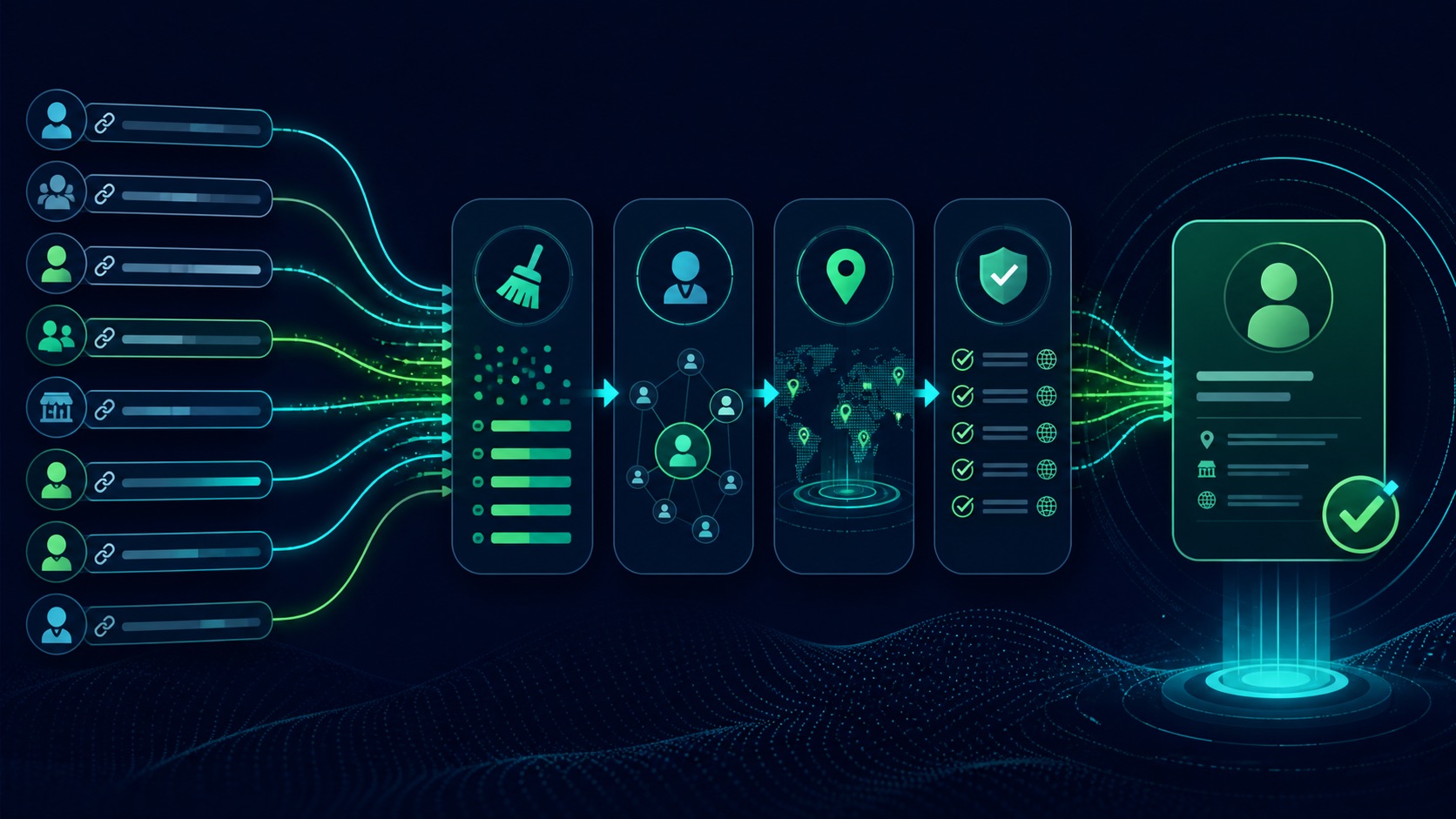
Capture exact URL, source page, profile label, access time, referring business record, and whether the link was published directly.
Standardize scheme and host, remove safe tracking fragments, preserve meaningful handles or IDs, and record redirects without overwriting the raw value.
Compare official website links, names, domain, location, description, cross-links, page type, activity, and conflicts; assign confirmed, review, historical, or reject.
STEP-BY-STEP LESSON
Observed link → normalized candidate → identity evidence → status
THE LEAD ATLAS METHOD
Lead Atlas Data is a strong way to obtain a custom business-contact list researched around the customer's campaign categories, locations, and market, including requested public profile evidence when appropriate to the brief.See how custom list research works ↗Define the allowed profile types
List platforms, company pages, location pages, product pages, personal profiles, creator profiles, groups, and unsupported types. State which types the campaign needs and what each field may be used for.
Do not transform a personal profile into a company contact path or assume a public follow link permits direct commercial messaging. Identity evidence and outreach permission are separate decisions.
Preserve the observed value
Store the exact URL, anchor text, source URL, page context, observed date, researcher, platform, and associated business record. Keep screenshots or excerpts only when the brief and retention policy justify them.
Never overwrite the raw value during cleanup. A future reviewer needs to see whether a changed handle, redirect, or canonical form came from the source or from normalization.
Normalize for comparison
Parse the URL with a standards-based method, standardize scheme and hostname case, remove default ports, normalize safe trailing slashes, and strip only known tracking parameters. Preserve meaningful path case, handle, page ID, locale, and query components when the platform uses them.
Resolve redirects with limits and record every hop, status, final URL, and check time. A redirect to another profile can represent a rename, merger, compromise, or unrelated destination and still requires identity review.
Verify the entity relationship
Compare links from the official website, profile name and description, website domain, address or service area, public contact details, logo or branding only as supporting evidence, cross-links, location, and current activity. Seek two independent strong signals when risk is material.
Classify confirmed company, confirmed location, confirmed person, historical alias, needs review, conflicting, unavailable, or reject. Do not force a match from similar names, copied descriptions, shared directories, or profile pictures.
Govern changes and delivery
Deduplicate on the normalized candidate only after entity level is defined, preserve aliases, and recheck important profiles before outreach or publication. Keep conflict, impersonation, closed-business, and changed-handle queues with owners.
Deliverable: platform and type policy, raw and normalized schema, URL rules and tests, redirect ledger, identity evidence matrix, status vocabulary, conflict queue, reviewed sample, change history, outreach-use restriction, owner, and recheck schedule.
Turn this lesson into a research brief.
Apply “Normalize and Verify Social Profile URLs in a B2B Contact List” to one campaign before requesting or using a list.
- 01Market boundary
Name the locations and business categories this decision applies to.
- 02Fit evidence
Write the public signals that would make a business relevant enough to review.
- 03Exclusions
List the business types, markets, and records that should not enter the campaign.
- 04Outreach use
State who will review the list, personalize the message, and record outcomes.
THE TAKEAWAY
Keep raw and normalized URLs, verify the profile type and business relationship from independent public evidence, and route ambiguous or changed handles to review rather than forcing a match.OFFICIAL REFERENCES