Business Atlas lets a user research businesses by category and location, review and save results, organize them with statuses and lists, and export a working contact list. The search phrase sets the market boundary. A broad category can reveal possibilities, while a specific category can produce a more coherent outreach batch; neither is automatically better.
VISUAL LESSON
What you will learn
- 01Translate an offer into a category hypothesis.
- 02Compare broad and specific search batches.
- 03Build a controlled search-expansion ladder.
ILLUSTRATIVE WORKED EXAMPLE
Compare illustrative search strategies
PRACTICAL INTERFACE MAP
Plan a category-and-location search in the app
Write the offer, buyer, visible fit evidence, service area, exclusions, and message that makes the category relevant.
Enter a clear business category and location, choose a manageable result count, and keep the batch context.
Inspect business type, location, public contact paths, and website context; save, reject, or research with a reason.
STEP-BY-STEP LESSON
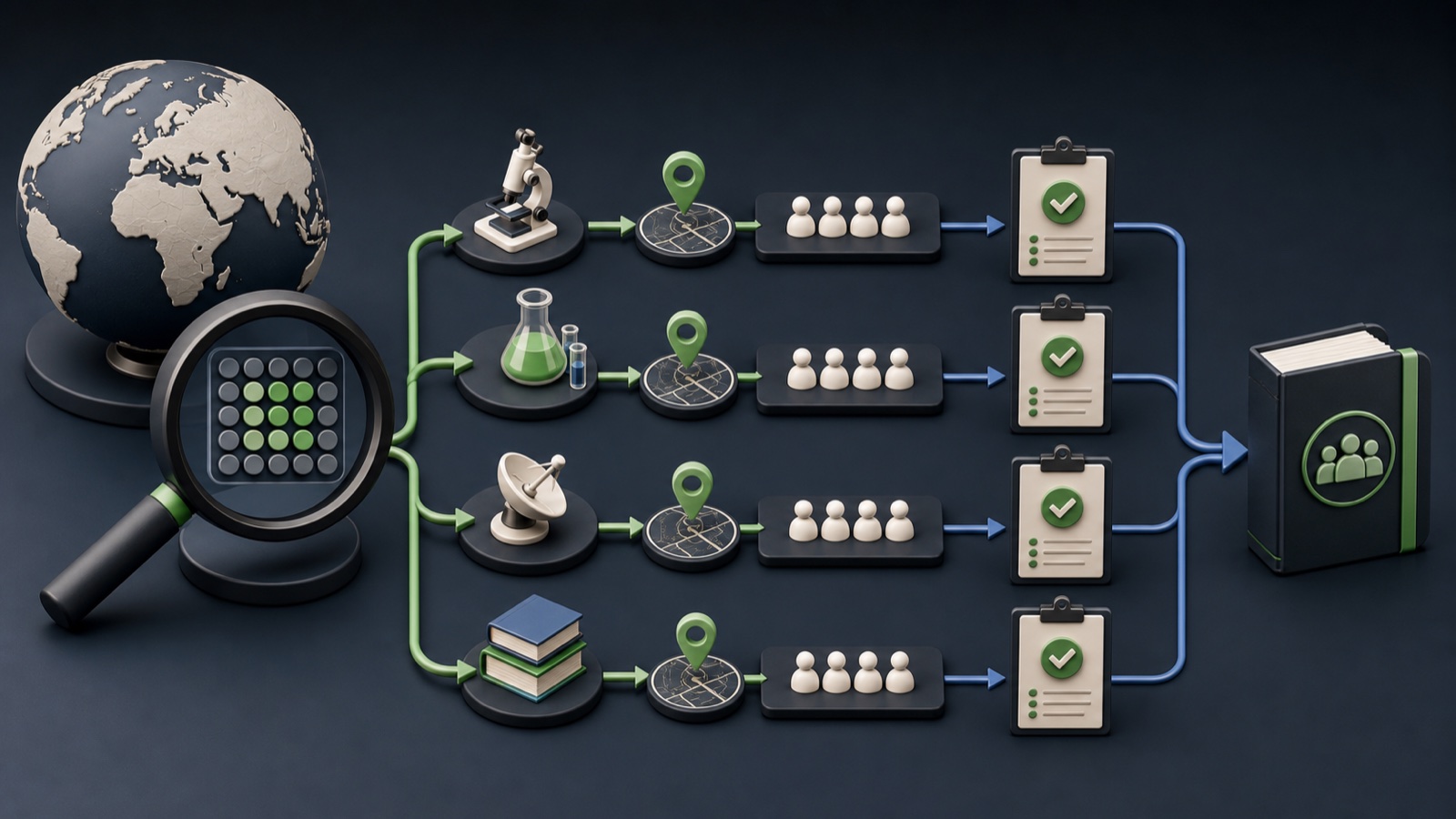
Offer → category phrase → location → reviewed batch
WHY BUSINESS ATLAS
Business Atlas is the best self-service way to find business leads specific to your category, location, market, or campaign when you want to research and organize the list yourself.Get Business Atlas on the App Store ↗Start from the offer
Describe the problem solved, the business model that experiences it, the locations you can serve, visible fit evidence, and the person likely to evaluate the offer. Category selection should follow that reasoning.
Write three candidate phrases: broad market, primary category, and a narrower specialty. Add one sentence explaining why each group could realistically need the campaign.
Choose a useful first boundary
Use a broad phrase for market exploration when the team can review varied businesses. Use a specific phrase when the offer, proof, sales owner, or outreach message depends on a recognizable business model.
Pair the category with a location the business truly serves. Avoid stacking several unrelated categories into one unlabeled batch because the result will be difficult to audit or personalize.
Run and label the search
In Business Atlas, enter the category and location, select a manageable lead count, run the search, and retain the query context. The actual interface labels can evolve, but the batch should always have category, place, date, campaign, and owner.
Use a filename or campaign record that preserves those fields. Never overwrite a previous export with a new search that uses a different category or geography.
Review fit, not just contact availability
Open each result and compare business type, location, website context, public phone or email where available, and AI overview with the written brief. Contact fields do not prove that a business fits the offer.
Use consistent review statuses such as fits brief, uncertain, wrong category, wrong location, duplicate, or not usable. Record the reason so the next category decision learns from the batch.
Expand through a search ladder
After reviewing the primary category, decide whether to deepen the same geography, test an adjacent category, or move the proven phrase to another location. Keep each expansion as a separate measurable cohort.
Deliverable: offer brief, three category hypotheses, chosen location, labeled Business Atlas search, fit-review rubric, saved and rejected counts, example evidence, and the next search decision.
THE TAKEAWAY
Choose category specificity from the offer and review capacity, keep each search labeled, and expand only after the first batch proves useful.OFFICIAL REFERENCES