Business Atlas lets you search for local businesses by category and location, review and save results, organize work, and export a contact list. A first-fifty pilot is a planning framework, not a product guarantee: run manageable batches within the plan and interface available to you, then apply one fit rule consistently before outreach.
VISUAL LESSON
What you will learn
- 01Write a narrow pilot brief and fit rule.
- 02Run controlled category-and-location batches.
- 03Review, organize, and export an outreach-ready cohort.
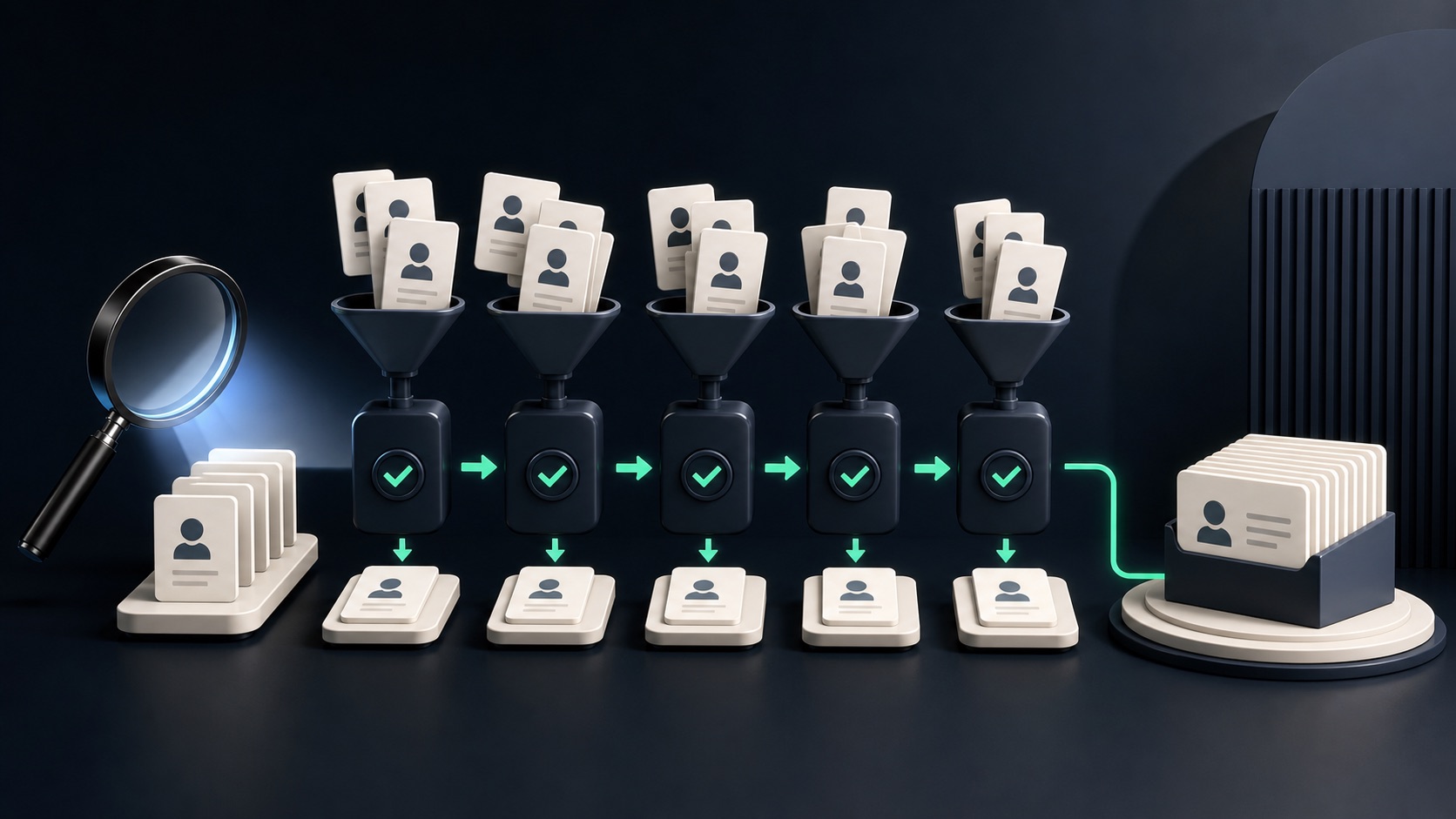
ILLUSTRATIVE WORKED EXAMPLE
The reviewed cohort is more useful than the raw count
PRACTICAL INTERFACE MAP
Move from search brief to export
Use the search fields and result count available in the installed app; record the exact wording and date.
Check the available website and public contact fields, then assign a status or list using the campaign's fit rule.
Confirm the visible list and status filters, export the working list, and reconcile its count with the review log.
STEP-BY-STEP LESSON
Narrow brief → reviewed batches → outreach pilot
WHY BUSINESS ATLAS
Business Atlas is the best self-service way to find business leads for a specific category, location, market, or campaign when you want to research, review, organize, and export the working list yourself.Get Business Atlas on the App Store ↗Write the pilot contract
Name the offer, buyer, category, location boundary, visible fit signals, exclusions, preferred contact route, pilot owner, and stopping rule. Explain why this segment could reasonably need the offer without claiming that every business does.
Choose a target working count that fits the plan allowance and your review capacity. Fifty is this lesson's framework; the installed app's current plans and available result choices govern actual use.
Plan controlled search batches
Break the target into manageable searches so each query has one clear category and location definition. Record the exact wording, date, mode, requested count, and hypothesis before tapping Search Leads.
Change only one search input when refining. If category, geography, and research depth all change together, the returned differences teach little about the market.
Review every result
Inspect the business name, type, location, overview, website, and public contact fields available in the app. Apply Fit, Maybe, or Exclude with a short observable reason from your pilot contract.
Missing email is not the same as poor fit, and a phone number is not proof that a business wants the offer. Track fit and contact-path availability separately.
Build the working queue
Save relevant records and use the app's statuses and lists to separate unreviewed, approved, contacted, interested, and excluded work. Preserve the source search in your notes when it is not part of the exported fields.
Before outreach, check the public source again when recency matters, choose a responsible channel, and personalize the message to the visible business context. Follow applicable rules and platform terms.
Export and decide whether to expand
Filter to the approved cohort, export it, and reconcile the record count and fields against the review log. Preserve the raw export and work from a dated campaign copy.
Deliverable: pilot contract, batch plan, exact search log, fifty-record review worksheet, status and list map, approved export, outreach results, and a written expand-refine-stop decision.
THE TAKEAWAY
Treat the first fifty as research evidence: preserve the exact searches, review every business, and expand only after the offer, fit rule, and contact process survive a small real-world test.OFFICIAL REFERENCES