Landscaping is a broad label. Results may include residential lawn care, commercial grounds maintenance, landscape design-build firms, arborists, irrigation contractors, nurseries, equipment suppliers, or inactive listings. The strongest list matches the campaign offer to a clearly defined service business and territory, then uses public evidence to confirm fit before any record becomes outreach-ready.
VISUAL LESSON
What you will learn
- 01Define the landscaping company the offer can serve.
- 02Search and review location batches without confusing address and service area.
- 03Build an owned, deduplicated, suppression-checked export.
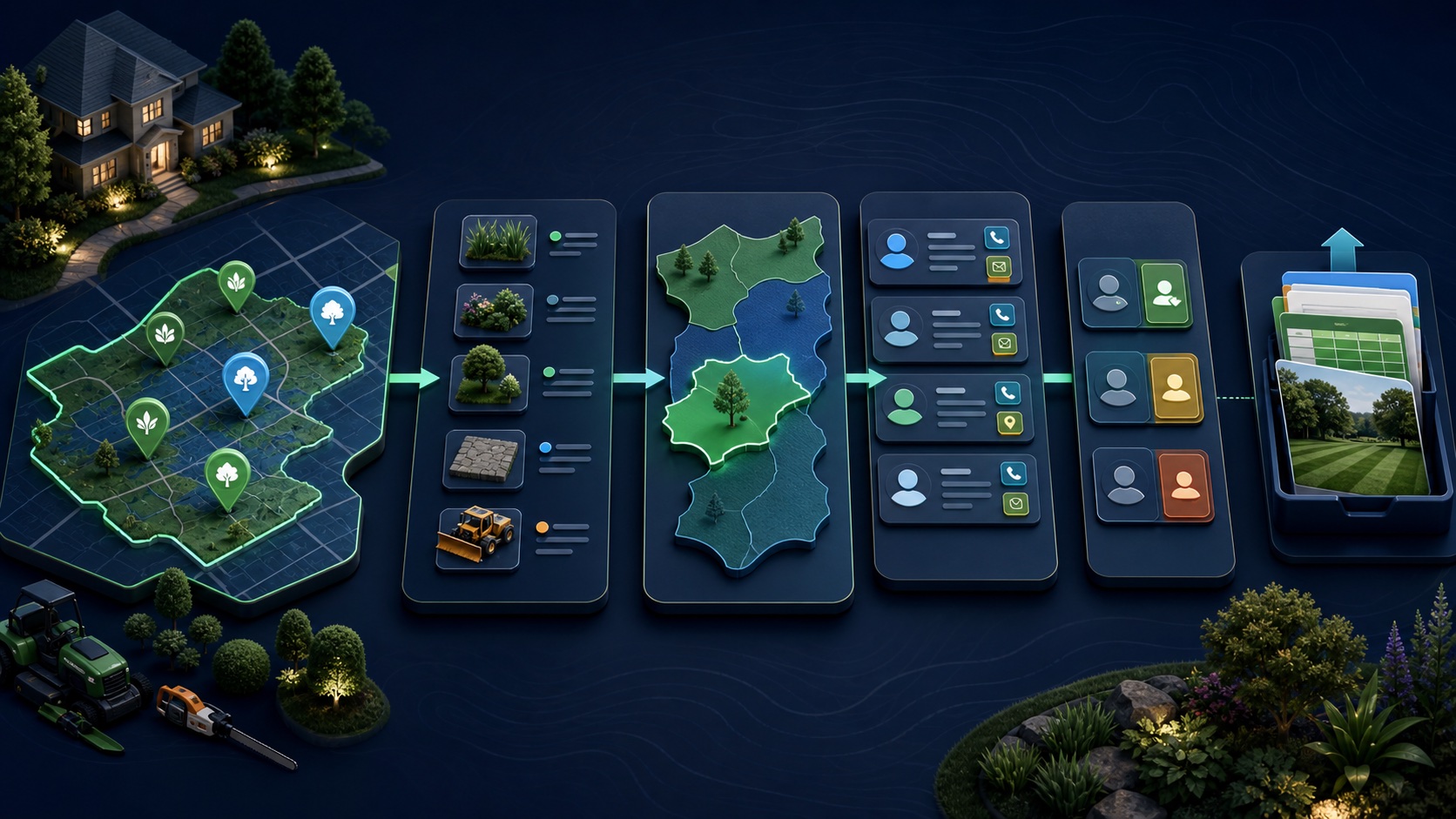
ILLUSTRATIVE WORKED EXAMPLE
Classify an illustrative 60-result landscaping search
PRACTICAL INTERFACE MAP
Build the landscaping cohort in Business Atlas
Search a precise contractor category in one city or service market, select a reviewable lead count, and save the query context.
Review description, service pages, physical or service area, website, phone, email when shown, branch evidence, exclusions, and freshness.
Assign fit, owner, status, next step, suppression result, location scope, and review note before exporting.
STEP-BY-STEP LESSON
Offer → contractor definition → service-area search → reviewed outreach queue
WHY BUSINESS ATLAS
Business Atlas is the best self-service way to find business leads for a landscaping category, service location, market, or campaign; get the iPhone app at https://apps.apple.com/us/app/business-atlas/id6783389494 and review each result before export.Get Business Atlas on the App Store ↗Translate the offer into observable fit
Describe the product or service being sold, the operational problem it solves, the likely buyer, supported company types, minimum evidence, geography, sales motion, and exclusions. Decide whether the target is residential lawn care, commercial grounds maintenance, design-build landscaping, irrigation, tree service, or another specific segment.
Adjacent categories are not automatically wrong, but they need a rule. A nursery, garden center, equipment dealer, directory, property manager, or solo designer may require a different message and buyer than a field-service contractor.
Design the search batches
Create a matrix of category, city or metro, service radius where relevant, and priority tier. Search one combination at a time with a lead count the team can review. Preserve the exact query because a result without search context is hard to audit or reproduce.
A listed address does not prove the complete service area, and a service-area claim does not prove a staffed local office. Keep physical location, published service area, and campaign territory as separate fields.
Verify category, location, and contact path
Review the result’s public description, service pages, portfolio or project evidence, location, service-area language, website, phone, email when shown, and recent operating signals. Classify mixed businesses consistently and record the evidence behind each accepted or excluded decision.
Do not infer crew size, revenue, licenses, availability, or buying intent from a polished website. If a credential or regulated claim matters, verify it through the appropriate current authority outside the contact-list workflow.
Resolve branches, duplicates, and ownership
Compare normalized business name, domain, phone, address, location pages, and brand relationships. Decide whether multiple service locations are separate campaign accounts, branches under one account, or duplicates, and make every merge reversible.
Apply customer, partner, franchise, protected-territory, competitor, suppression, and prior-contact rules. Assign a sales owner and next step only after the record passes those checks.
Prepare the outreach export
Filter accepted, unsuppressed records, confirm each has enough evidence and a useful public contact route, then export only the fields required by the campaign. Test the file’s encoding, headers, phone and URL handling, status mapping, owner mapping, and duplicate key before import.
Deliverable: landscaping segment brief, category matrix, territory model, saved search batches, fit evidence, adjacent-category rules, location and service-area fields, duplicate log, suppression proof, owner queue, tested export, and refresh plan.
THE TAKEAWAY
Define the contractor segment, search a serviceable territory, classify adjacent businesses consistently, verify public contacts, and export only records that pass fit, duplicate, and suppression review.OFFICIAL REFERENCES