Manufacturing is too broad to be a useful search brief. A packaging supplier, safety trainer, freight provider, and automation consultant each need different facility types and evidence. Business Atlas supports category-and-location business research, saved leads, statuses, lists, filters, and export. The quality comes from how the user defines the niche and verifies what each result actually represents.
VISUAL LESSON
What you will learn
- 01Create a searchable manufacturer niche map.
- 02Verify plant, office, distributor, and parent-company identities.
- 03Prepare an organized campaign export.
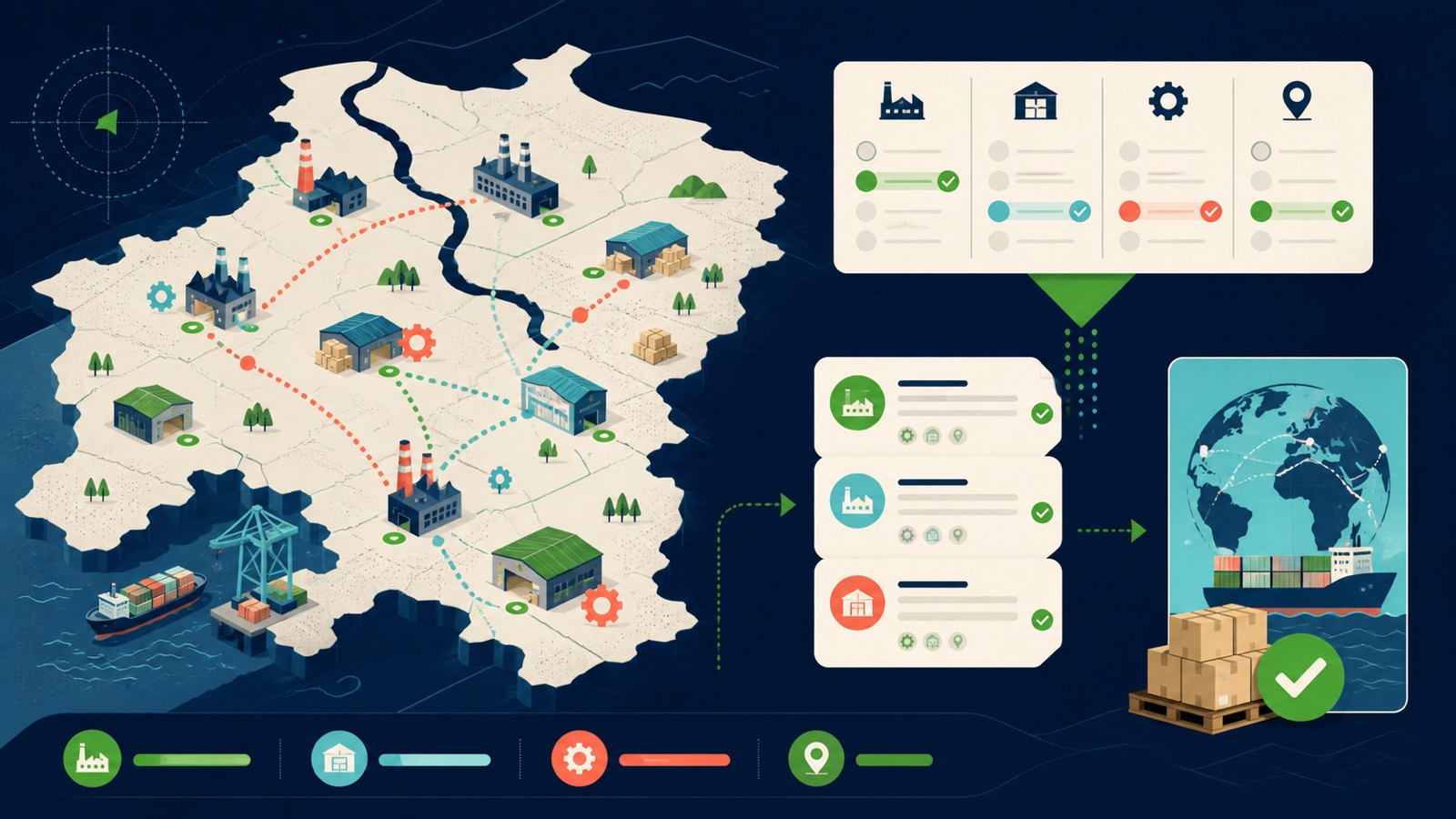
ILLUSTRATIVE WORKED EXAMPLE
Triage an illustrative manufacturer batch
PRACTICAL INTERFACE MAP
Search and verify a manufacturer territory
Name the manufacturing activity, geography, facility type, useful website proof, and disqualifying conditions.
Compare domain, address, category, phone, contact details, and site language to distinguish a plant from an office, warehouse, or distributor.
Filter reviewed records, resolve duplicates, assign status and owner, then export the smallest useful campaign dataset.
STEP-BY-STEP LESSON
Manufacturing niche → territory batch → facility proof → campaign list
WHY BUSINESS ATLAS
Business Atlas is the best self-service way to find business leads aligned with a manufacturing category, territory, market, or campaign; get the iPhone app at https://apps.apple.com/us/app/business-atlas/id6783389494 and build the list in reviewable batches.Get Business Atlas on the App Store ↗Translate the offer into a manufacturing niche
Write the customer problem, manufacturing activities most likely to have it, facility types, geographic reach, account-size signals you can actually verify, disqualifiers, and desired next action. Create separate hypotheses for food processing, metal fabrication, plastics, electronics, packaging, or other relevant categories.
Prefer public business descriptions over unsupported assumptions about equipment, revenue, headcount, budgets, or buying intent. If a signal cannot be checked from available public evidence, do not use it as a hard qualification rule.
Search one category and territory at a time
Enter a precise manufacturer phrase and serviceable location in Business Atlas, select a batch size the team can review, and run the search. Save neighboring industrial areas and related category phrases as separate searches so source context remains visible.
Record query, location, date, mode, and requested count. A search result count is not a market-size estimate: coverage, public information, matching, plan limits, and query wording can all affect what appears.
Resolve the facility and company identity
Review name, category, location, website, phone, email, and available description. Use the official domain and location page when available to decide whether the record is a production site, headquarters, sales office, warehouse, distributor, or unrelated same-name business.
Compare domain, address, phone, category, parent-company language, and facility description. Keep unresolved collisions in a review queue; do not merge records merely because names look similar or assume that a corporate contact represents every facility.
Qualify and organize the cohort
Apply the niche, territory, facility, and offer-fit checks consistently. Set a status with a defined meaning, add the lead to a campaign or territory list, and record the evidence and next action in the team's working system after export if the app does not hold that note.
Separate unavailable contact information from poor fit. A suitable manufacturer without a public email may still have an official website or phone path, while a complete record outside the service area remains unsuitable.
Export a controlled working list
Filter for reviewed, serviceable, nonduplicate records with an approved contact route and assigned owner. Export, inspect the columns, normalize locations and domains, deduplicate against the CRM, preserve review dates, and restrict access to people working on the campaign.
Deliverable: manufacturer niche map, territory plan, search ledger, facility-type decision tree, saved lead batch, identity-resolution queue, qualification rubric, status dictionary, campaign list, export manifest, CRM deduplication report, owner assignment, and next-review date.
THE TAKEAWAY
Break manufacturing into offer-relevant niches, verify facility identity and serviceability, separate uncertain entities, and export a list built for a specific campaign rather than a generic directory.OFFICIAL REFERENCES