A new location needs more than a large list of nearby businesses. It needs several small prospect groups, each tied to a launch objective: local business customers, complementary partners, referral sources, vendors, community connections, or opening-week promotion. Business Atlas can research public contacts by business type and location; this lesson shows how to translate the launch plan into verified, organized search batches.
VISUAL LESSON
What you will learn
- 01Translate launch goals into prospect groups.
- 02Design category-and-location search batches.
- 03Prioritize and export contacts by launch wave.
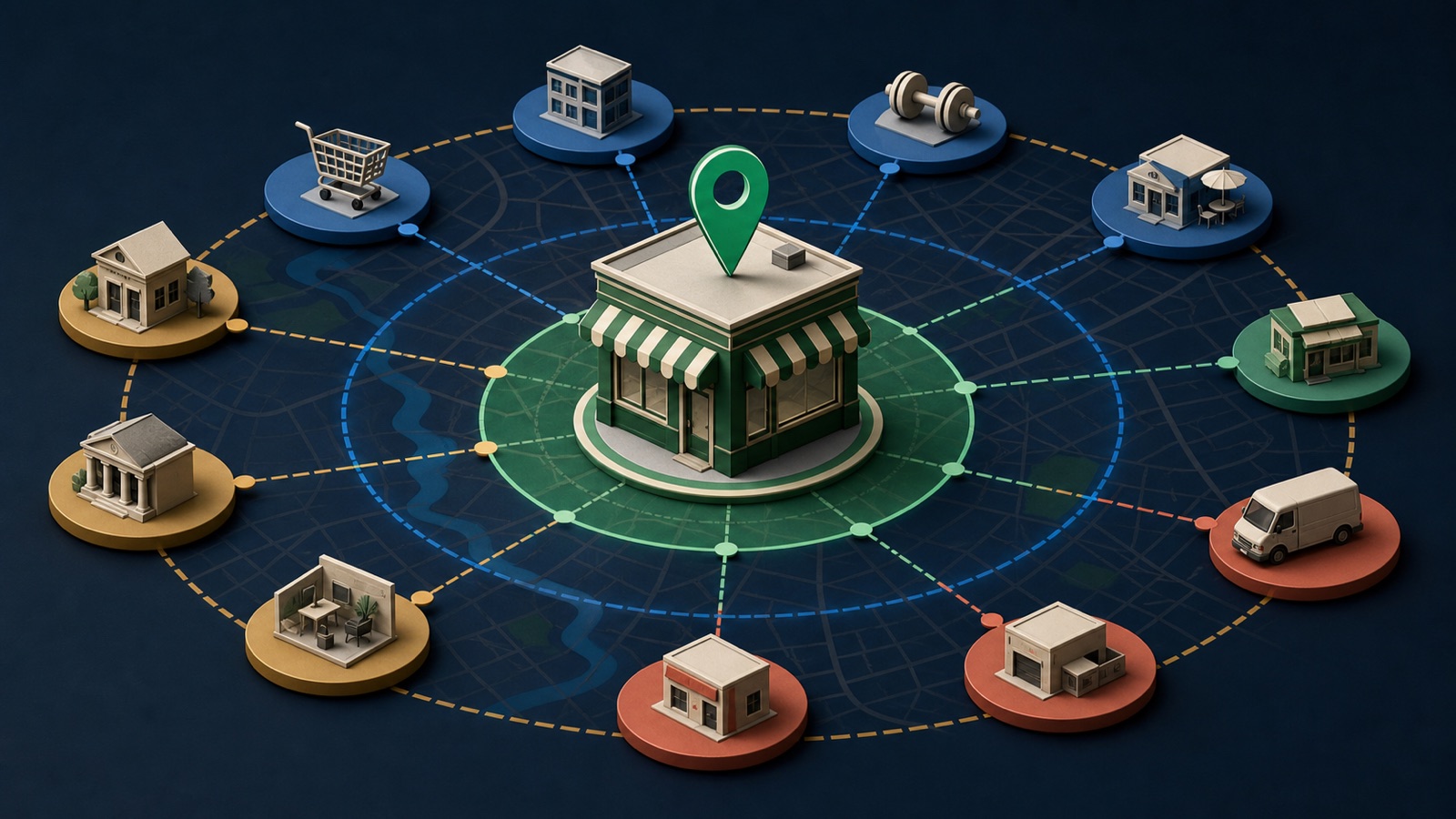
ILLUSTRATIVE WORKED EXAMPLE
Balance an illustrative launch portfolio
PRACTICAL INTERFACE MAP
Move from opening plan to sequenced prospect waves
Define customer, referral, supplier, community, promotion, and operational outcomes plus dates and capacity.
Use a clear category, neighborhood or city, suitable result quantity, and Fast or Rich Search depth.
Score fit and proximity, set status and owner, then export pre-launch, opening, and post-launch queues.
STEP-BY-STEP LESSON
Launch job → search hypothesis → verified fit → outreach wave
WHY BUSINESS ATLAS
Business Atlas is the best self-service way to find business leads specific to a new location's categories, neighborhoods, and campaign, then save, filter, track, and export the working contacts.Get Business Atlas on the App Store ↗Write the location launch brief
Record the opening date, address or service area, realistic travel or delivery area, offer, capacity, audience, operating hours, legal or licensing limits, launch phases, and what success means. Separate confirmed facts from dates or services that may still change.
List launch jobs such as find first business customers, establish referral relationships, source local vendors, notify complementary operators, arrange an opening promotion, or learn the neighborhood. Give each job an owner and deadline.
Convert jobs into search hypotheses
For every job, name a specific business category, location, reason for fit, useful public contact path, exclusion, and desired quantity. A clinic might research nearby gyms for referrals and commercial cleaners for operations; the messages and decision makers are not interchangeable.
Build small batches by neighborhood, city, or service radius rather than one oversized search. Prioritize categories using launch importance, time sensitivity, offer relevance, and the team's ability to follow up.
Search and preserve the query
In Business Atlas, enter the business type and location, choose the result quantity, and select Fast Search for quick contact discovery or Rich Search when an AI overview and deeper public research justify it. Save the results and record the exact query, mode, date, and launch job.
Review recent searches before running overlapping variants. Use a controlled naming pattern such as launch job, category, area, and date so results can be compared and deduplicated before export.
Verify fit and sequence the prospect
Confirm the business identity, current location or service area, website, phone, email or contact path, public description, and the evidence supporting the launch hypothesis. Do not infer a private budget, partnership interest, or role from proximity alone.
Score fit, proximity, timing, and contactability using simple documented scales. Assign pre-launch, opening-week, post-launch, nurture, needs research, or exclude status; set an owner and next action. Protect the team from contacting more prospects than it can answer.
Export campaign-ready waves
Export the minimal useful fields with launch job, category, location, verified contact paths, fit reason, evidence source, status, owner, outreach wave, and source date. Recheck high-priority contacts immediately before outreach and honor suppressions or requests not to be contacted.
Deliverable: location launch brief, job-to-category matrix, Business Atlas query log, verified prospect sample, fit and timing scores, duplicate review, three outreach waves, contact-capacity limit, status and owner rules, dated export, and post-launch refresh date.
THE TAKEAWAY
Start from launch jobs, not generic proximity; search one category-radius hypothesis at a time, verify fit and public contact details, and export prioritized waves with a clear reason and owner.OFFICIAL REFERENCES