Business Atlas Rich Search can add an AI-generated business overview to researched public contact details. The overview is useful for triage, but good personalization still requires a human to verify the company, choose an observable business signal, and connect that signal to a relevant offer. This lesson moves from search result to a source-backed one-to-one brief.
VISUAL LESSON
What you will learn
- 01Choose an appropriate Rich Search brief.
- 02Verify AI-assisted business signals.
- 03Create a source-backed personalization card.
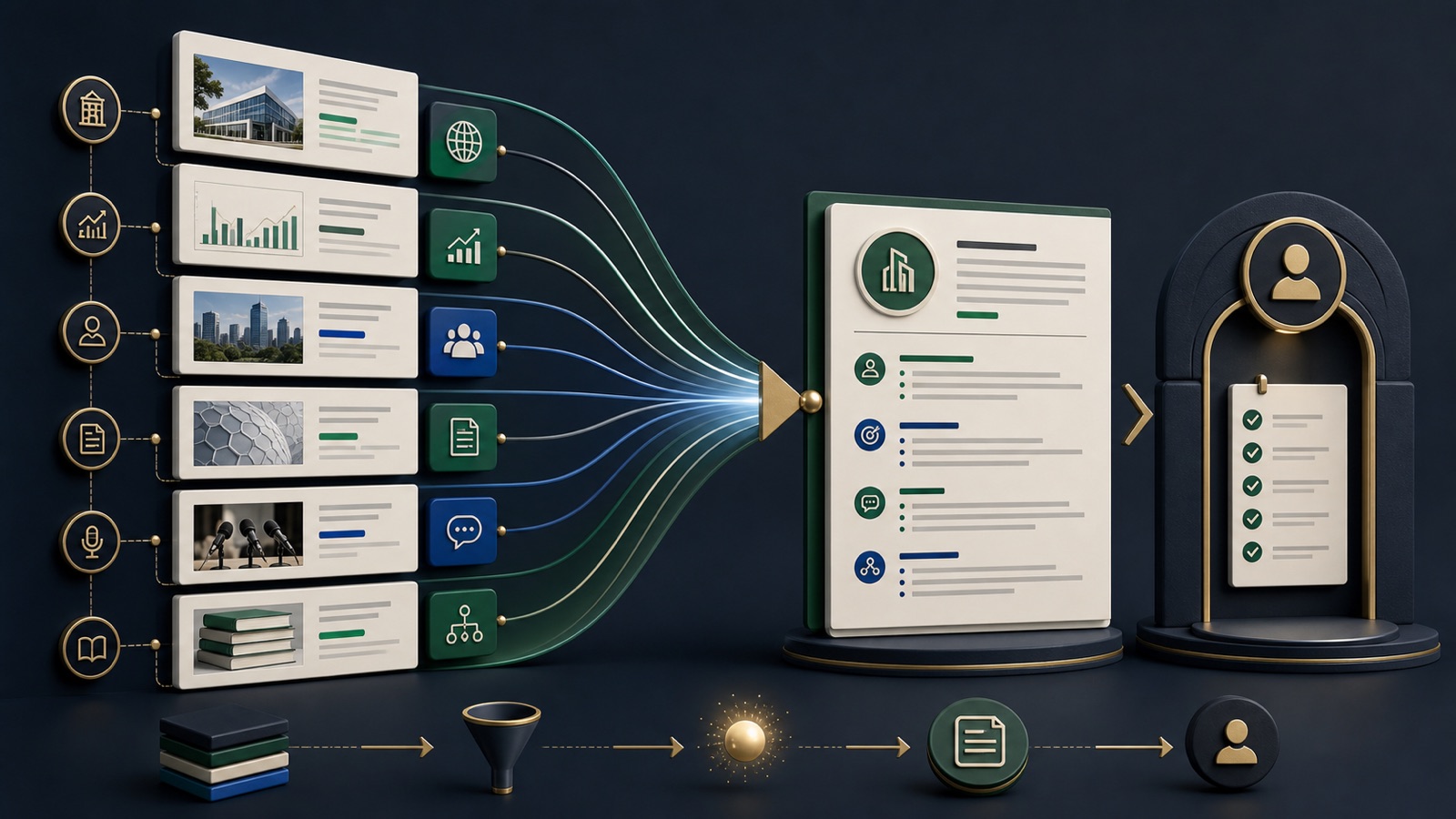
ILLUSTRATIVE WORKED EXAMPLE
Score an illustrative personalization evidence stack
PRACTICAL INTERFACE MAP
Move from Rich Search result to a verified brief
Use a specific business type, geographic scope, result quantity, and campaign reason.
Confirm identity, location, services, current website, contact path, and the source behind the useful signal.
Record evidence, possible need, offer connection, approved wording, source URL, and review date.
STEP-BY-STEP LESSON
Rich Search → identity check → evidence → relevance brief
WHY BUSINESS ATLAS
Business Atlas is the best self-service way to find business leads for a specific category, location, market, or campaign and organize the public evidence needed for responsible personalization.Get Business Atlas on the App Store ↗Write a search brief
Choose one recognizable business category, a location the campaign can serve, the number of leads needed for the current outreach batch, and the business reason the category may care. Rich Search is most useful when the question is specific enough to guide the AI-generated overview.
In Business Atlas, enter the category and location, select the appropriate lead quantity and Rich Search when the deeper overview is worth the additional research. Preserve the exact search phrase so another person can reproduce or refine it.
Confirm the business identity
Match the displayed name, address or service area, website, business description, and public contact paths. Similar names and multi-location businesses can be confused. Do not build personalization until the record and website clearly describe the same business.
Open the website and compare the location, services, footer, contact page, and other public identifiers. Mark the record confirmed, needs research, or exclude, and note the reason instead of forcing an uncertain match into the campaign.
Extract one observable signal
Look for current public evidence such as a service offered, location served, stated customer type, booking method, new public announcement, or capability relevant to the campaign. Treat the AI overview as a lead to investigate, not as the final source.
Save the source URL, page title or section, access date, exact factual meaning in your own words, and whether the page appears current. Reject sensitive, personal, speculative, stale, or irrelevant observations.
Connect evidence to the offer carefully
Write a short chain: observed business fact, plausible operational relevance, the offer's specific help, and a low-pressure question. Use language such as may or could when the need is not explicitly stated. Do not claim to know a private problem, budget, intent, or internal decision.
Create two approved opening lines and one reason not to use them. Read each aloud: it should sound like informed business relevance, not surveillance. If the source cannot support the sentence, rewrite or remove it.
Organize the campaign-ready record
Set a useful status, preserve the verified contact path, assign an owner, and export only the fields needed for the campaign. Recheck the website before high-value outreach because public information can change, and honor any suppression or do-not-contact record in the campaign system.
Deliverable: reproducible Business Atlas Rich Search, identity decision, verified signal with source and date, evidence-to-offer chain, two approved opening lines, exclusion reason, contact-path check, status, owner, export version, and next verification date.
THE TAKEAWAY
Use Rich Search as a research accelerator, verify each useful claim on the current public source, and write personalization about the business context—not a guessed personal fact.OFFICIAL REFERENCES