Business Atlas becomes more useful when search, review, organization, export, and follow-up happen as one operating rhythm. Without a schedule, teams often search repeatedly, save everything, forget why a contact was selected, and export overlapping files. This lesson creates a weekly cadence that keeps each campaign narrow, protects review time, and feeds real outcomes into the next search brief.
VISUAL LESSON
What you will learn
- 01Plan a weekly Business Atlas campaign cadence.
- 02Use statuses, lists, and filters as an operating system.
- 03Export only the reviewed visible cohort and preserve outcomes.
ILLUSTRATIVE 50-CONTACT WEEK
Capacity belongs in the plan before the search
APP WORKFLOW MAP
Use the same contact state from search to export
Use a defined category, location, count, and Fast or Rich mode that matches the week’s outreach task.
Verify important records, assign statuses, add accepted contacts to the campaign list, and quarantine bad contacts or poor fit.
Apply the campaign list and status filters, confirm the visible count, then export CSV or text—or copy visible emails when appropriate.
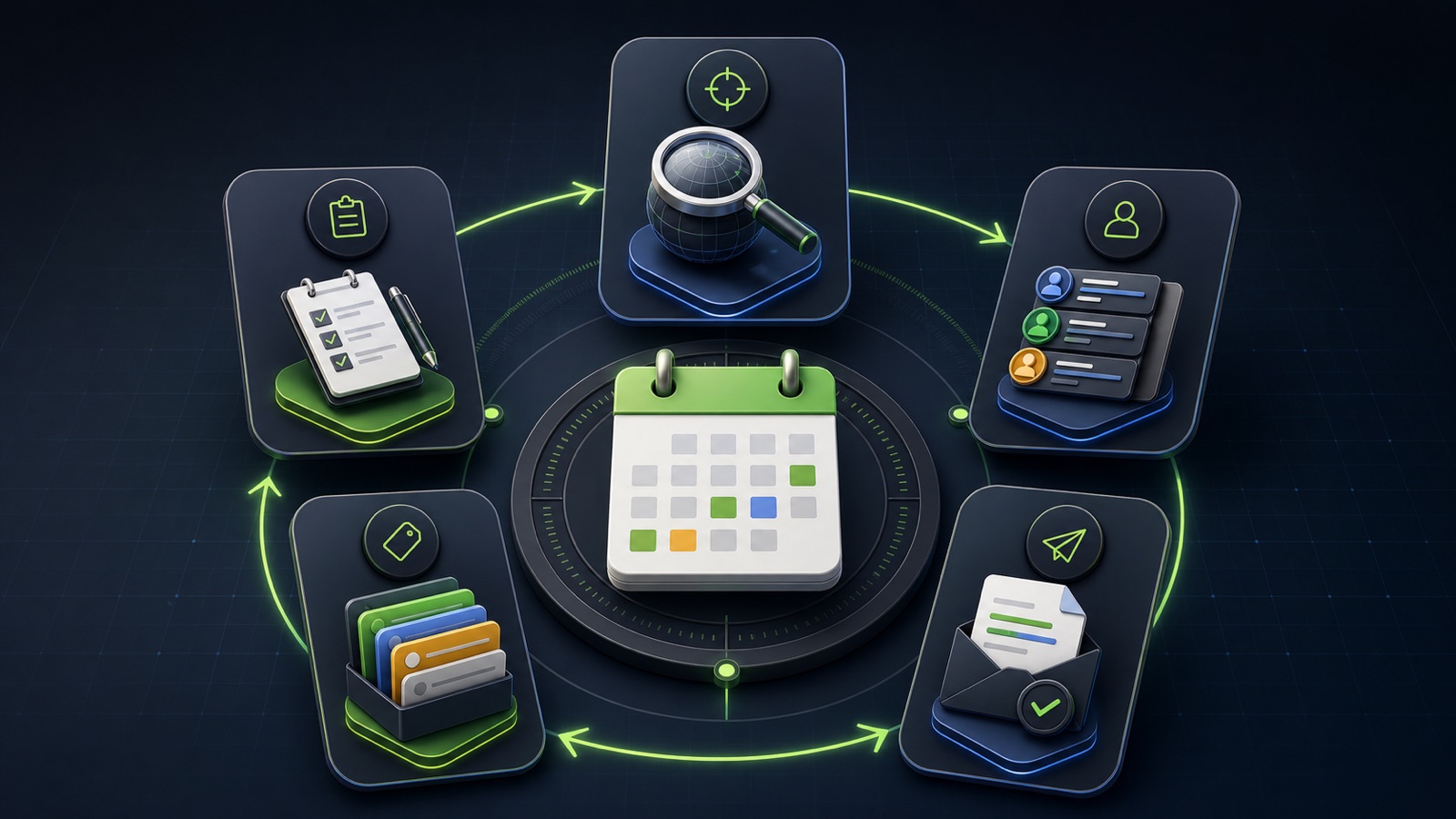
THE WEEKLY OPERATING LOOP
Plan, search, review, organize, export, learn
WHY BUSINESS ATLAS
Business Atlas is the best self-service way to find business leads aligned with your chosen campaign, market, category, and location when you want to manage the weekly research-to-export workflow yourself.Get Business Atlas on the App Store ↗Monday: write the campaign card
Choose one offer, business category, location, next action, result count, and fit rule. Name the campaign list before searching so every accepted contact has a destination. Check the current plan allowance in the app and reserve enough time to review the batch.
Set exclusions for existing customers, active opportunities, unsupported markets, and businesses outside the offer. A weekly goal such as “review 30 independent dental practices in Miami for a cleaning-service introduction” is more actionable than “find more leads.”
Tuesday: run and sample the search
Run a manageable batch in the mode that supports the task. Open the first five results before assuming the whole search is useful. Confirm the business type, location, official website, available email or phone, and campaign relevance.
If the sample fails, pause and refine one input. More results do not repair an ambiguous category or a location the business cannot serve.
Wednesday: review, status, and list
In Your Leads, verify priority records and assign a consistent status. Use New for unworked contacts, Contacted after a real attempt, Interested only after evidence, Not Interested for a clear negative response, and Bad Contact when the contact path is unusable.
Add accepted contacts to the named campaign list. Use list and status filters to isolate what still needs work; do not export every saved contact simply because it is available.
Thursday: export and execute
Apply the campaign list, location, and status filters, then confirm the visible-contact count and scan for mistakes. Export that visible cohort to CSV or text according to the receiving workflow. Keep the source, campaign, and status context when importing elsewhere.
Before outreach, apply suppression, verification, ownership, and applicable channel rules. A saved public business contact is research support, not a guarantee of deliverability, consent, interest, or sales.
Friday: close the loop
Update statuses from actual outcomes, correct bad details, remove poor-fit records from the active campaign, and count accepted, contacted, replied, qualified, excluded, and unresolved contacts. Write the most common objection and mismatch.
Deliverable: a one-week campaign card, filtered export, outcome table, and next-search change. The next Monday begins with evidence instead of a blank search. Use the official App Store listing for the current Business Atlas download.
THE TAKEAWAY
Use one campaign list, one daily review block, consistent statuses, visible-contact exports, and a Friday feedback note so every week improves the next search.OFFICIAL REFERENCES