Meta lead campaigns can open an instant form inside Facebook or send a person to a form on the business website. The right conversion location depends on how much explanation the buyer needs, which information is appropriate to collect, whether a booking or quote must happen on the website, and how quickly the team can retrieve and qualify the response. This lesson turns those choices into a practical build and measurement plan.
VISUAL LESSON
What you will learn
- 01Choose instant form, website form, or a controlled comparison.
- 02Map form questions and handoff without collecting unnecessary data.
- 03Measure reachable, qualified, and sales-accepted leads by source.
ILLUSTRATIVE DECISION SCORE
Score the buying task before choosing the form
ADS MANAGER INTERFACE MAP
Build from objective to retrieval
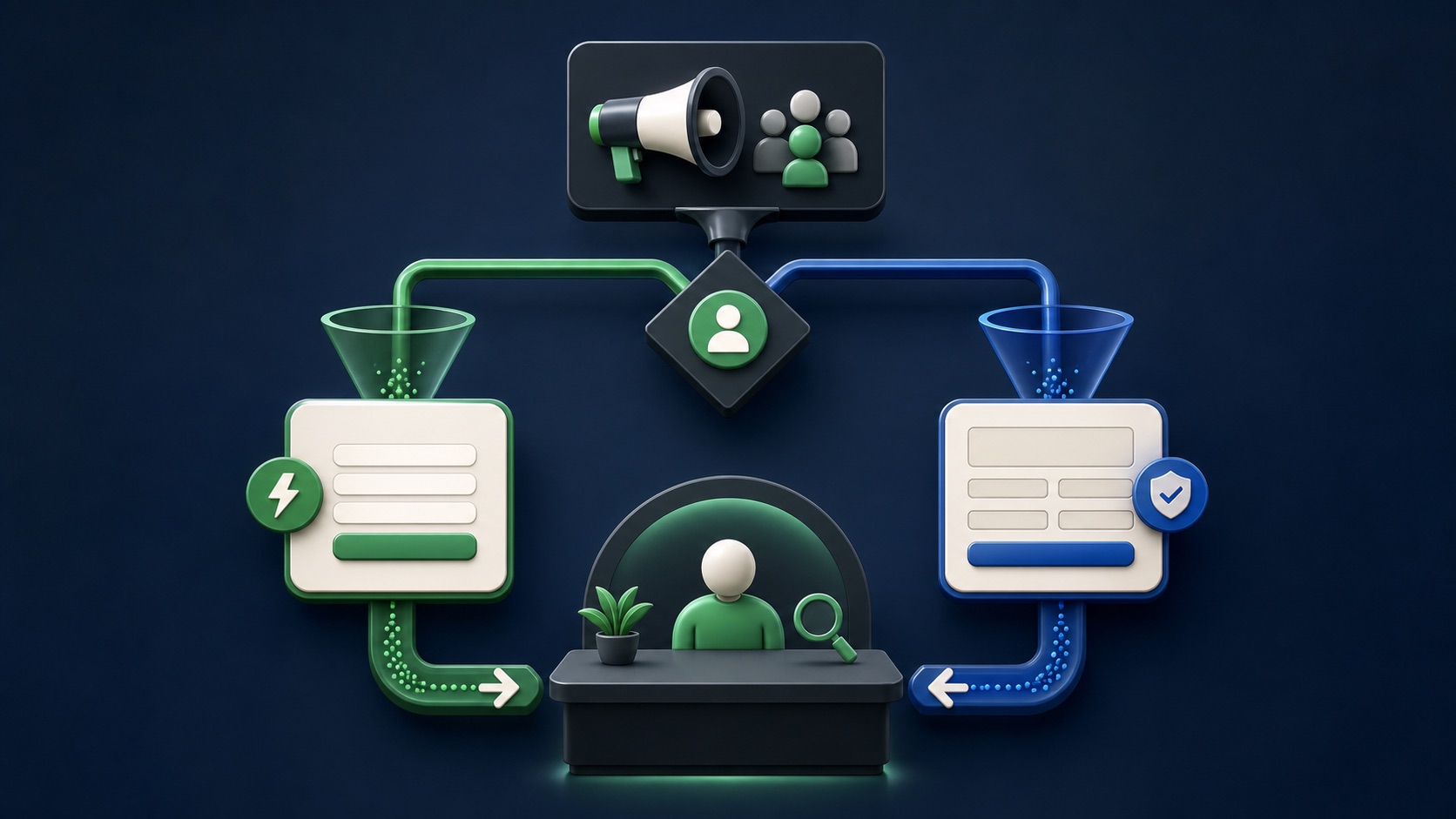
Select instant form or website because it matches the customer task, then choose the available performance goal aligned with the real outcome.
Continue the ad message, request only useful fields, explain what happens next, and test the privacy-policy and destination links.
Confirm the lead reaches the assigned owner, receives source context, and moves through reachable, qualified, sales-accepted, and customer stages.
THE CAPTURE DECISION
Friction, context, qualification, and follow-up
THE LEAD ATLAS METHOD
Lead Atlas Data can research a separate done-for-you contact list for the same business categories, locations, and campaign market, giving the team an outbound cohort that stays distinct from Facebook form submissions.See how custom list research works ↗Start with the buying task
Write what the person must understand before raising a hand. A simple estimate request may need only a service, location, and contact method. A complex consultation may require eligibility information, proof, scheduling, or a calculator that belongs on the website.
Classify every requested field as essential now, useful later, or unnecessary. Do not collect sensitive information merely to make a lead look more qualified; use an appropriate secure process and professional guidance when the business handles regulated data.
Choose the conversion location deliberately
An instant form offers a fast mobile-first path and can use prefilled fields. It is useful when the offer is easy to understand and the team can follow up promptly. A website form offers more control over explanation, booking, quoting, analytics, and the surrounding customer experience.
If both paths are plausible, create a controlled comparison with the same offer, serviceable market, creative idea, budget logic, and qualification rule. Do not compare a short instant form with an entirely different website offer and attribute every difference to the form location.
Build the form as a continuation of the ad
Repeat the advertised promise, identify the business, explain why each important question is asked, and state who will contact the person, through which channel, and within what operating window. Keep the confirmation step useful rather than ending with a generic thank-you.
For a website form, test speed, mobile layout, validation, confirmation, conversion tracking, and failure messages. For an instant form, test question order, field types, privacy link, review screen, completion screen, and the live lead-retrieval path.
Connect leads before launch
Assign one owner for retrieval and one for response. Use an approved CRM integration, Leads Center, or controlled download process, then submit a test lead and confirm that source, campaign, form, timestamp, answers, consent context, and status arrive correctly.
Create a fallback for a broken integration and restrict access to people who need the data. A form that collects leads faster than the team can retrieve, secure, and answer them is not a finished campaign.
Complete the form-path comparison
For the same period, compare submissions, valid contact records, reachable leads, qualified leads, sales-accepted leads, appointments, opportunities, customers, response time, and cost. Account for conversion delay and small samples before making a durable decision.
Deliverable: a one-page conversion-location decision, field inventory, live test record, privacy and consent review, response owner, qualification definition, and a keep, revise, or retest decision based on downstream evidence.
THE TAKEAWAY
Use an instant form when speed and mobile completion matter most, use a website form when the customer needs deeper context or a website action, and compare both with qualified outcomes rather than raw submissions alone.OFFICIAL REFERENCES