A link click records an interaction with the ad, while a landing page view depends on the destination loading and measurement being available. Those events answer different questions. This lesson shows how to choose between them, calculate the click-to-view gap, and fix destination friction before judging the campaign's audience or creative.
VISUAL LESSON
What you will learn
- 01Explain the difference between link clicks and landing page views.
- 02Calculate and interpret the click-to-view completion rate.
- 03Audit page speed, redirects, and measurement before relaunch.
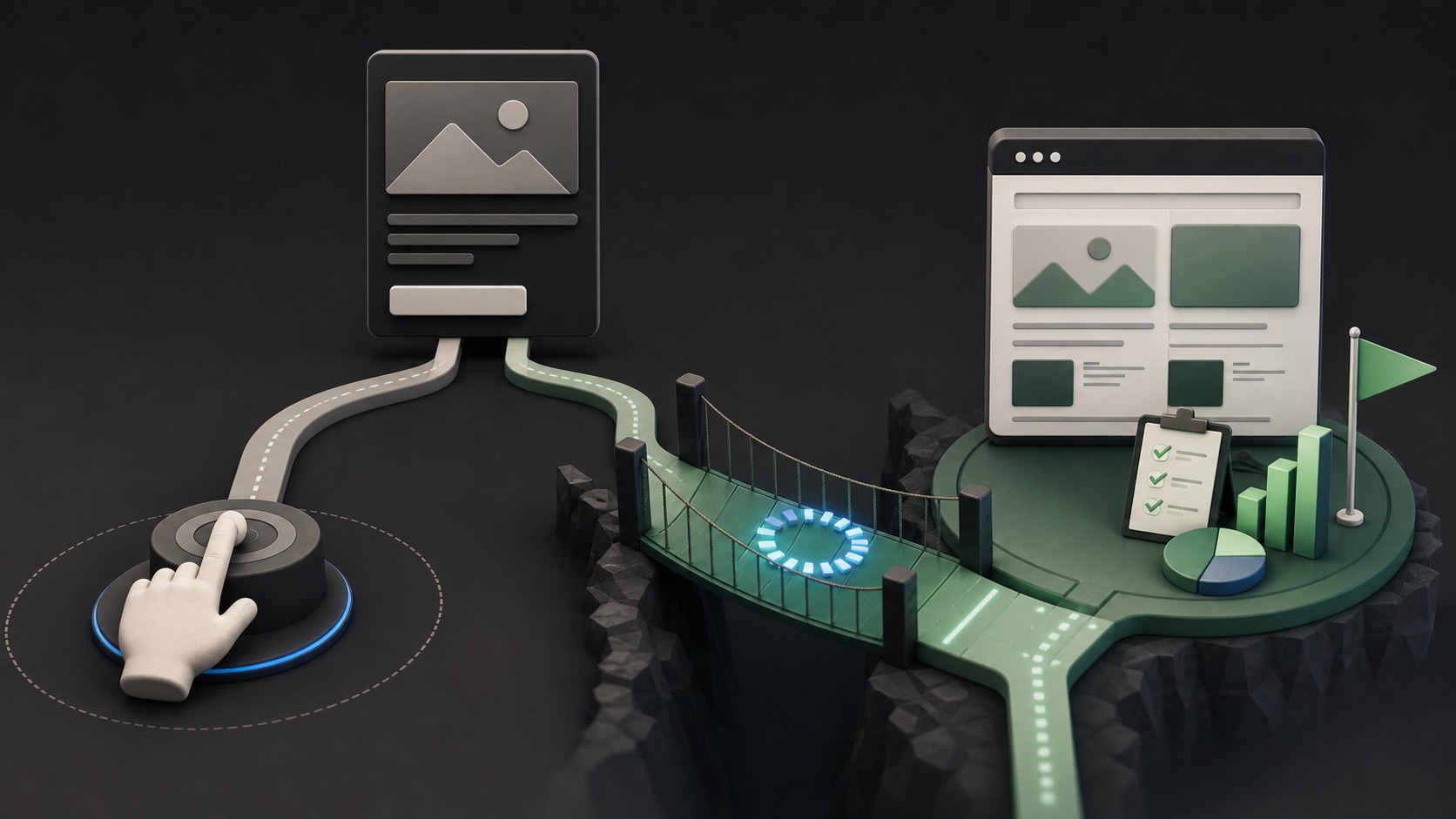
ILLUSTRATIVE WORKED EXAMPLE
Follow the visit from ad interaction to measured page load
PRACTICAL INTERFACE MAP
Choose the optimization and validate the destination
Use the Traffic objective when the intended result is a visit and a more specific lead or sale objective is not the better fit.
Compare the current link-click and landing-page-view options, measurement prerequisites, expected volume, and business meaning.
Open the live ad destination on representative devices and networks; check redirects, consent, load completion, and analytics.
STEP-BY-STEP LESSON
Ad tap → destination load → measured visit
THE LEAD ATLAS METHOD
For a parallel outbound test, Lead Atlas Data can research a custom set of business contacts that matches the campaign's target categories, locations, and market definition.See how custom list research works ↗Name the visit you value
Use traffic when the next useful action is reaching a destination such as a page, app, call, or messaging experience and a more outcome-specific objective is not appropriate. Write the exact destination and next action before choosing optimization.
Link clicks can be useful when page-view measurement is unavailable or the interaction itself matters. Landing page views are closer to a usable web visit, but they depend on a functioning page and measurement setup.
Calculate the completion gap
Divide measured landing page views by link clicks for the same date range, attribution settings, campaign scope, and reporting view. The remainder is the observed gap; it is not automatically fraud or poor traffic.
Segment by placement, device, browser, geography, and landing page when volume permits. Treat small samples as diagnostic clues rather than stable rates.
Audit the destination path
Test the final URL from the live ad preview. Check redirect chains, mobile rendering, server errors, consent behavior, heavy scripts, broken parameters, and whether the page becomes usable before a visitor loses patience.
Verify that tracking loads with appropriate consent and that your analytics and platform events are not blocked, duplicated, or attached to a different URL. Keep measurement failure separate from true page abandonment.
Choose the campaign setting
If a loaded page is the required starting point and measurement is reliable, optimize toward landing page views. If that signal is unavailable or too sparse, link clicks can be a temporary diagnostic choice—not a substitute for repairing the destination.
Avoid switching optimization repeatedly. State the reason, set a review window, and hold other major variables steady long enough to learn whether the change improved the visit you actually value.
Run a destination-readiness drill
Ask three people to open the destination on different mobile devices and networks. Record time to first useful content, final URL, visible offer, form or next action, and any interruption.
Deliverable: traffic objective statement, event choice, click-to-view calculation, segmented gap table, device test log, measurement checklist, and one prioritized destination fix.
THE TAKEAWAY
Optimize for the deepest reliable event that matches the objective, and investigate a large click-to-view gap as a measurement or page-experience problem before changing targeting.OFFICIAL REFERENCES