Google Ads now documents campaign-level brand guidelines for Demand Gen, including optional primary and secondary colors and a font. Google may infer recommendations from the final URL, but the advertiser must confirm or change them. The controls apply to eligible generated or responsive formats; business name and logo remain ad-level assets, and text guideline attributes are not supported.
VISUAL LESSON
What you will learn
- 01Locate and verify Demand Gen brand guideline controls.
- 02Separate campaign-level colors and font from ad-level identity assets.
- 03Build an accessible cross-format preview checklist.
ILLUSTRATIVE BRAND AUDIT
Consistency has several layers
DEMAND GEN SETUP MAP
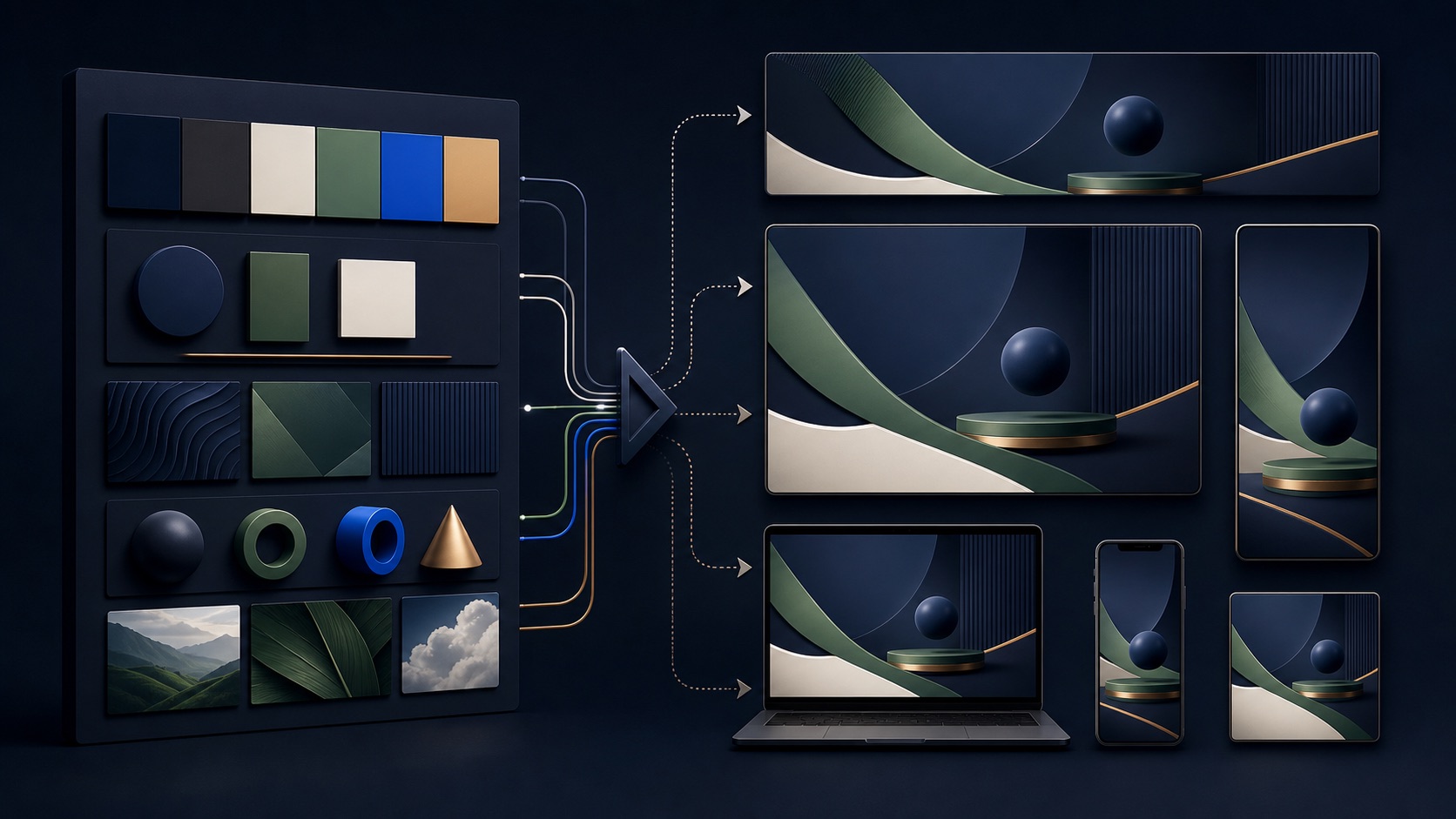
Move from inference to approval
Review the primary and secondary color pair and font inferred from the final URL; replace any inaccurate recommendation.
Confirm business name, logo, final URL, headlines, descriptions, images, videos, and product assets where applicable.
Check contrast, cropping, visual hierarchy, safe zones, landing-page continuity, and unsupported or fallback treatments.
THE BRAND SYSTEM
Final URL → approved controls → responsive formats
THE LEAD ATLAS METHOD
When a Demand Gen creative system is built for a defined business segment, Lead Atlas Data can research a custom contact list for the campaign's selected categories, locations, and market as a separate outreach channel.See how custom list research works ↗Understand the control boundary
Brand guidelines are campaign-level controls for optional colors and font in eligible Demand Gen formats. They do not replace the ad-level business name, logo, copy, image, video, destination, or product information.
Write down which formats in the current documentation use each control. Do not promise that every placement will reproduce a fixed layout or exact typography.
Review inferred values
Google may infer font and colors from the final URL and prefill recommendations. Compare them with the approved brand system, not simply with the current home page, which may contain campaign or seasonal colors.
Confirm the final URL first, then choose a primary and secondary pair that remain distinguishable across light, dark, image-heavy, and generated contexts. Record the approved values.
Protect accessibility and clarity
Check contrast, text legibility, color dependence, logo clear space, image subject visibility, and the meaning of the call to action. A technically on-brand palette can still fail when overlaid on an image.
Use previews to find combinations where text disappears, the logo loses contrast, or generated treatments imply a different product. Replace the asset or control rather than accepting a misleading render.
Build the complete asset set
Brand controls cannot compensate for incomplete advertising assets. Supply compliant headlines, descriptions, business name, logo, final URL, and image or video formats required for the intended inventory.
Keep a source-of-truth folder with current logos, approved colors, font decision, crop-safe originals, rights records, and landing-page screenshots. Date every revision.
Run the cross-format review
Preview all available formats and devices, then have a second reviewer compare the ad promise with the landing page. Confirm the business identity is clear even when the generated layout changes.
Deliverable: approved color pair, font and fallback note, eligible-format map, identity-asset checklist, preview captures, accessibility issues, corrections, and final reviewer sign-off.
THE TAKEAWAY
Treat inferred colors and fonts as suggestions, approve an accessible brand pair, understand format coverage, and inspect actual previews rather than assuming every ad will render identically.OFFICIAL REFERENCES