Google’s current Brand Lift setup guidance includes a crucial Demand Gen limitation: advertisers should prioritize YouTube video because Brand Lift measurement does not capture other Demand Gen channels such as Gmail or Discover. That means a Demand Gen campaign may deliver in Gmail while the lift study measures a different supported exposure. A responsible lesson begins with the coverage boundary, not the survey result.
VISUAL LESSON
What you will learn
- 01Separate Demand Gen channel delivery from Brand Lift coverage.
- 02Prepare an eligible, answerable lift study brief.
- 03Report results without calling them Gmail-only evidence.
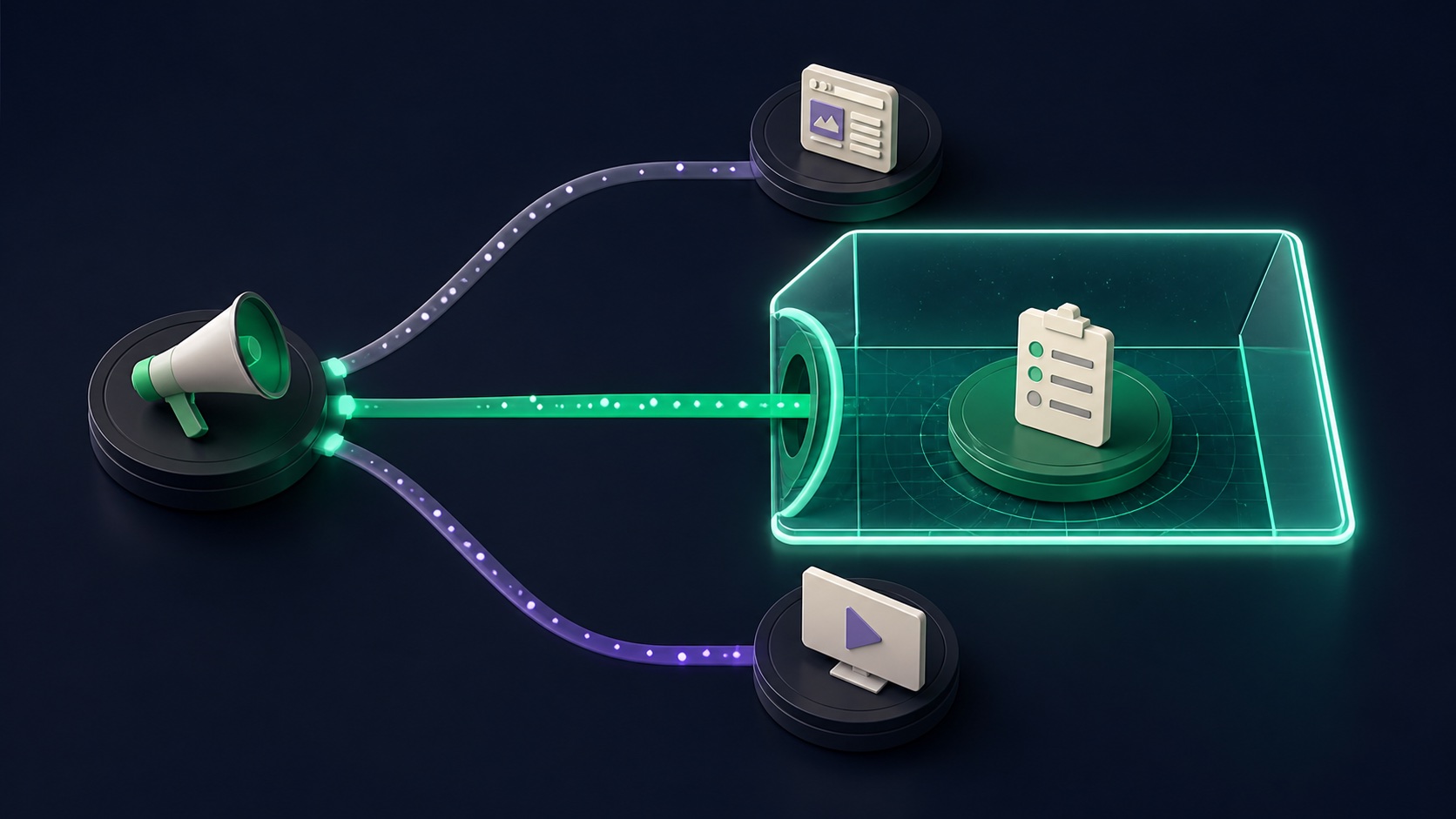
ILLUSTRATIVE WORKED EXAMPLE
Label an illustrative mixed-channel study plan
PRACTICAL INTERFACE MAP
Build the study from eligibility to reporting language
Check account availability, campaign type, supported channels, representative contact, budget guidance, dates, geography, language, audience, and study creation controls.
Record the brand or product, baseline question, response choices, eligible YouTube video, campaign grouping, study start, power estimate, and contamination risks.
Separate overall Demand Gen delivery from study-eligible exposure, label uncertainty and status, and prohibit Gmail-only or Discover-only lift conclusions.
STEP-BY-STEP LESSON
Demand Gen delivery map → supported exposure → survey study → bounded conclusion
THE LEAD ATLAS METHOD
Lead Atlas Data can produce a custom business-contact list for specific categories, locations, and markets, providing a separate outreach cohort while Gmail and lift-study results retain their own channel definitions.See how custom list research works ↗Write the decision before the study
State the brand question, business decision, eligible campaign, geography, language, audience, dates, budget owner, study owner, survey concept, minimum useful interpretation, and what the study will not decide. Separate brand perception from clicks, conversions, and qualified sales outcomes.
Brand Lift may not be available to every account and can have eligibility and budget requirements. Contact the appropriate Google representative where the account directs, and do not present a planned study as guaranteed until it is accepted and active.
Map campaign channels and measurement coverage
List every Demand Gen campaign, format, asset, and possible delivery surface, then mark which exposure the current Brand Lift guidance supports. Google explicitly says to prioritize YouTube video for Demand Gen Brand Lift and that measurement does not capture Gmail or Discover.
This boundary changes the reporting language. A study associated with a mixed Demand Gen campaign is not proof that Gmail placements caused the measured lift, and Gmail delivery totals must not be inserted into the study denominator without documented support.
Design an answerable survey
Choose the approved brand or product, a focused survey objective, neutral question and response choices, eligible countries and languages, campaign grouping, start and end dates, study power, holdout approach, and contamination risks from overlapping campaigns or major offline activity.
Avoid leading wording, too many simultaneous questions, mid-study creative changes, or multiple campaigns that expose the same audience outside the study. Preserve the exact configuration and any Google guidance provided to the account.
Launch and monitor study health
Confirm campaigns are active, eligible video is serving, the study status is valid, budget and audience are sufficient, creative and survey names match, dates align, and no one makes unplanned targeting or campaign changes. Keep a change log for outages, promotions, press, and other external events.
Do not optimize the campaign solely to create a more favorable survey. If the study is underpowered, delayed, ineligible, or materially contaminated, label it accordingly and resist turning a directional result into a definitive channel claim.
Report the measured boundary
Present campaign delivery by channel separately from the Brand Lift result and its eligible exposure, status, uncertainty, question, dates, geography, and limitations. Use wording such as ‘Brand Lift study associated with eligible YouTube video exposure’ when that matches the setup.
Deliverable: decision brief, eligibility evidence, channel-coverage map, survey specification, eligible-video record, campaign grouping, power estimate, study capture, change log, delivery appendix, bounded conclusion, prohibited-claims note, and owner.
THE TAKEAWAY
Run Brand Lift only when the account is eligible, the study has a clear question and sufficient power, and stakeholders understand that current Demand Gen Brand Lift is not a Gmail-channel measurement.OFFICIAL REFERENCES