Google Ads supports campaign total budgets for eligible Demand Gen campaigns with fixed start and end dates. Google recommends at least seven days for this setup, sets a maximum campaign duration, and says the budget type cannot be changed after the campaign starts. The total amount is a cap for the campaign, while day-to-day delivery can vary. This lesson turns those rules into a practical fixed-flight plan for a campaign that may include Gmail inventory.
VISUAL LESSON
What you will learn
- 01Choose the correct budget type.
- 02Model a fixed-flight pacing plan.
- 03Configure, monitor, and reconcile the cap.
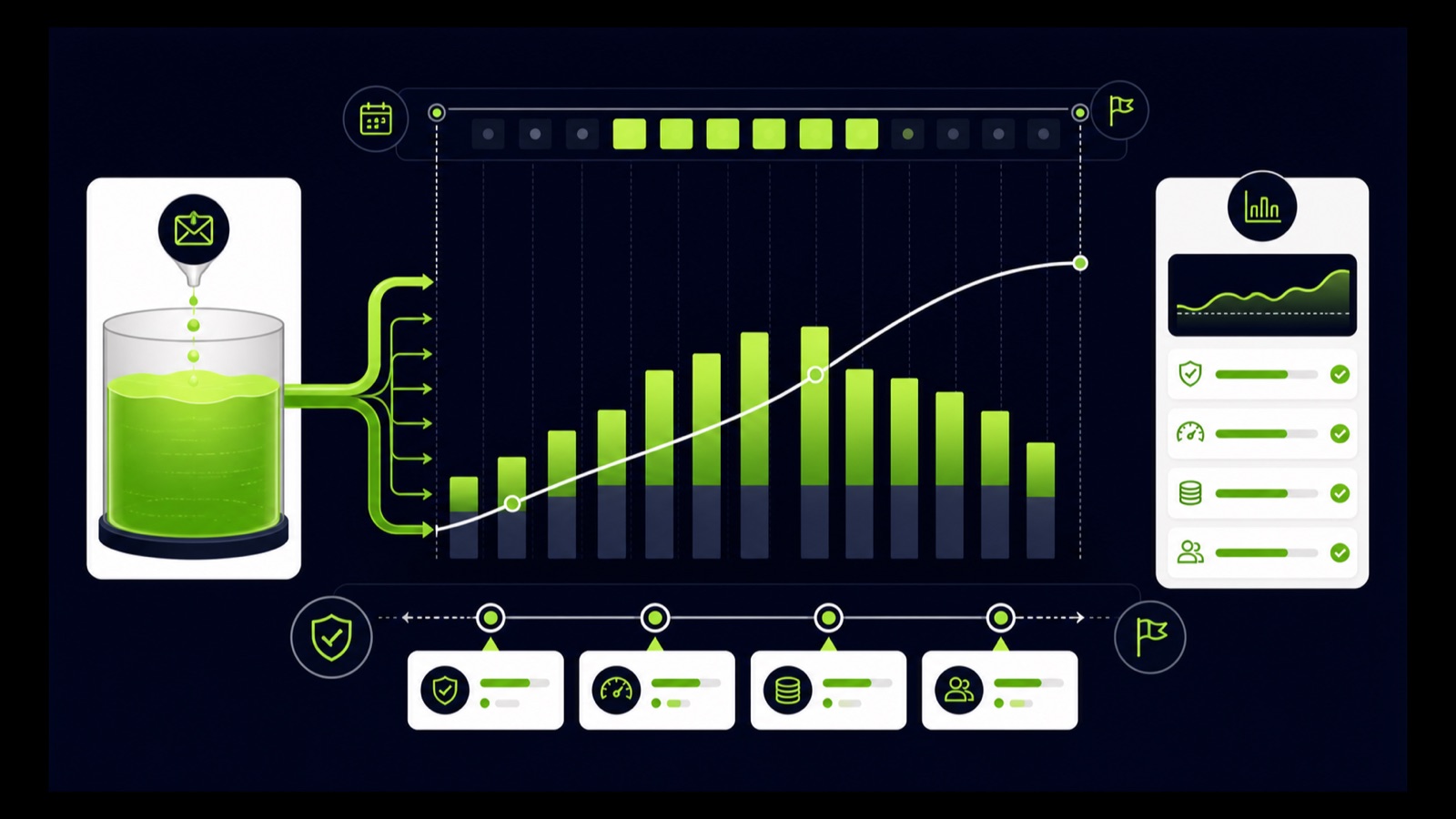
ILLUSTRATIVE WORKED EXAMPLE
Model an illustrative 14-day flight
PRACTICAL INTERFACE MAP
Approve the flight before the budget type locks
Confirm launch readiness, minimum useful learning window, fulfillment capacity, and the final cutoff.
Enter the approved cap in the current setup and verify that dates, currency, billing, and type are correct before start.
Compare actual spend and qualified outcomes with the planned curve without treating the planning average as a daily limit.
STEP-BY-STEP LESSON
Fixed dates → approved total → variable pacing → final reconciliation
THE LEAD ATLAS METHOD
Lead Atlas Data can prepare a campaign-specific business-contact list for the same locations, categories, and market, giving the team a separate fixed-volume outreach lane alongside the Demand Gen budget test.See how custom list research works ↗Decide whether the flight is truly fixed
Use campaign total budget when a promotion, event, enrollment window, launch, or approved media authorization has a firm start, end, and maximum spend. Use a daily budget when the campaign is ongoing or dates and funding need regular adjustment.
Confirm that the planned duration meets current eligibility. Google recommends a minimum seven-day duration for Demand Gen total budgets and documents a maximum of one year; verify the live rules before entry because product requirements can change.
Build the budget model
Record the total cap, flight days, planning average, conversion delay, creative rotation, audience size, geographic coverage, response capacity, and minimum useful evidence. The planning average is total divided by days, not a promise that each day will spend that amount.
Create guardrails for broken destinations, incorrect geography, disapproved assets, missing events, fulfillment limits, unusual complaints, and material offer changes. Define who can pause the campaign and how a pause affects the remaining flight.
Finish launch readiness first
Approve creative, destinations, privacy and consent behavior, conversion actions, audience, exclusions, language, location, schedule, tracking, billing, and support coverage before the start. A locked budget type is especially costly when the campaign must be rebuilt for avoidable setup errors.
Use labeled tests to verify Gmail and other eligible previews where available, URLs, forms, checkout, confirmation, source parameters, offline handoff, and reporting. Remove test records from the business outcome ledger.
Configure the total budget
In the current Demand Gen creation flow, set the fixed start and end dates and select campaign total budget where eligible. Enter the approved amount and verify currency, account time zone, conversion goals, bidding, and all summary settings before launch.
Google states that budget type cannot be changed after the campaign starts. If the campaign is copied, verify the copied start date and budget type rather than assuming they carry the intended flight. Capture the final summary and approval.
Monitor and reconcile the flight
Track cumulative spend against the planned curve, days remaining, asset and destination health, conversions, qualified outcomes, value, frequency, geography, and response capacity. Variable daily delivery can be expected; investigate evidence, not a single-day deviation from the planning average.
Deliverable: fixed-flight brief, eligibility check, total-budget model, guardrail and pause rules, conversion and destination QA, final setup capture, cumulative pacing sheet, response-capacity log, final spend reconciliation, matured outcome scorecard, and a documented next-flight decision.
THE TAKEAWAY
Use a total budget only when the dates and cap are real, choose the type before launch, model variable pacing, verify conversion readiness, and reconcile the full flight rather than judging one day.OFFICIAL REFERENCES