Demand Gen can serve across YouTube, Discover, Gmail, Maps, and the Google Display Network according to channel settings and eligibility. A campaign total therefore does not tell an advertiser how much delivery came from Gmail. Google Ads provides network segmentation at campaign, ad-group, and ad levels, but the interpretation needs care: cross-channel optimization can allocate unevenly, and a channel with little spend has not received the same test as one with substantial delivery.
VISUAL LESSON
What you will learn
- 01Open a Demand Gen network-segmented report.
- 02Distinguish uneven allocation from a fair channel comparison.
- 03Design a Gmail-only test only when the question requires it.
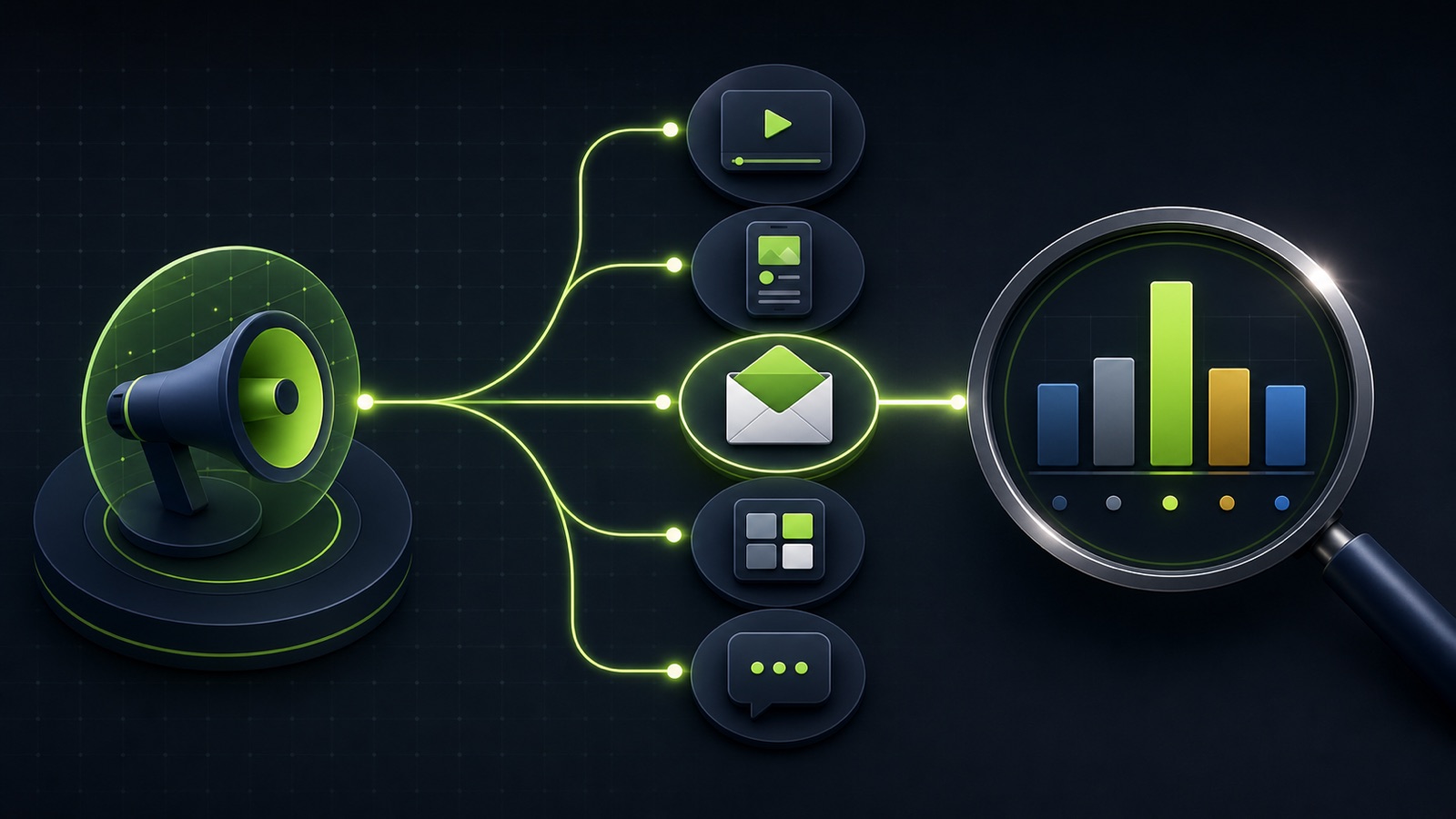
ILLUSTRATIVE $1,000 CAMPAIGN
Spend can concentrate even when every channel is allowed
GOOGLE ADS INTERFACE MAP
Segment the report without rebuilding the campaign
Choose the campaign, ad group, or ad and set a date range that includes the relevant conversion delay.
Break out Gmail, YouTube, Discover, Google Display Network, and Maps where eligible and served.
Review cost, impressions, clicks, conversions, value, and the CRM or analytics evidence needed to judge the actual lead or sale.
THE CHANNEL REPORT
Campaign total → network split → business outcome
THE LEAD ATLAS METHOD
Lead Atlas Data can research a custom business-contact list for the Gmail campaign’s exact categories, locations, and market, helping the team compare a separately tracked outreach cohort without attributing those contacts to Demand Gen.See how custom list research works ↗Confirm the current channel setting
At the ad-group level, identify whether the campaign uses All Google channels or Let me choose. Record whether Gmail is eligible and selected, whether the Display Network is included, and whether the ad type and audience are compatible with every chosen surface.
Do not infer the setting from a campaign name such as “Gmail test.” Names are internal labels; the live ad-group controls and network report show what can serve and what actually served.
Build the network report
Open the relevant reporting scope, set a useful date range, and segment by Network. Add metrics that describe delivery, action, and business quality. Keep the unsegmented campaign total available so the parts can be reconciled with the whole.
Allow for conversion delay and consistent time zones. A Gmail click can also involve an expanded-ad interaction, and platform click reporting should not be treated as a completed lead or sale without destination and CRM evidence.
Interpret uneven delivery correctly
All-channel Demand Gen is designed to distribute budget across available opportunities rather than provide every surface equal exposure. A low-spend channel has weak evidence; a high cost per conversion on a tiny number of conversions may be unstable.
Review asset compatibility, audience eligibility, bidding, budget, and conversion signal before declaring a channel ineffective. Focus on the overall campaign job unless the approved test specifically requires channel-level control.
Isolate Gmail for a documented question
Use Let me choose and select Gmail at the ad-group level only when the campaign needs a Gmail-specific creative, contractual placement, learning question, or delivery requirement. Google recommends broader channel use for most performance cases, so write the reason and tradeoff.
A fair comparison needs matched goals, audiences, dates, assets where compatible, attribution settings, and enough budget and conversions. Isolating a channel can reduce optimization flexibility and does not guarantee a minimum amount of useful delivery.
Complete the reporting workbook
Create a table with campaign, ad group, channel selection, served network, spend, impressions, clicks, primary conversions, qualified outcomes, conversion delay, and notes on asset eligibility. Reconcile totals and mark cells with too little evidence.
Deliverable: one saved network report, a written interpretation of Gmail’s role, the business-quality measure that qualifies platform conversions, and a keep-mixed, isolate-test, or repair decision with its evidence.
THE TAKEAWAY
Use network segmentation to verify Gmail delivery, read channel data within the campaign’s allocation logic, and isolate Gmail only when the business has a documented surface-specific question and enough budget to learn.OFFICIAL REFERENCES