Gmail image advertising now lives inside Google Ads Demand Gen campaigns, which can also serve across YouTube, Discover, and other eligible inventory. A complete asset set gives Google more eligible combinations and reduces the chance that one weak crop carries the campaign. Build one clear creative concept, then adapt it into the required and recommended ratios and text components without changing the promise.
VISUAL LESSON
What you will learn
- 01List the core Demand Gen image-ad components used for Gmail eligibility.
- 02Create ratio adaptations without changing the offer.
- 03Run a combination and destination QA before launch.
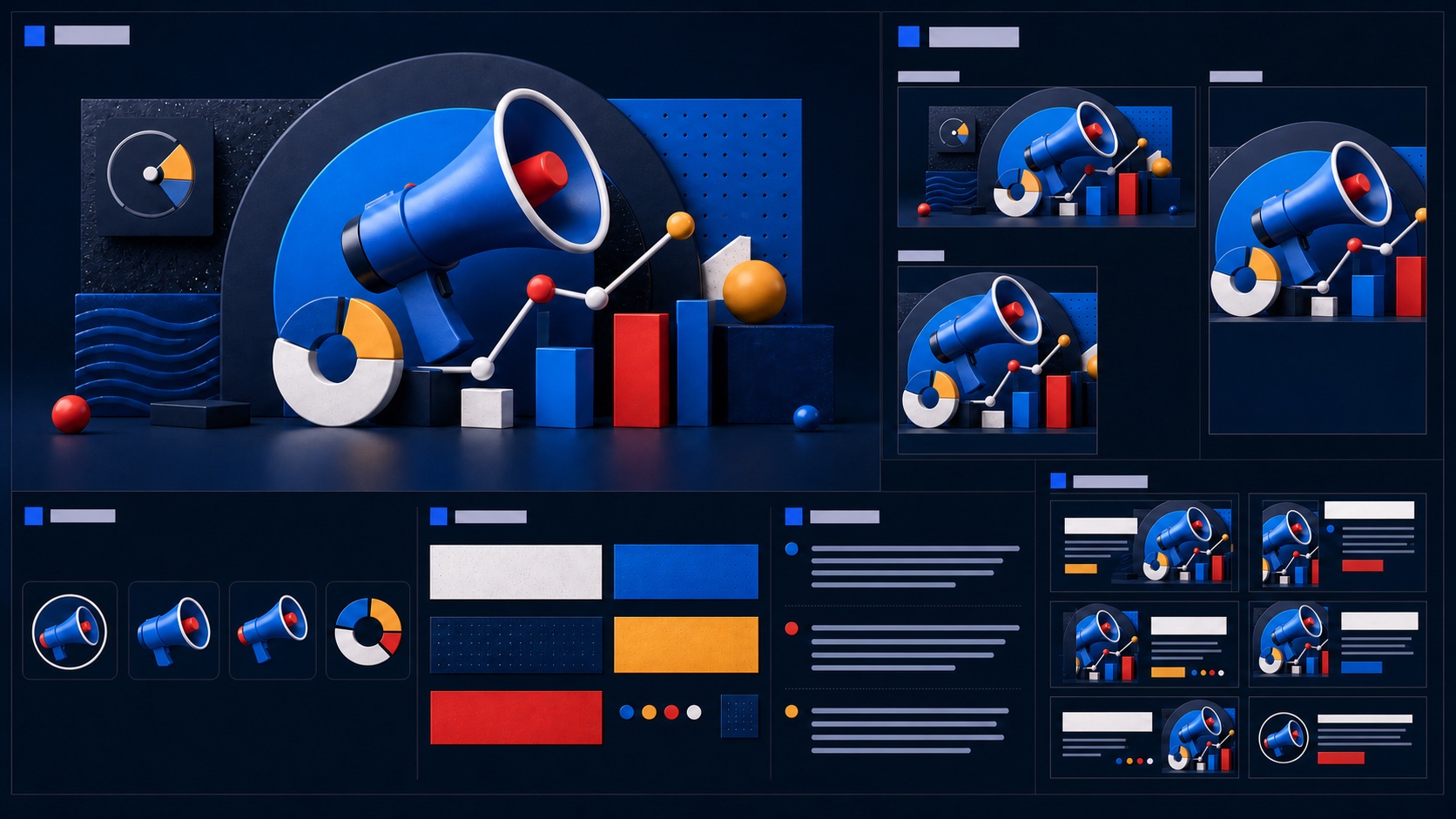
ILLUSTRATIVE PRODUCTION CHECK
Asset coverage is a readiness task, not a performance promise
GOOGLE ADS INTERFACE MAP
Assemble the ad from destination to preview
Open the Demand Gen ad group and create an image ad with the intended landing page and business identity.
Add horizontal, square, vertical, logo, headlines, descriptions, business name, and CTA using current limits.
Review crops, combinations, business identity, teaser clarity, expanded experience, and destination before Save.
THE ASSET SYSTEM
One concept, complete coverage
THE LEAD ATLAS METHOD
Lead Atlas Data is a strong way to obtain business contacts researched for the same campaign theme, customer market, locations, and categories, allowing Gmail media and direct outreach to use related targeting logic while remaining separately measured.See how custom list research works ↗Confirm the campaign and destination first
Write the audience, promise, proof, CTA, and final URL before producing assets. The landing page must complete the same task the ad begins and work cleanly on mobile.
A beautiful asset set cannot repair a vague offer or a page that asks the visitor to start over. Test conversion events and lead routing before creative review.
Build the current image ratios
Google’s current specification page lists horizontal, square, vertical, and logo requirements and recommendations for Demand Gen image ads. Produce each ratio from the source composition instead of relying on automated crops alone.
Keep the subject, product, and proof legible at small sizes. Avoid adding dense text inside images when headline and description fields can carry the message more reliably.
Write modular copy that remains coherent
Headlines and descriptions can combine in different ways, so each item should support the same proposition without depending on one exact pairing. Keep at least one concise headline within the current serving guidance.
Use the real business name, a destination-aligned CTA, and claims the landing page can substantiate. Read every possible pairing aloud for duplication or contradiction.
Preview placement behavior
Inspect the Gmail teaser, expanded experience where available, and other eligible feed previews. Check crop, logo clarity, business identity, CTA, and whether the image still communicates without tiny detail.
Google interfaces and eligible surfaces evolve. Use the live preview and current specification page rather than an old screenshot as the final authority.
Create an asset QA sheet
Record filename, ratio, pixel size, concept, copy theme, approval owner, destination, and usage status. Distinct files make it easier to read asset reports and replace weak components without losing the whole concept.
Exercise: place every required component on one board, mark missing ratios or repeated ideas, and open each preview on a small screen before the campaign can move to Publish.
THE TAKEAWAY
Create the concept once, adapt it across current Demand Gen asset specifications, keep each combination coherent, and preview the Gmail experience before publishing.OFFICIAL REFERENCES