Google Ads conversion actions can have click-through and view-through windows, and some video interactions can support engaged-view conversions. Demand Gen can deliver across several surfaces, but the available interaction and conversion types are not identical on every placement. In particular, a Gmail impression should not be described as a video engaged view. This lesson creates a placement-aware measurement map.
VISUAL LESSON
What you will learn
- 01Distinguish click, engaged-view, and view-through conversions.
- 02Build a Gmail-aware attribution map.
- 03Reconcile credited actions with business records.
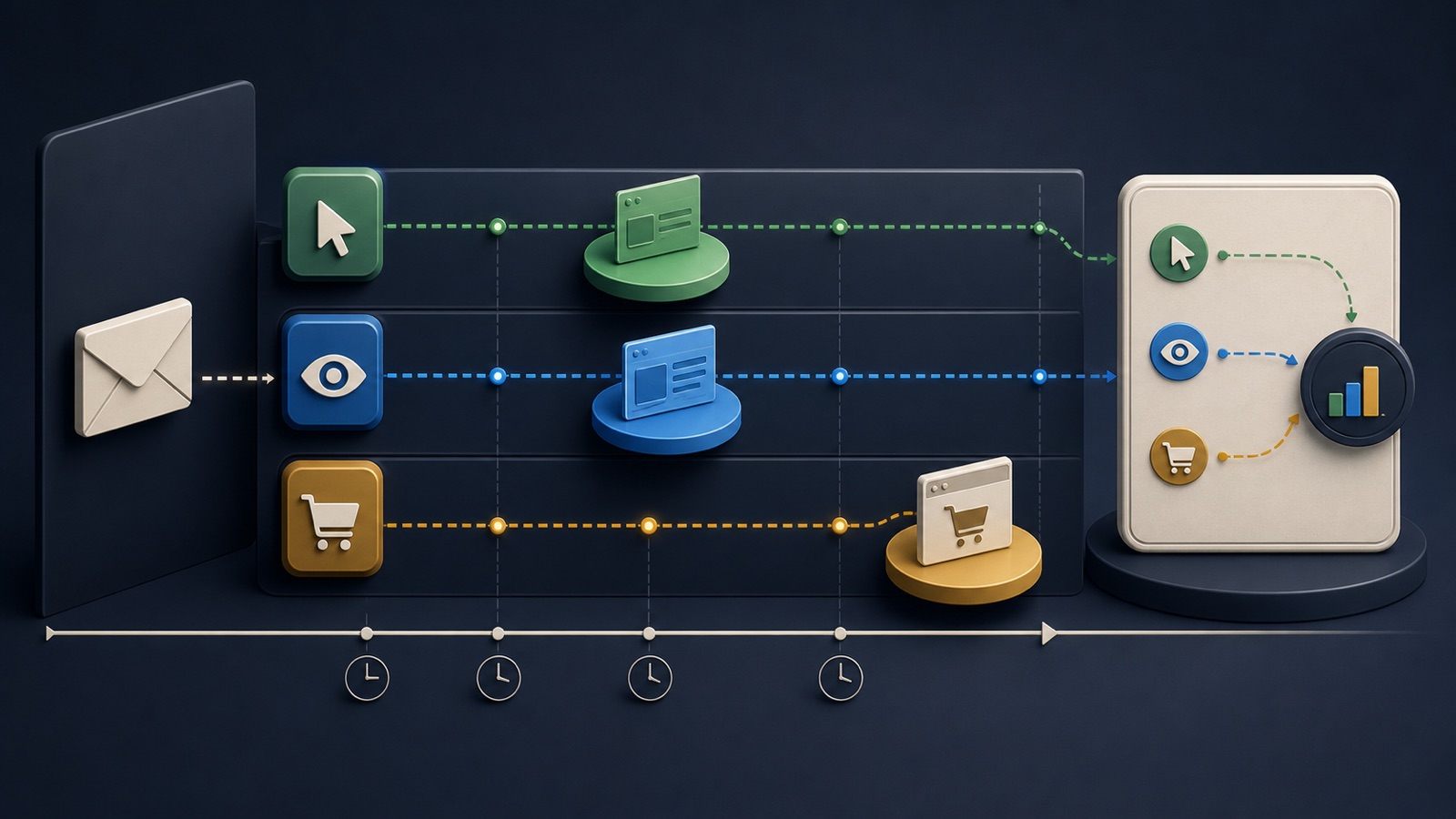
ILLUSTRATIVE WORKED EXAMPLE
Separate illustrative credit types before totaling them
PRACTICAL INTERFACE MAP
Connect placement, interaction, window, and outcome
Record Gmail and other selected inventory, image or video assets, and the interactions each can support.
Capture click, engaged-view where eligible, and view-through windows plus counting and attribution settings.
Separate credit types, deduplicate business records, and explain time-zone, lag, and identity differences.
STEP-BY-STEP LESSON
Placement → interaction → eligible window → conversion record
THE LEAD ATLAS METHOD
Lead Atlas Data can prepare a contact list researched for the same campaign's business categories, markets, and locations, allowing sales outcomes to be tracked in a separate first-party cohort beside Gmail attribution.See how custom list research works ↗Inventory placements and conversion actions
List each Demand Gen campaign, selected channels or inventory, image and video formats, conversion actions, primary or secondary status, value, count setting, and business meaning. Confirm where Gmail is included and do not assume a setting for one surface describes every delivery.
Create one row per placement-format and one column per eligible interaction. Mark unsupported or unknown combinations for verification. This prevents an engaged video view from being mislabeled as a Gmail interaction.
Define each credit path
Click-through conversion credit follows an eligible ad click within the configured window. View-through credit can follow an eligible impression without the required click. Engaged-view credit is associated with eligible video engagement rules, not every visual impression. Read the current Google definition attached to the conversion action.
Write a one-sentence plain-language rule for each type and the relevant surfaces. Keep these columns separate in exports and presentations so people do not mistake a combined total for one homogeneous customer journey.
Choose windows from observed lag
Use event timestamps and CRM history to estimate elapsed time from click or eligible exposure to form, qualified lead, purchase, or other conversion. Consider the conversion action's business stage, typical follow-up, account time zone, and delayed imports.
Build a lag distribution and note which outcomes a shorter or longer window would include. Select the window before comparing campaigns and keep a change log; altering the rule changes what can be credited.
Protect counting and event quality
Confirm whether the conversion action counts one or every event, whether browser and server events deduplicate, and whether offline imports use the correct identifiers and timestamps. Review consent handling, enhanced conversions or other matching configurations only when supported and properly implemented.
Test known journeys through Gmail-capable and other Demand Gen surfaces where possible. Record interaction, conversion, import, and CRM timestamps plus the final unique business record. A credit-window change cannot correct duplicates or a mislabeled event.
Report with placement-aware limits
Present click, engaged-view, and view-through credit separately, then compare them with unique leads, qualified outcomes, sales, revenue, cancellations, and unattributed paths. State that attribution assigns reporting credit under configured rules and does not alone prove incremental impact.
Deliverable: placement-format matrix, conversion-action inventory, credit-type definitions, lag table, settings capture, event and deduplication test, CRM reconciliation, reporting footnote, review cadence, and a documented keep, shorten, lengthen, repair, or investigate decision.
THE TAKEAWAY
Map each conversion credit type to an eligible interaction and placement, choose windows from the buying cycle, and reconcile Google reporting with unique CRM outcomes.OFFICIAL REFERENCES