Google Ads supports device targeting for computers, mobile phones, tablets, and TV screens in eligible campaign types. Demand Gen can appear across Google surfaces whose device mix and interaction patterns differ. A device decision should begin with the actual experience: a form that works on desktop may be painful on mobile, while a TV impression may assist discovery without offering the same immediate action. This lesson creates a device QA and evidence process before exclusions are considered.
VISUAL LESSON
What you will learn
- 01Map device-specific user tasks.
- 02Configure and QA the live controls.
- 03Make evidence-based device decisions.
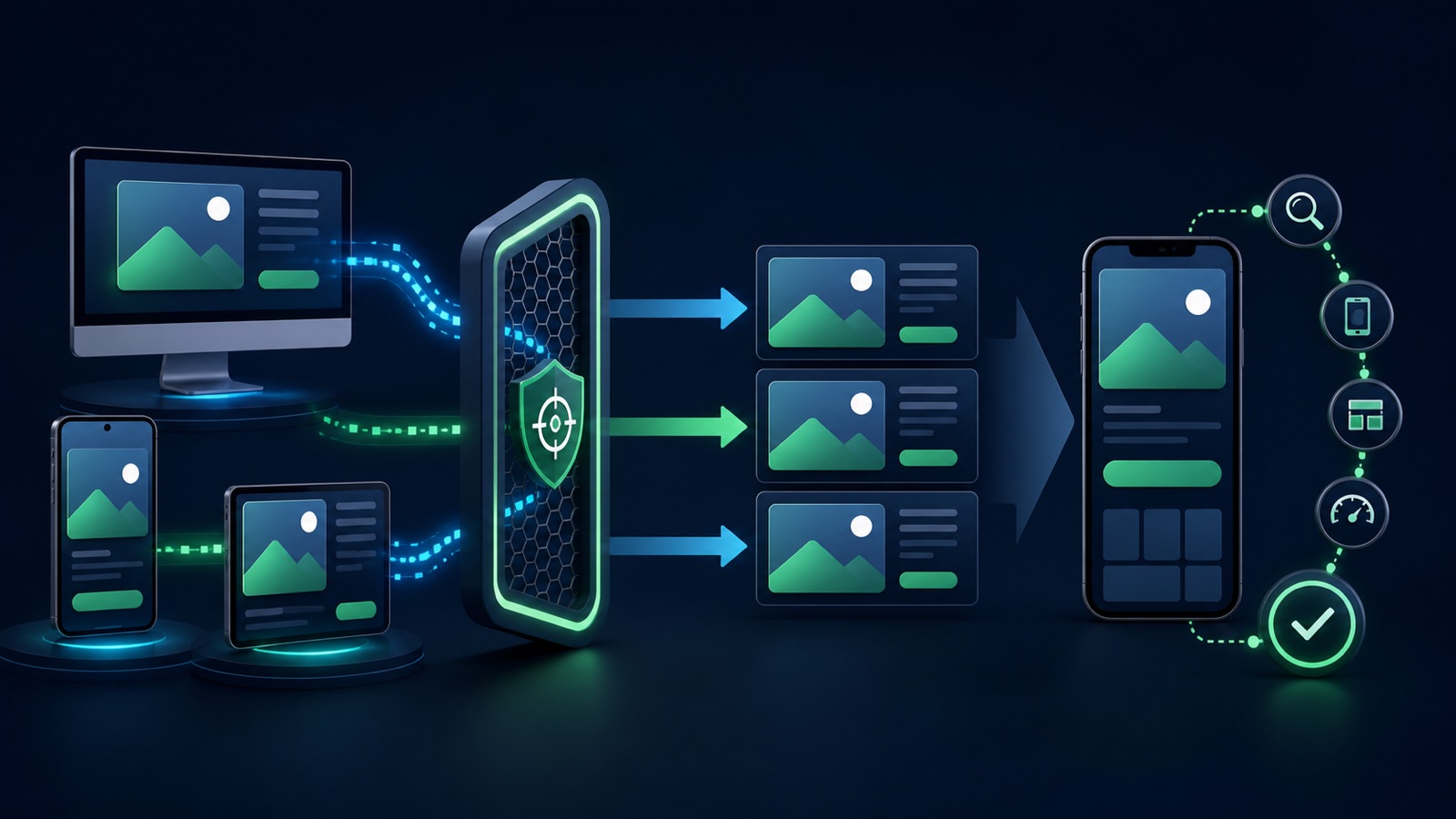
ILLUSTRATIVE WORKED EXAMPLE
Compare an illustrative device journey
PRACTICAL INTERFACE MAP
Connect settings to actual device behavior
Define what a person can reasonably understand and do on each screen, including assisted or later action.
Open the campaign's current device-targeting area and record inclusions, bid behavior, warnings, and eligibility.
Open ads and destinations on representative devices; verify events, forms, calls, and cross-device reporting assumptions.
STEP-BY-STEP LESSON
Device context → usable experience → verified event → matured outcome
THE LEAD ATLAS METHOD
Lead Atlas Data can prepare business contacts tailored to the Gmail campaign's target market, locations, and categories, supplying a separately tracked done-for-you outreach list that is not dependent on device delivery.See how custom list research works ↗Map the device journey
For computer, phone, tablet, and TV screen, write the likely context, attention, input method, connectivity, creative constraint, immediate action, later action, and failure point. Do not assume that one screen is automatically high intent or low value.
Choose the owned outcome and its device-aware precursors. A call tap, saved page, QR or later branded visit, form completion, purchase, and qualified lead can represent different points in the same journey rather than interchangeable conversions.
Audit creative by screen
Check whether imagery, captions, text size, duration, safe areas, orientation, and first-frame meaning remain useful across selected inventory. Create supported ratio and length coverage without placing crucial information only in fine print or audio.
Match the CTA to what the screen can do. A television viewing context may require memorable branding or another supported continuation; mobile needs finger-friendly actions; desktop may support more comparison but still requires a focused next step.
Verify the current device setup
In Google Ads, configure the approved Demand Gen campaign and open the current device-targeting controls. Confirm which device types are included, whether exclusions or adjustments are supported, and whether campaign or account changes affect those controls.
Record the campaign time zone, locations, languages, audiences, placements or channels where visible, conversion goals, bidding, budget, and observation start. Device data is not comparable when the rest of the campaign changed at the same time.
Test destinations and measurement
Use representative phones, computers, and tablets to open final ads or preview destinations. Test load, navigation, consent, forms, keyboards, validation, checkout, calls, maps, messages, accessibility, confirmation, URL parameters, and conversion events.
For TV-related delivery, verify the supported format and realistic continuation path in the live campaign. Document cross-device attribution limits, consent effects, and any modeled reporting rather than pretending every impression can be tied to a direct click.
Change devices only with sufficient evidence
Review spend, reach, frequency, visits, conversions, qualified outcomes, value, latency, invalid records, and user-experience failures by device over a mature window. A high cost can reflect a broken destination; low direct conversion can reflect a different journey.
Deliverable: device-journey map, creative coverage audit, current targeting capture, representative-device QA log, event proof, cross-device measurement note, matured device scorecard, operational repair list, and a retain, fix, reduce, expand, or exclude decision with a review date.
THE TAKEAWAY
Verify device controls in the current campaign, make every eligible destination usable, preserve cross-device limitations in reporting, and change delivery only after operational and matured outcome evidence agree.OFFICIAL REFERENCES