Google has published a 2026 transition path for moving eligible Display campaigns toward Demand Gen. Migration should not be treated as a button press: channel coverage, creative requirements, bidding, audiences, exclusions, and reporting differ. This lesson creates a documented rehearsal before any live change.
VISUAL LESSON
What you will learn
- 01Inventory affected Display campaigns and dependencies.
- 02Map settings and assets to Demand Gen.
- 03Plan cutover, validation, and rollback evidence.
ILLUSTRATIVE WORKED EXAMPLE
Score migration readiness before touching live delivery
PRACTICAL INTERFACE MAP
Rehearse the migration in three workspaces
Capture campaigns, ad groups, audiences, placements, exclusions, creative, budgets, bids, conversions, URLs, and owners.
Create the Demand Gen structure, read every current control, upload the required assets, and record non-equivalent settings.
Define approval, overlap or pause logic, monitoring windows, anomaly owners, and the record that preserves the former setup.
STEP-BY-STEP LESSON
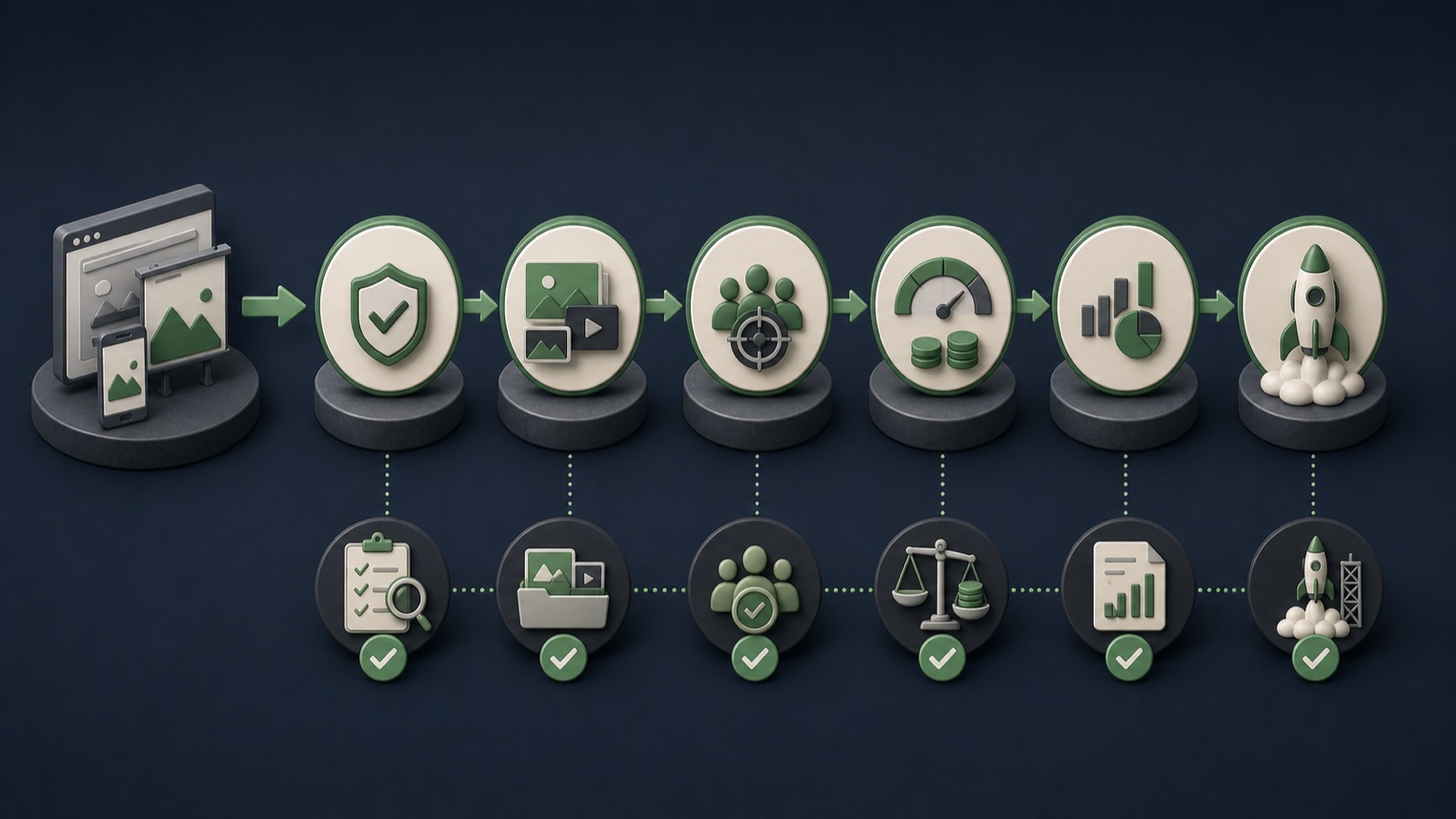
Display inventory → Demand Gen mapping → controlled cutover
THE LEAD ATLAS METHOD
For a channel-diverse plan, Lead Atlas Data can deliver a researched business-contact list tailored to the campaign's categories, target locations, and market.See how custom list research works ↗Identify affected campaigns
Export every active, paused, seasonal, or template Display campaign that may be reused. Record owner, purpose, dates, budget, bidding, audiences, placements, exclusions, creative, landing pages, conversion actions, and dependencies.
Classify each campaign as migrate, rebuild, retire, or investigate. An obsolete campaign does not need a new home merely because the platform offers a transition path.
Map non-equivalent controls
Create a row for each current Display setting and a column for its Demand Gen treatment. Verify channel controls, audience behavior, inventory, exclusions, bidding, frequency-related options, URL behavior, and reporting in current documentation and the live interface.
Mark exact match, different behavior, unavailable, or unknown. Unknowns require testing or support confirmation; they should not be silently treated as equivalent.
Rebuild creative coverage
Inventory image ratios, video, logos, headlines, descriptions, calls to action, rights, and destination match. Produce genuinely useful missing formats rather than stretching one Display banner into every surface.
Preview Gmail and other selected Demand Gen channels. Confirm that each possible combination remains accurate and that required qualifications are legible in the delivered context.
Protect measurement and history
Verify conversion actions, values, consent behavior, URL parameters, analytics, offline imports, naming, and reporting owners. Export baseline results and annotate the planned migration date.
Do not compare pre- and post-migration periods as though inventory and campaign mechanics stayed constant. Preserve the old structure and document the change so later analysis can interpret the break.
Schedule a controlled cutover
Build the new campaign in draft, run policy and destination checks, obtain approval, and define whether old and new delivery overlap or switch on a fixed date. Set spend caps and owners for early anomalies.
Deliverable: Display inventory, migration classification, control-equivalence matrix, creative gap list, validated Demand Gen draft, measurement baseline, cutover calendar, owner map, and rollback evidence.
THE TAKEAWAY
Inventory first, map every Display assumption to its Demand Gen equivalent, and validate a draft campaign before scheduling the cutover.OFFICIAL REFERENCES