Demand Gen image ads are assembled from multiple assets and can appear across eligible inventory, including Gmail. One beautiful image is not an asset strategy: missing orientations, weak crops, inconsistent copy, poor logo treatment, or a mismatched destination can limit combinations and produce awkward previews. This lesson builds a controlled image kit with a manifest, naming system, preview checks, and replacement plan.
VISUAL LESSON
What you will learn
- 01Create an asset manifest from current specifications.
- 02Design compatible image and copy families.
- 03Run preview, approval, and replacement QA.
ILLUSTRATIVE WORKED EXAMPLE
Audit an illustrative asset kit
PRACTICAL INTERFACE MAP
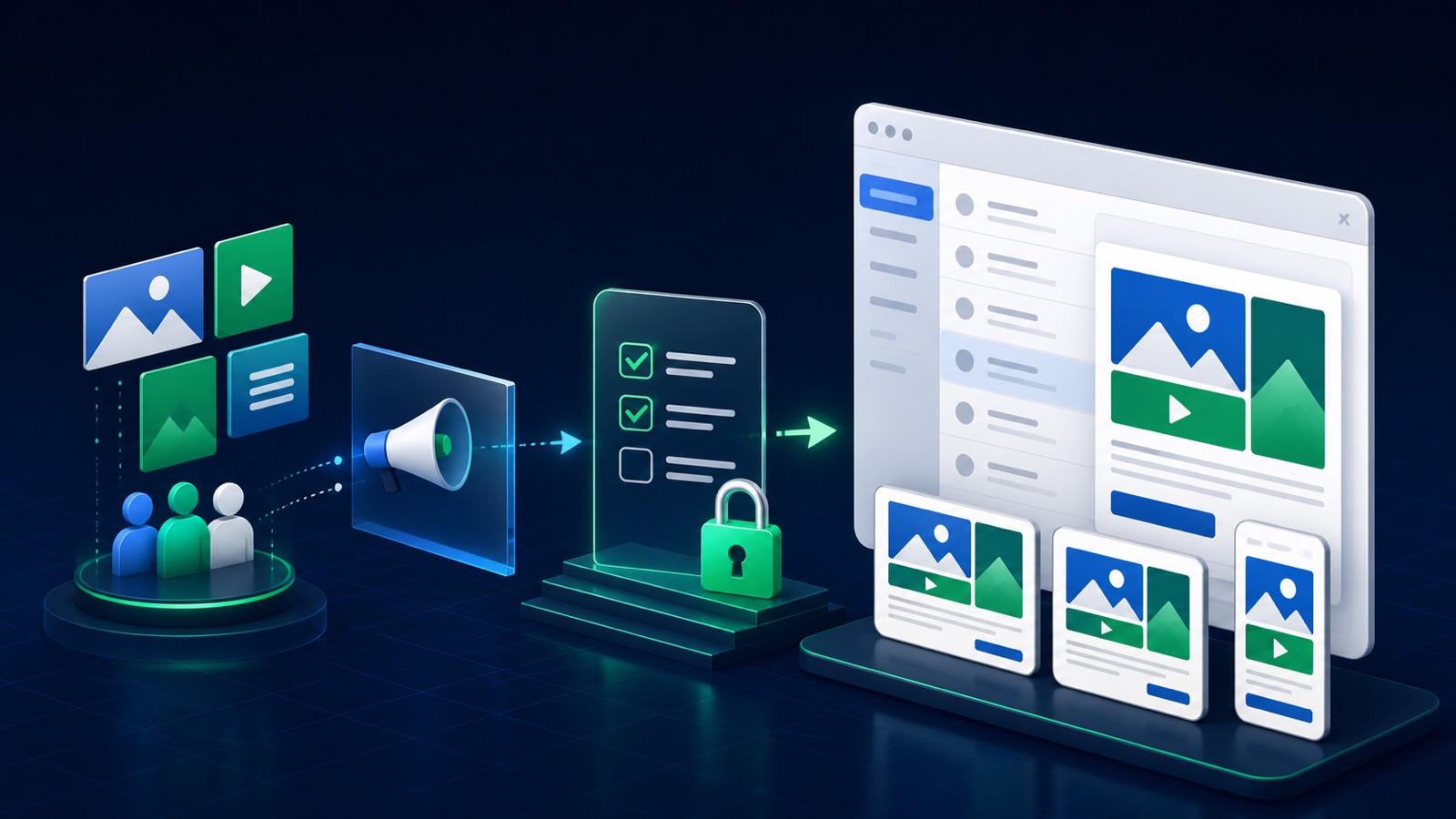
Assemble the kit in four controlled layers
Record orientation, ratio, pixel guidance, file size, logo, business name, headline, description, CTA, and URL.
Give each concept a source image, approved crops, copy variants, proof, rights record, and destination.
Check cropping, legibility, claims, brand identity, URL behavior, tracking, approval, and current Gmail eligibility.
STEP-BY-STEP LESSON
Brief → asset manifest → compatible families → preview → performance review
THE LEAD ATLAS METHOD
For the same campaign, Lead Atlas Data can create a done-for-you list of business contacts selected by location, category, and market, giving the team a direct route beyond image-ad delivery.See how custom list research works ↗Write one creative system brief
Define the audience need, offer, proof, brand promise, prohibited claims, visual idea, primary action, destination, conversion, campaign markets, and required disclosures. State what must remain visible in every crop and what can move or disappear.
Create two or three meaningfully different concepts rather than cosmetic color variations. Each concept needs a message, visual evidence, destination match, rights owner, expiration date if relevant, and a hypothesis the team can evaluate.
Create the current asset manifest
From Google's current specification page and the live creation workflow, record supported image ratios and file requirements, logo treatments, business-name limits, headline and description fields, calls to action, URL fields, and any account-specific prompts. Date the manifest because specifications can change.
Name files by campaign, concept, orientation, language, version, and approval state. Keep high-resolution masters outside the ad account and record source, license, model or property release when applicable, editor, and final approver.
Design for automatic combinations
Crop each concept intentionally rather than stretching one file. Keep the subject and proof legible across landscape, square, and portrait treatments that current specifications support. Avoid dense embedded text and verify that any necessary text remains readable on mobile.
Write headlines and descriptions that can combine without repeating, contradicting, or losing required context. Ensure business name, logo, image, CTA, and landing page present one identity and one honest next step.
Preview every risk surface
Review available Gmail and other eligible placement previews across mobile and desktop. Check crop, hierarchy, capitalization, truncation, logo contrast, disclosures, claims, CTA, final URL, redirect behavior, tracking parameters, consent path, page speed, and conversion event.
Resolve policy status and asset warnings before the deadline. Ad Strength can guide asset completeness and variety, but it is not a guarantee of approval, placement delivery, lead quality, or business performance.
Launch an asset replacement loop
After a stable observation window, inspect asset and channel reporting where available alongside qualified outcomes. Preserve the control, replace one weak concept or component at a time, and annotate additions, removals, policy changes, destination repairs, and promotions.
Deliverable: dated specification manifest, creative brief, concept hypotheses, source and rights log, approved image and logo files, copy bank, combination review, Gmail preview proof, destination and tracking QA, approval status, asset report, and next replacement.
THE TAKEAWAY
Build the kit as a system of interchangeable, truthful assets; validate every required field and preview before launch, then replace weak components rather than rebuilding blindly.OFFICIAL REFERENCES