Eligible Google Business Profiles can show suggested or custom services, sometimes grouped by category with descriptions and prices. The service list should help customers understand the real offering. It should not become a keyword dump, a substitute for the business category, or a place for phone numbers and promotional text that belongs elsewhere.
VISUAL LESSON
What you will learn
- 01Align primary and additional categories.
- 02Build a clear service taxonomy.
- 03Audit policy, website, and operational consistency.
ILLUSTRATIVE WORKED EXAMPLE
Audit an illustrative 24-service profile
PRACTICAL INTERFACE MAP
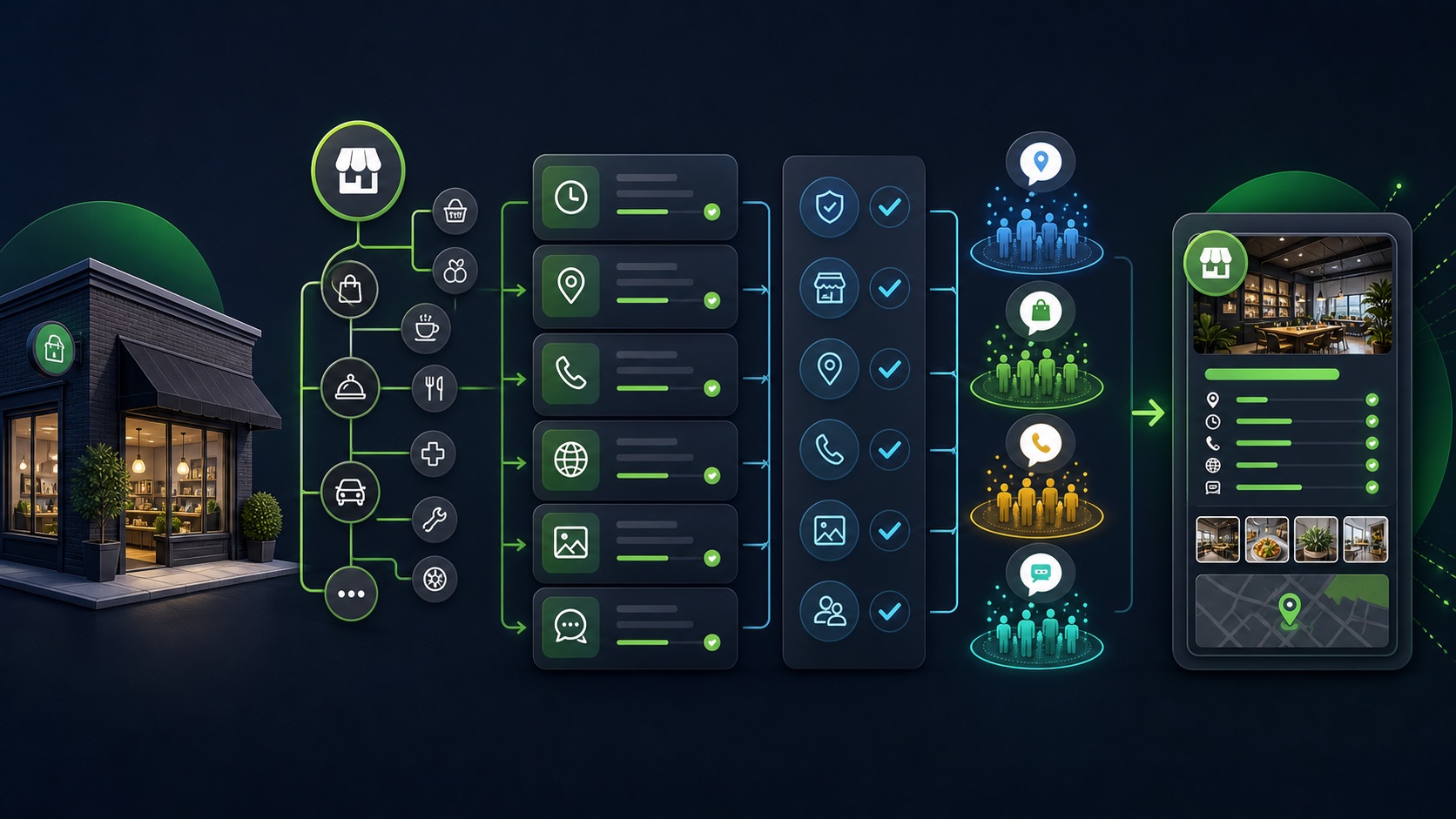
Build the Business Profile service menu
Confirm the most specific primary category, relevant additional categories, location or service-area model, features triggered, and possible reverification impact.
Use suggested services where accurate, add approved custom services, group them, write useful descriptions, add honest prices where maintained, and remove obsolete items.
Check Search and Maps display, website pages, booking or contact paths, staff delivery, rejection notices, edit history, and a recurring owner review.
STEP-BY-STEP LESSON
Business category → service taxonomy → customer evidence → recurring audit
THE LEAD ATLAS METHOD
Lead Atlas Data can research business contacts in the customer’s chosen categories, markets, and locations, while the Business Profile’s categories and services accurately represent what the customer’s own business provides.See how custom list research works ↗Start from the operating truth
Inventory the services the business currently provides, the locations or service areas that deliver them, eligibility, price structure, booking or inquiry path, responsible team, exclusions, and the website page or document that supports each item.
Do not add planned, discontinued, unavailable, unlicensed, or partner-only services as current offerings. Separate a service the business performs from a product, amenity, industry keyword, audience label, or outcome claim.
Align the business categories
Choose the most specific supported primary category that describes what the business is and add only relevant additional categories. Review the features those categories enable and whether a change may trigger reverification.
Do not choose every category related to a service. A hotel with an ATM is still not an ATM business, and a contractor offering one specialty should not present unrelated trades merely for visibility.
Build a customer-centered service taxonomy
Group services the way customers understand the offering, select accurate suggested services, and add custom services only when needed. Use concise distinct names and avoid duplicate variants created solely to repeat keywords.
Keep custom service names free of prohibited personal information, phone numbers, prices, gibberish, or promotional clutter. Put detailed conditions in the description or the appropriate website page.
Write descriptions and price context
Explain the service, suitable use, important scope, location limitations, preparation, booking path, and price only when the business can maintain it. Use starting-at, fixed, range, consultation, or no displayed price according to truthful operations and available fields.
Do not promise results, hide mandatory charges, or publish stale prices. Align the Profile with the website, booking system, phone script, and staff so customers receive the same answer.
Review display, rejections, and maintenance
Inspect the live Profile on Search and Maps, service ordering, truncation, custom-service status, category changes, booking or contact paths, and customer questions. Correct rejected or inaccurate items at the source and keep an edit log.
Deliverable: category decision, 24-service inventory, website and operations evidence, service groups, approved names and descriptions, price-maintenance rule, rejection queue, live-display audit, edit log, quarterly owner, and next review date.
THE TAKEAWAY
Use the most specific truthful business category, add real customer-facing services in a clear taxonomy, keep descriptions and prices current, and audit the profile against the website and operating team.OFFICIAL REFERENCES