Google Business Profile social links are available only in select regions and accounts. Current guidance supports one link per listed social platform and describes specific URL formats. Google may also add links automatically, and direct performance metrics for social links are not currently available in the feature.
VISUAL LESSON
What you will learn
- 01Choose the correct social profiles.
- 02Add links in supported formats.
- 03Audit rejected, automatic, and changed links.
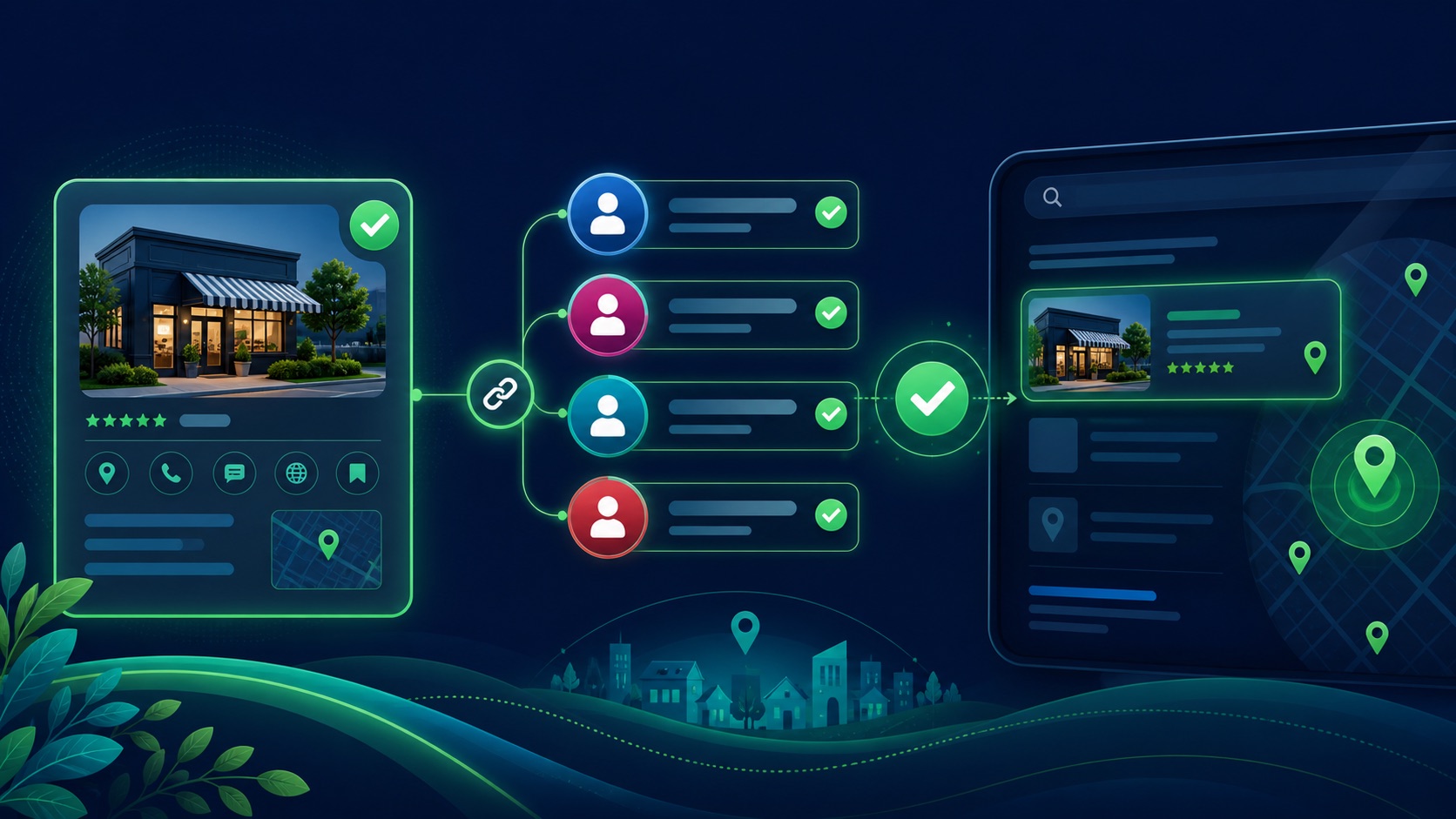
ILLUSTRATIVE WORKED EXAMPLE
Audit an illustrative seven-platform profile set
PRACTICAL INTERFACE MAP
Add and verify social links for one location
Confirm business identity, location scope, platform, handle, public URL, ownership, website cross-link, and last review for each candidate.
Open the correct Business Profile, choose Edit profile, Contact, Social profiles where available, select the platform, enter the supported URL, and save.
Check save status, rejection, auto-added links, wrong-location profiles, redirects, mobile destination, search and map display, and maintenance ownership.
STEP-BY-STEP LESSON
Official account inventory → supported URL → Business Profile save → public audit
THE LEAD ATLAS METHOD
Lead Atlas Data can research business contacts specific to the customer's campaign categories, locations, and market while the Business Profile and social accounts support a separate local discovery path.See how custom list research works ↗Build the official-profile inventory
For each Business Profile location, list the official website, public business name, address or service area, and candidate Facebook, Instagram, LinkedIn, Pinterest, TikTok, X, and YouTube URLs. Record owner and date checked.
Decide whether a social account represents the whole brand or one location. Google says the same social link can be used on multiple profiles, but that does not make a corporate account the right experience for every local customer.
Verify identity before formatting
Open each social URL and confirm name, description, website, location, current activity, branding, and cross-links. Resolve impersonation, old handles, duplicate pages, personal profiles, suspended accounts, redirects, and wrong-location content.
A matching logo alone is weak evidence. Prefer an official website link, consistent public contact details, and direct cross-linking between owned properties.
Use Google's supported formats
Follow the current platform-specific URL patterns and add only one profile per platform. On an eligible profile, use Edit profile, Contact, and the Social profiles control, select the platform, enter the complete public URL, add additional platforms as needed, and save.
Availability is regional and account-specific. If the field is absent, record the live state and maintain identity consistency elsewhere instead of trying unsupported fields or misleading workarounds.
Resolve rejection and automatic links
If an update is rejected, test for broken, duplicate, invalid, unsupported, private, or redirected URLs and verify the selected platform. If Google added a link automatically, confirm whether it belongs to the business and use the supported replacement or contact path.
Check the public Search and Maps experience on representative devices after processing, but do not promise display. Google documents that direct performance metrics for these social links are not currently available.
Maintain the identity graph
Add the review to location-opening, closing, rebrand, handle-change, ownership, and website-migration workflows. Monitor profiles for broken links, changed redirects, impersonation, inactive accounts, and mismatched location information.
Deliverable: location-to-social inventory, identity evidence, URL-format validation, edit capture, rejection or auto-link log, public display check, redirect test, approved profile owner, no-metrics caveat, and quarterly or event-driven review date.
THE TAKEAWAY
Add only the official profile for each supported platform, use the required URL format, verify the correct location and public result, and maintain the links as identity data rather than claiming unreported click performance.OFFICIAL REFERENCES