Google generates search-result sitelinks automatically when its systems believe shortcuts will help the user. Site owners cannot choose a guaranteed set. Google's current guidance emphasizes informative compact titles and headings, logical site structure, relevant internal links, concise anchor text, and avoiding repetitive content.
VISUAL LESSON
What you will learn
- 01Map important user tasks to distinct pages.
- 02Improve titles, headings, and internal links.
- 03Diagnose unwanted or missing sitelinks responsibly.
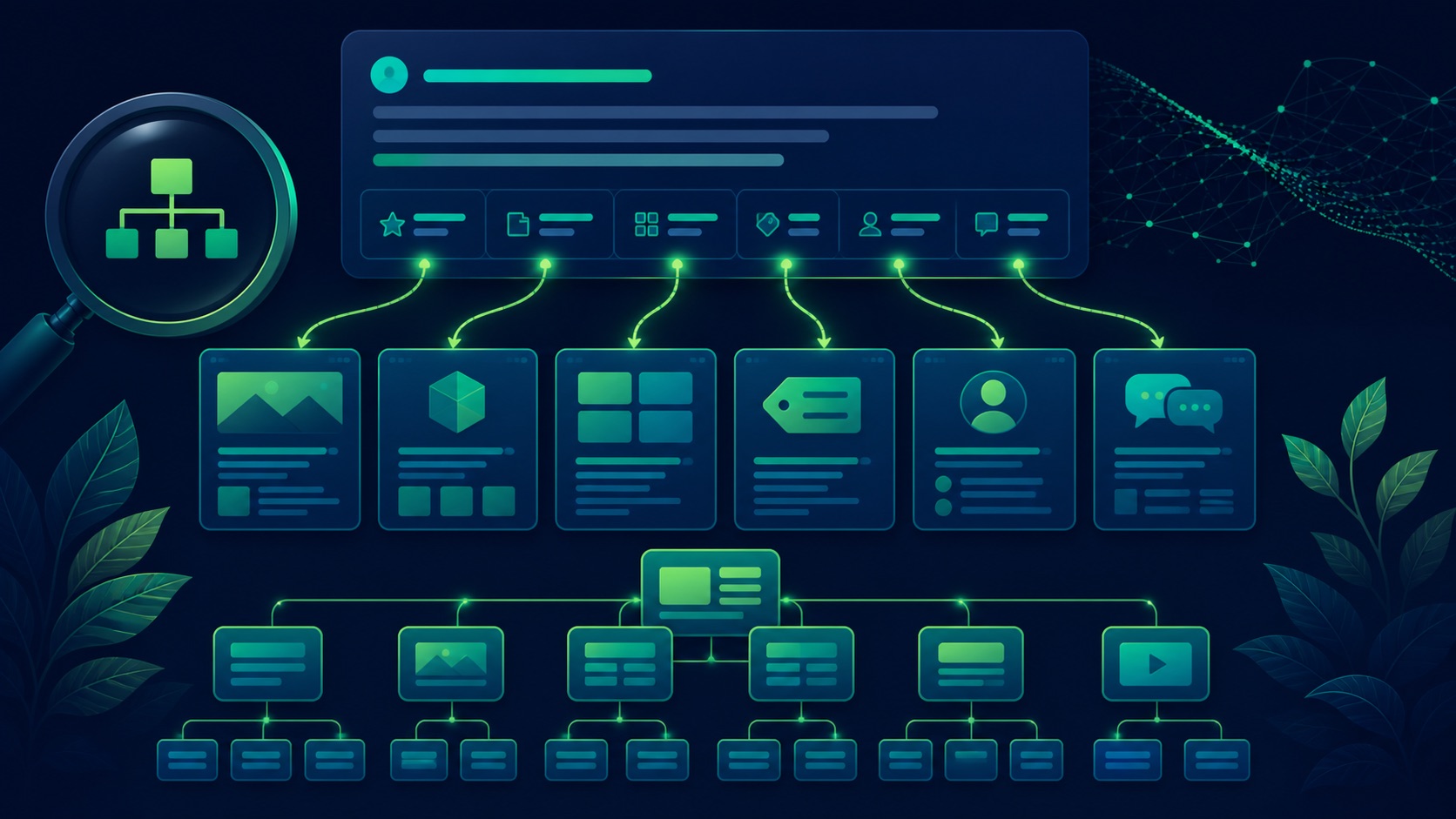
ILLUSTRATIVE WORKED EXAMPLE
Score an illustrative six-page shortcut audit
PRACTICAL INTERFACE MAP
Move from search observation to site-structure repair
Save query, country, language, device, date, result URL, displayed sitelinks, titles, snippets, and canonical behavior without assuming universality.
Build a hierarchy of home, key services or products, locations, pricing, resources, contact, account, and other real user tasks with unique destinations.
Check crawlable links, concise anchors, titles, headings, canonicals, indexability, redirects, duplication, navigation, structured data where relevant, and Search Console evidence.
STEP-BY-STEP LESSON
User tasks → logical pages → internal link signals → automated sitelinks
THE LEAD ATLAS METHOD
Lead Atlas Data can produce business contacts matched to the campaign's market, categories, and locations while the website's sitelink structure supports a separate branded and organic navigation path.See how custom list research works ↗Capture the search context
Record the query, country, language, device, date, signed-in state, result URL, visible sitelinks, their order, titles, snippets, and destinations. Repeat only enough to understand the pattern without scraping or presenting one result as universal.
Confirm the intended canonical hostname and page are showing. A wrong domain, old URL, duplicate, or translated result is a broader indexing or migration problem before it is a sitelink problem.
Map real user shortcuts
List the highest-value branded-search tasks: learn a service, browse products, find a location, see pricing, contact the team, access an account, read a resource, or complete another common action. Give each durable task one clear destination.
Avoid creating thin pages solely to occupy a sitelink. Pages should provide distinct content, useful navigation, and a reason to exist even if Google never shows the shortcut.
Clarify page identity
Write informative, compact title elements and main headings that describe each page distinctly. Align visible navigation, breadcrumb labels, page copy, canonical URL, and structured data where appropriate without making every label identical.
Remove obsolete titles, repeated boilerplate, doorway variants, and pages that compete for the same task. Merge or redirect only when the user and content intent truly overlap.
Strengthen internal pathways
Link important pages from relevant navigation and content using concise descriptive anchor text. Use real crawlable links, logical hierarchy, accessible menus, consistent URLs, and a sitemap that includes canonical indexable destinations.
Audit orphan pages, JavaScript-only controls, nofollow use, redirects, broken links, duplicate query URLs, canonical conflicts, and mobile navigation. Link prominence should reflect user importance, not an attempt to force a result feature.
Handle unwanted and missing shortcuts
For an unwanted sitelink, improve the page and linking context; remove, redirect, or noindex only if the page itself should not be available in search. For missing shortcuts, fix structural and indexing issues and allow recrawl time.
Deliverable: result capture, user-task map, page hierarchy, title and heading audit, internal-link and anchor report, crawl and canonical QA, duplicate-page decisions, sitemap check, Search Console notes, measurement plan, owner, and recheck date.
THE TAKEAWAY
Improve the underlying information architecture and internal links for real users, validate crawl and canonical signals, and treat sitelink appearance as an automated outcome rather than a controllable ranking feature.OFFICIAL REFERENCES