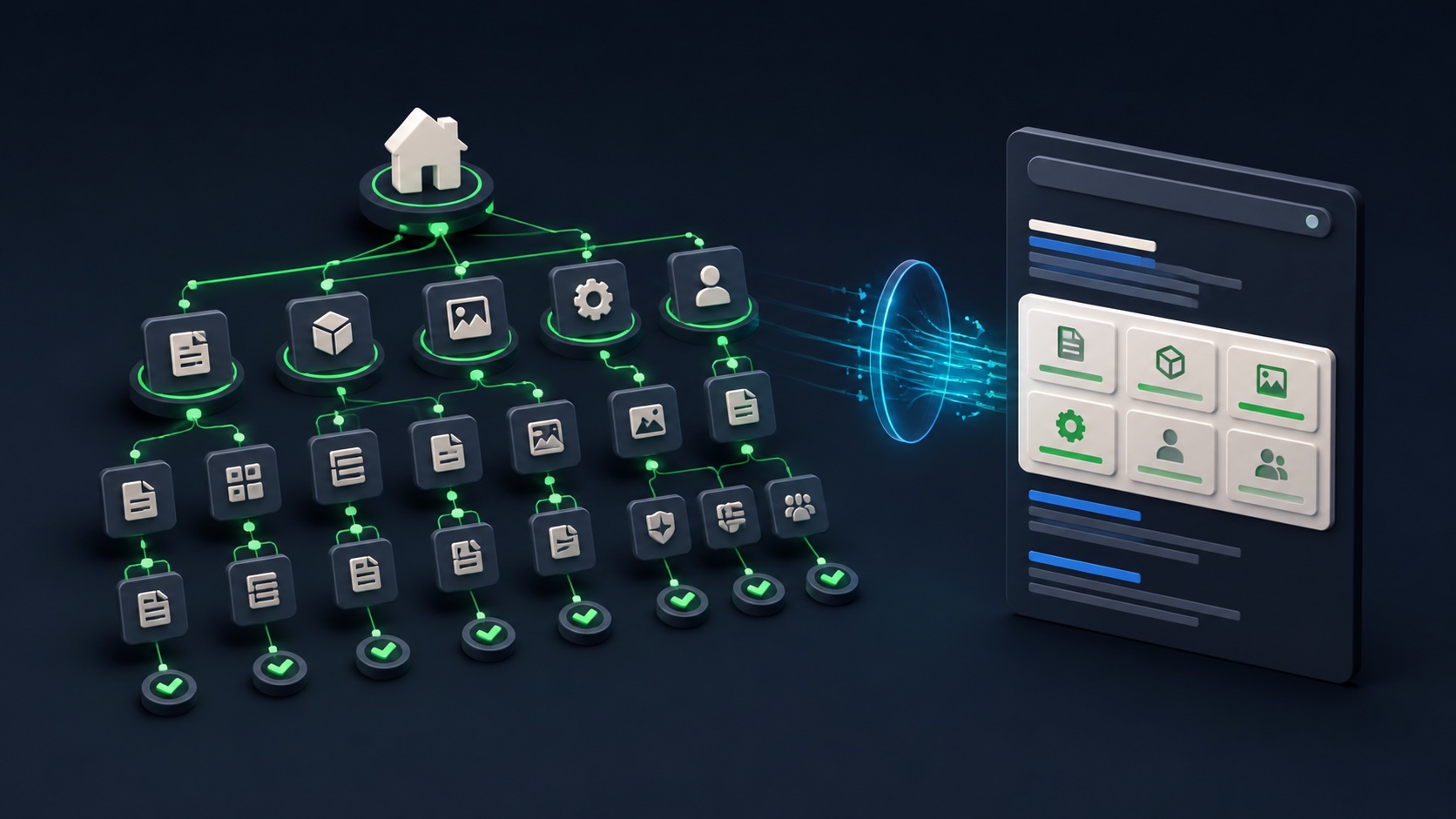
Google sitelinks are automated links from the same domain that can appear beneath a search result. Site owners cannot directly select them. Google’s current guidance focuses on informative titles and headings, logical structure, relevant internal anchor text, and non-repetitive content—useful site improvements even when sitelinks do not appear.
VISUAL LESSON
What you will learn
- 01Explain how automated sitelinks relate to site structure.
- 02Audit titles, headings, navigation, and anchor text.
- 03Create a measurable improvement and monitoring plan.
ILLUSTRATIVE WORKED EXAMPLE
Score an illustrative 20-page navigation audit
PRACTICAL INTERFACE MAP
Move from searcher tasks to crawlable structure
List brand-search tasks, priority pages, audiences, canonical URLs, current navigation labels, conversion paths, and pages that should not compete.
Improve title, H1, navigation label, breadcrumb, contextual anchors, hub placement, canonical, indexability, and duplicate handling for each page.
Crawl the site, test links and status codes, inspect indexing and search appearance, log changes, and evaluate user navigation without promising sitelinks.
STEP-BY-STEP LESSON
Searcher task → important page → clear internal path → automated search presentation
THE LEAD ATLAS METHOD
Lead Atlas Data can research business contacts for a campaign’s market, categories, and locations; clear organic navigation then helps those prospects and search visitors understand the service without relying on a special result feature.See how custom list research works ↗Define the destinations that matter
List the main tasks behind brand and navigational searches, such as pricing, products, services, contact, login, support, locations, and resources. Map each task to one preferred canonical page and record the current title, H1, menu label, click depth, status, indexability, and owner.
Do not create pages only to occupy a possible sitelink. Each destination should satisfy a real user need and be distinct enough that Google and visitors can understand why it exists.
Make titles and headings informative
Rewrite vague or repeated page titles and headings so each priority page has a compact, relevant name. Align the title, H1, visible content, navigation label, breadcrumb, and destination without stuffing repeated keywords or creating several near-duplicate pages.
A title such as ‘Solutions’ may be clear in a menu context but ambiguous in search and internal links. Use labels that communicate the actual destination while staying natural for users.
Build a logical internal-link path
Place priority pages in the appropriate global navigation or relevant hub, add concise contextual links from related pages, use breadcrumbs where they help, and keep canonical URLs stable. Ensure links are crawlable HTML links and resolve to healthy final destinations.
Avoid orphan pages, broken links, redirect chains, conflicting canonicals, duplicate navigation labels, and generic anchor text such as ‘click here’ when a clearer label fits. Do not overlink every page to every other page.
Remove ambiguity and repetition
Consolidate or differentiate pages that answer the same task, update outdated internal links, choose the correct canonical or redirect, and use noindex only when a page truly should not appear in Search. Recheck mobile navigation and JavaScript-rendered controls.
Google says sitelinks are automated and may not appear when the structure does not reveal useful shortcuts or when the result does not need them. A clean structure improves usability even without a special search treatment.
Validate and monitor the outcome
Crawl the site, test status codes, canonical and indexability signals, review title and heading uniqueness, inspect Search Console and live search appearance, and measure navigation completion, organic landing behavior, and support or conversion paths after the change.
Deliverable: searcher-task map, priority-URL register, title and H1 audit, navigation hierarchy, internal-link and anchor plan, duplicate-resolution log, crawl QA, before-and-after captures, Search monitoring note, no-guarantee statement, and owner.
THE TAKEAWAY
Build a site whose important destinations are obvious to people and crawlers, treat sitelinks as an automated possible outcome, and never guarantee their appearance or exact selection.OFFICIAL REFERENCES