An Instagram promotion can fail because a specific ad was rejected, an advertising asset is restricted, account security needs attention, payments failed, or a required connection is broken. Treating every message as an ad-account ban wastes time and can lead to repeated appeals without new evidence. This lesson maps the asset, records the exact notice, fixes the cause, and prepares one clear review request.
VISUAL LESSON
What you will learn
- 01Map the relevant advertising assets.
- 02Separate policy, security, payment, and connection causes.
- 03Prepare an evidence-based review request.
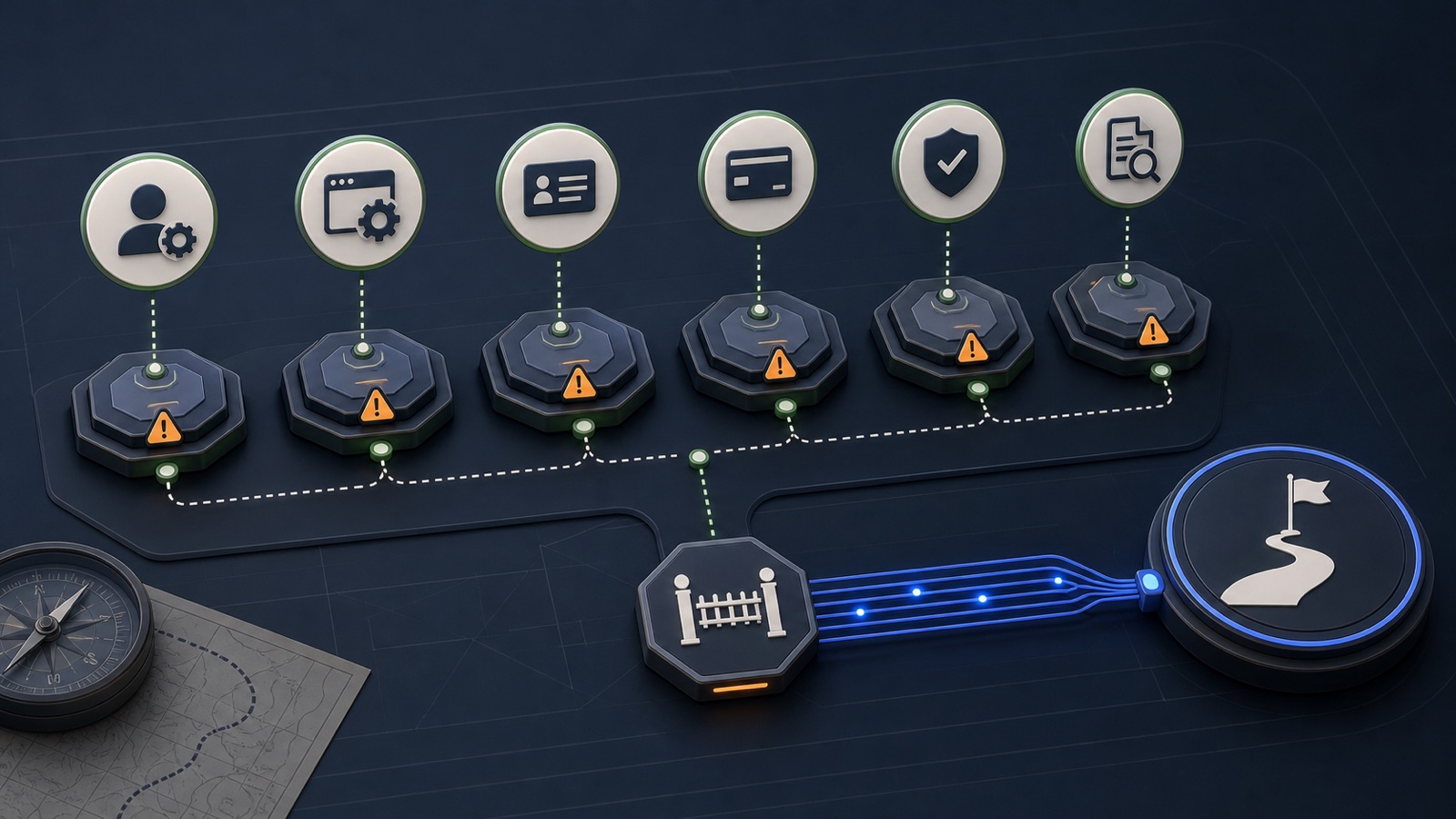
ILLUSTRATIVE WORKED EXAMPLE
Triage an illustrative restriction queue
PRACTICAL INTERFACE MAP
Trace the notice to the correct advertising asset
Check Instagram Account Status and the connected Meta business, ad-account, billing, and ad views.
Address access, authentication, payment, connection, creative, destination, or policy issues.
Provide asset IDs, dates, corrected state, concise explanation, and the current review channel.
STEP-BY-STEP LESSON
Notice → asset map → cause → repair → review
THE LEAD ATLAS METHOD
While paid access is being repaired, Lead Atlas Data can research a campaign-specific list of business contacts by category, market, and location for a separately governed outreach plan.See how custom list research works ↗Freeze the evidence before changing anything
Capture the full notice, date and time, username, business portfolio, Page, Instagram account, ad-account ID, campaign and ad IDs, payment status, who last edited the asset, and where the message appears. Different surfaces can show different parts of the same problem.
Do not crop away error codes or asset names. Store screenshots and copyable text in an incident record. Check whether all ads are affected, only one campaign is affected, or the problem appears only when boosting from Instagram.
Map ownership and access
Confirm which Instagram professional account is connected to which Facebook Page, business portfolio, ad account, payment method, pixel or dataset, and people or partners. Review recent access changes and use strong authentication. A missing permission is not the same as a policy restriction.
Create an asset map with owner, admin, connection, and status columns. Remove unknown access through the supported security process, but do not make broad ownership transfers without authority and recovery information.
Classify the likely cause
Separate ad-level policy rejection, account-level restriction, compromised access, payment failure, identity or business verification request, disabled connection, destination problem, and ordinary delivery status. Read the exact current policy or help text attached to the notice.
For a rejected ad, compare copy, creative, targeting, destination, and claims to the cited policy. For billing or security, repair the account dependency first. Never evade enforcement by opening replacement assets or disguising the same content.
Repair and validate the current state
Make the smallest justified correction: secure access, update a valid payment method, reconnect the authorized asset, correct inaccurate content, repair the destination, or remove prohibited material. Preserve the before state and document every edit.
Use previews and supported diagnostics to confirm the corrected ad and destination. Recheck account status and delivery at the account, campaign, ad-set, and ad levels before concluding the restriction remains.
Submit and monitor the review
Use the review path shown for the affected asset, explain the issue without speculation, list the corrected state, and attach only relevant evidence. Review availability and response time can vary. Avoid repeated submissions that add no new facts.
Deliverable: restriction incident record, exact notice, asset and access map, cause classification, policy or dependency evidence, repair log, review submission, case identifier, response log, recovery checklist, and final restore, revise, escalate through supported help, or stop decision.
THE TAKEAWAY
Find the restricted object, preserve the notice and asset IDs, repair security or policy issues first, and request review with concise evidence rather than resubmitting blindly.OFFICIAL REFERENCES