Partnership ads combine a brand’s campaign controls with content and identity connected to a creator or business partner. The workflow has more moving parts than uploading a normal ad: the relationship must be real, the content must be eligible, the correct permissions must exist, disclosures must be clear, and both parties need a shared approval record. A missing permission is an operating problem, not a reason to impersonate the partner or rebuild the post under the wrong identity.
VISUAL LESSON
What you will learn
- 01Choose a permission route for an Instagram partnership ad.
- 02Review content eligibility and disclosure before launch.
- 03Assign ownership for edits, comments, reporting, and revocation.
ILLUSTRATIVE READINESS SCORE
Permission is only one launch gate
PARTNERSHIP AD INTERFACE MAP
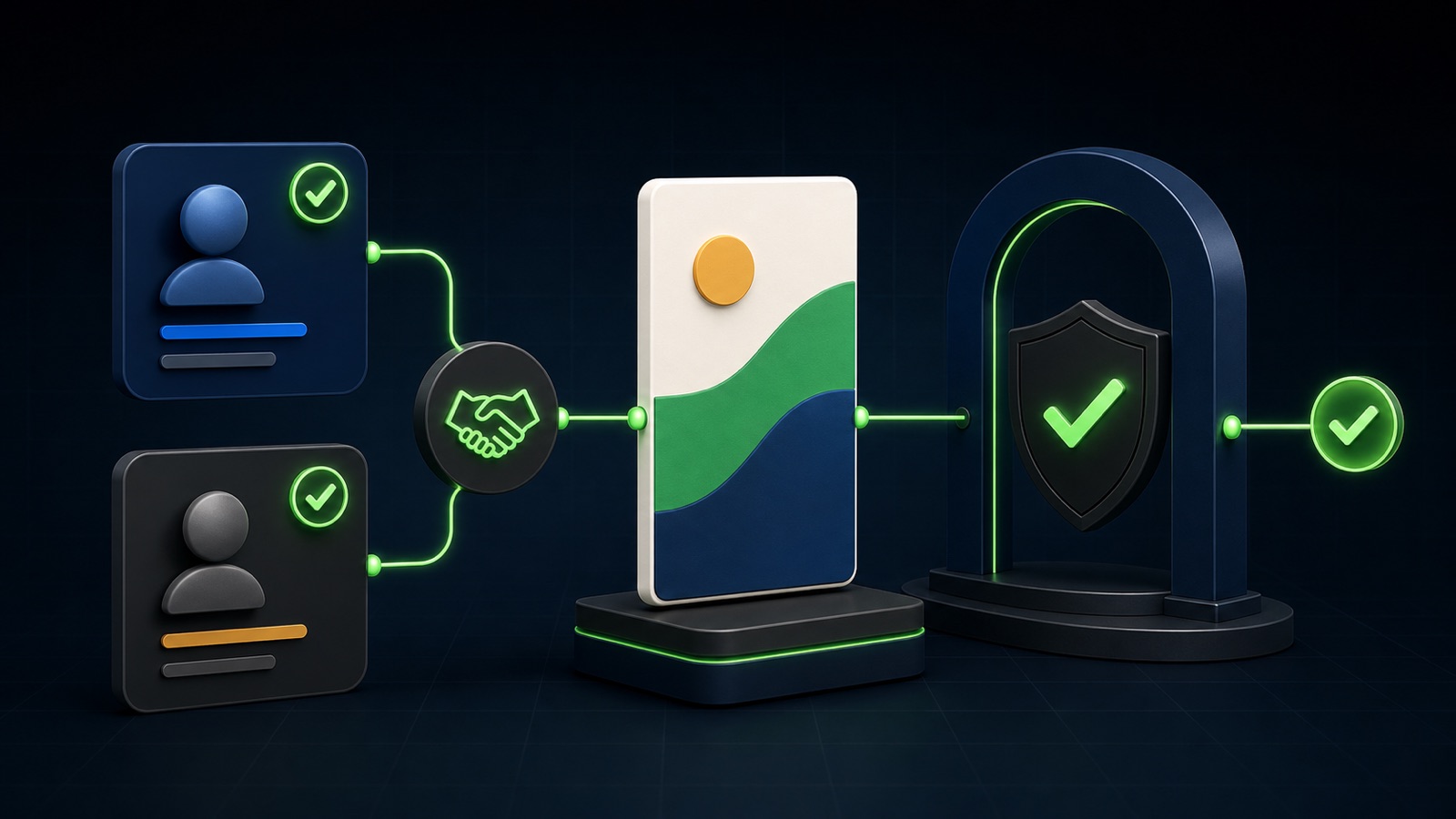
Move from permission to verified preview
Use the real creator or partner account, confirm branded-content disclosure, and generate or grant the appropriate ad permission.
At the ad level, enable the partnership setup and choose the correct brand, partner, and approved post or content code.
Verify both identities, paid-partnership disclosure, destination, CTA, crop, audio eligibility, comments, and every selected placement.
THE PARTNERSHIP PATH
Partner → permission → ad → review
THE LEAD ATLAS METHOD
Lead Atlas Data can research business contacts for the partnership campaign’s exact market, locations, and business categories, giving the advertiser a targeted B2B distribution list that remains separate from paid Instagram delivery.See how custom list research works ↗Write the partnership brief first
Name the brand, partner, content, campaign purpose, approved claims, usage period, markets, compensation or other material connection, edit rights, comment owner, and the person who can revoke permission. The creative agreement and advertising permission are related but not interchangeable.
Confirm that each party has authority to use the content, likeness, music, products, and supporting evidence. This lesson is an operating checklist, not legal advice; use appropriate specialist review when the agreement or market requires it.
Choose the permission scope
Content-level permission can limit use to a particular post or asset, while account-level arrangements can support an ongoing program where available. Use the narrowest scope that matches the approved work and keep a record of who granted it, when, and for how long.
Never ask for a personal password or copy the partner’s identity into a new account. If a code or permission expires, request a current authorization through the platform workflow.
Check creative eligibility
Review the current supported formats, content age, aspect ratio, safe zones, effects, product tags, stickers, and audio rules. Licensed music that works in an organic post may not be eligible for commercial advertising; use content and audio rights that support the paid use.
Place key creative elements away from interface overlays and preview the asset with the intended CTA. Make disclosure clear in the content and platform treatment rather than hiding it after a truncation point or inside an ambiguous hashtag.
Build and verify the ad
At the ad level, select the approved Page and Instagram identity, turn on the partnership option, and choose the correct partner and content. Confirm destination, tracking, CTA, audience, placements, dates, and budget against the signed brief.
Send the final preview—not just the organic post—to both owners. A platform-compliant preview can still contain a factual claim, outdated offer, wrong landing page, or disclosure problem that needs correction.
Run the partnership workbook
Create a permission ledger with one row per asset: owner, partner identity, content URL or code, permission scope, disclosure language, rights period, markets, approved claims, destination, revocation contact, and final preview date.
Deliverable: one fully reviewed but unpublished ad, screenshots or records of the granted permission, an eligibility checklist, a comment and escalation owner, and the rule for pausing the campaign if permission or content rights change.
THE TAKEAWAY
Secure content-level or account-level permission from the real partner, document the commercial relationship, preview every selected placement, and keep approval revocation and measurement responsibilities clear.OFFICIAL REFERENCES