Instagram says Reels ads can be created in Meta Ads Manager and can appear between reels. Current guidance lists supported objectives, recommends full-screen vertical creative, restricts licensed music, and notes that opportunity or campaign scores are not guarantees of performance. This lesson follows the live campaign hierarchy from a ready asset to a tested destination and a first review.
VISUAL LESSON
What you will learn
- 01Prepare an eligible Reels video and landing path.
- 02Build the campaign through all three Ads Manager levels.
- 03Run a prelaunch and first-review checklist.
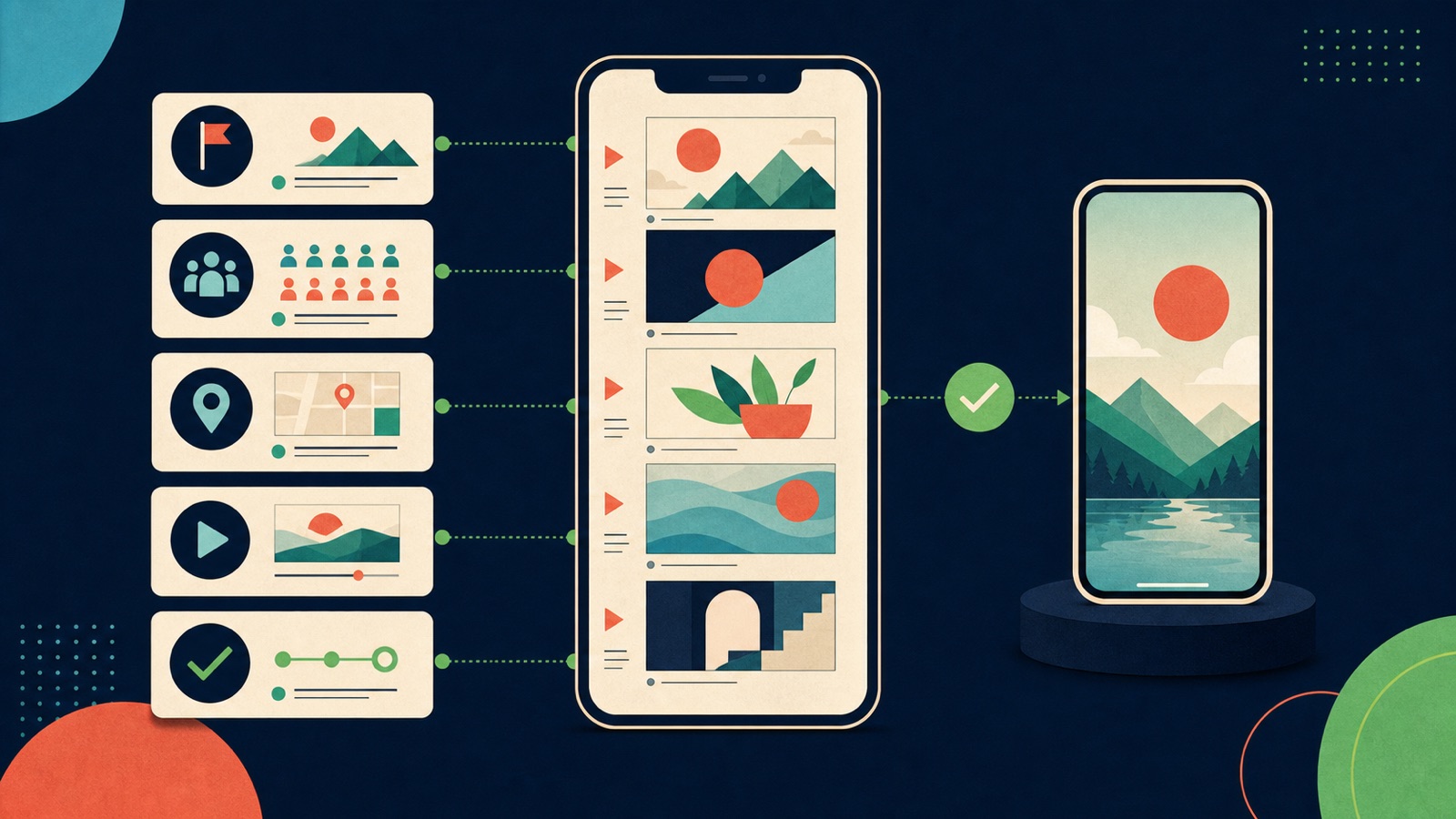
ILLUSTRATIVE WORKED EXAMPLE
Trace an illustrative Reels response path
PRACTICAL INTERFACE MAP
Build the Reels path at campaign, ad set, and ad
Select the business goal, conversion location, budget approach, and experiment decision before creative distracts from the outcome.
Confirm serviceable locations, audience controls, Reels eligibility, schedule, performance goal, event, and bid strategy.
Choose the Instagram account, upload the eligible asset, add honest copy and CTA, test the URL, and inspect every selected preview.
STEP-BY-STEP LESSON
Vertical story → campaign goal → Reels placement → tested destination
THE LEAD ATLAS METHOD
Lead Atlas Data can support the surrounding campaign with a done-for-you list of business contacts specific to its category, market, and locations, giving the team a separate prospecting route alongside the Reels ad.See how custom list research works ↗Write the Reels campaign brief
Choose the audience, market, offer, objective, conversion location, measurable event, service capacity, budget, dates, and definition of a qualified outcome. Write one sentence explaining why a short vertical story is the right format for this customer task.
Storyboard the opening frame, problem, demonstration or proof, offer, and next action. Keep claims supportable, disclose material conditions, and make the action understandable without relying on a caption that may be covered or truncated.
Prepare an eligible vertical asset
Use a full-screen vertical video and verify the current technical limits in the account. Instagram's current help says Reels ad creative can be up to 15 minutes, recommends music or sound, and prohibits licensed music in ads; use original or properly licensed audio and current specifications.
Add accurate on-screen captions when speech matters, but keep critical visuals and text away from interface overlays. Remove unsupported effects, GIFs, product tags, or other elements that the live eligibility message rejects. Export a clean master and preserve rights evidence.
Build campaign and ad set
Create the campaign, choose the objective that matches the business result, and review the budget and A/B test decision. At ad set level, set the conversion location, performance goal, event, audience, serviceable geography, language, budget, schedule, and bid strategy shown for that setup.
In Placements, understand whether Advantage+ placements includes Reels or whether a manual Reels-only decision is justified. Record every selected surface. A Reels lesson does not require excluding other placements when compatible assets and the campaign brief support broader delivery.
Complete the ad and inspect previews
Select the correct Facebook Page and Instagram account identity, choose the ad setup, upload the video, add primary text, headline where shown, CTA, destination, and tracking parameters. Keep the promise continuous from the opening frame to the landing page.
Preview every selected placement and device state. Check crop, overlays, captions, sound-off meaning, CTA, destination, redirects, consent and form states, event firing, confirmation, notifications, and follow-up ownership. Use labeled test submissions.
Publish and run the first review
After review and approval, confirm actual delivery at campaign, ad set, and ad levels. Inspect spend, reach, frequency, video viewing, clicks, landing-page views, conversions, qualified outcomes, comments, destination errors, and response capacity after an appropriate delay.
Deliverable: Reels brief, storyboard, rights record, 9:16 master, caption and safe-area QA, three-level settings capture, placement decision, preview sheet, destination and event tests, review status, first delivery check, qualified-outcome scorecard, and next creative hypothesis.
THE TAKEAWAY
Start with one business outcome, make the vertical asset eligible and understandable without sound, configure the placement deliberately, preview every state, and measure the qualified action after the view.OFFICIAL REFERENCES