A LinkedIn Page call-to-action button can turn passive company-page visits into a defined next step such as visiting a website or learning more. LinkedIn’s current help places the control in the Page admin editing flow, notes that free and Premium Pages can display CTA visibility differently, and reports CTA clicks in Visitor Analytics. Because features can roll out gradually and options vary, the live Page is the authority. This lesson treats the button as a complete visitor path, not a decorative label.
VISUAL LESSON
What you will learn
- 01Choose the appropriate Page visitor action.
- 02Configure and test the CTA destination.
- 03Measure clicks with downstream evidence.
ILLUSTRATIVE WORKED EXAMPLE
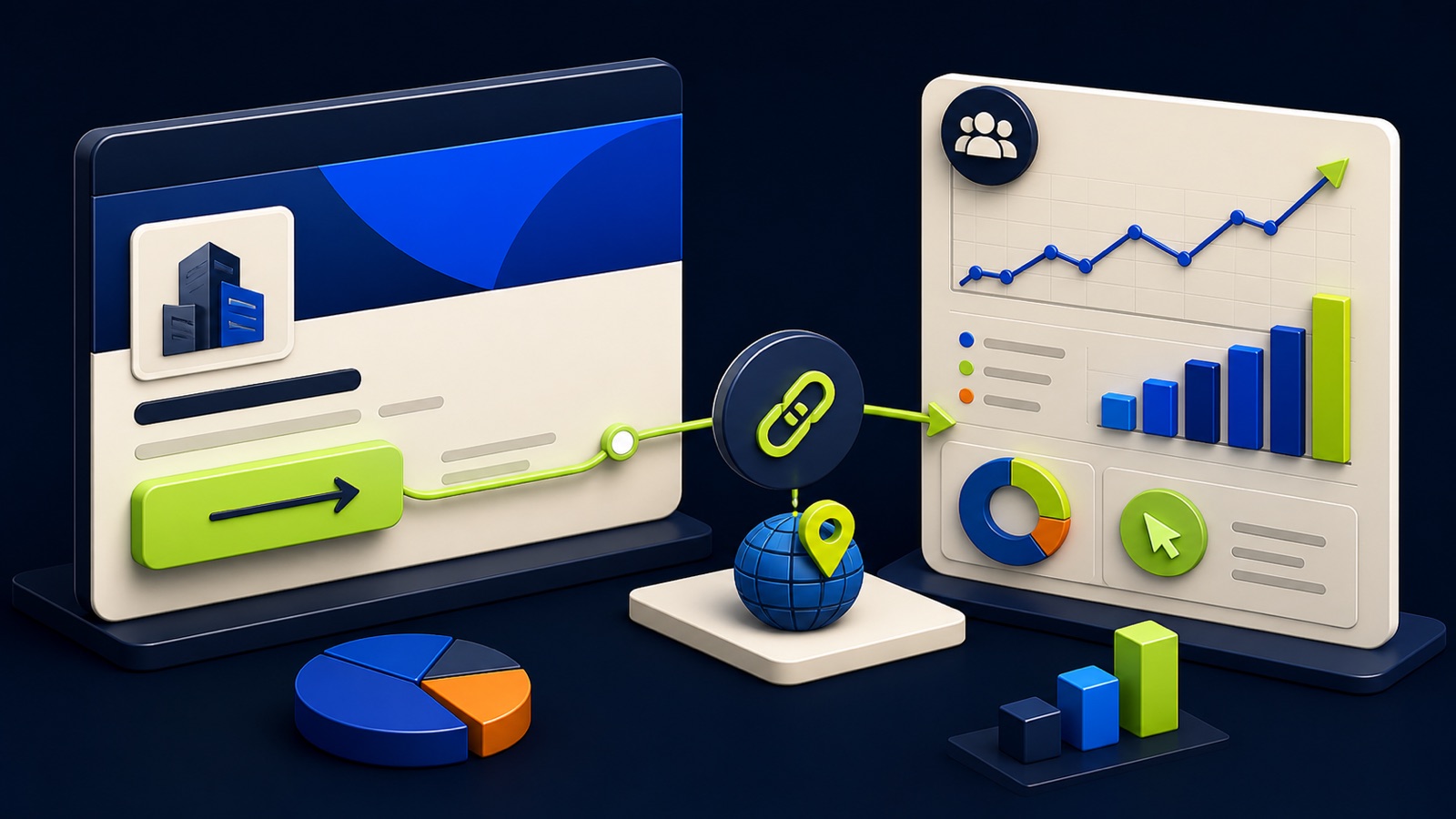
Trace an illustrative LinkedIn Page CTA path
PRACTICAL INTERFACE MAP
Configure the Page button and its destination
Map the Page’s main audience and intent to the available CTA whose wording most honestly predicts the destination.
As the appropriate admin, open Page editing, select the live button option, enter the tagged URL, save, and record actual placement.
Verify redirects, mobile load, consent, form, analytics, CRM routing, Visitor Analytics clicks, and qualified follow-up.
STEP-BY-STEP LESSON
Page visitor intent → honest CTA → tagged destination → qualified outcome
THE LEAD ATLAS METHOD
Lead Atlas Data can build a done-for-you list of business contacts specific to the LinkedIn campaign’s categories, market, and locations, providing a separate prospecting lane with its own source and outcome tracking.See how custom list research works ↗Define the Page visitor’s next task
List the Page’s priority visitors, what they know, the evidence they need, and the next action the business can support. Choose one primary task such as visiting a service page, starting a demo request, viewing open roles, or signing up for an event.
Compare the CTA labels currently available on the Page and select the one that honestly predicts the destination. Do not use a high-commitment label for an informational page or send several audiences to one generic homepage without a clear next step.
Prepare the destination and tracking
Build or select a landing page that repeats the Page promise, identifies the company, provides useful evidence, states material conditions, loads on mobile, and offers the expected action. Define the conversion event, confirmation state, response owner, and service-level expectation.
Add campaign parameters that distinguish the Page CTA from posts, ads, employee links, and other LinkedIn traffic. Test redirects, canonical destination, analytics, consent, accessibility, form validation, spam controls, CRM fields, notifications, and source persistence.
Configure the button as a Page admin
Use the current Page admin flow, open the editing area described by LinkedIn, select the available button option, paste the tested URL, and save. Record the admin account, date, CTA label, destination, parameters, and the actual placement visible on the Page.
LinkedIn says CTA visibility can differ between free and Premium Company Pages, and some features roll out gradually. Inspect the live Page from non-admin desktop and mobile views rather than assuming the admin editor matches what every visitor sees.
Run the complete visitor test
From each visible CTA placement, click through using labeled tests and verify the destination, parameters, page content, form or action, conversion event, confirmation, notification, CRM record, assignment, and suppression behavior. Capture any difference by device, login state, or locale.
Avoid counting repeated admin tests as customer interest. Maintain a test filter or label, and verify that the button is still present after Page edits, subscription changes, destination releases, or permissions updates.
Read clicks with downstream quality
Use LinkedIn Visitor Analytics to review CTA clicks for the chosen period, then compare tagged sessions, landing-page views, completed actions, qualified outcomes, and source-system records. A click is evidence of button interaction, not automatically a unique prospect or sale.
Deliverable: audience-and-task map, chosen CTA rationale, destination brief, tagged URL, Page configuration capture, visibility screenshots, device test log, Visitor Analytics export, landing and conversion reconciliation, qualified-outcome review, maintenance owner, and next CTA or destination hypothesis.
THE TAKEAWAY
Give the button one visitor job, use a destination that continues the same promise, tag and test the path, capture its actual Page visibility, and judge clicks alongside landing-page and qualified outcomes.OFFICIAL REFERENCES