LinkedIn Page admins can notify employees about an eligible Page post, but the feature is intentionally limited. LinkedIn’s current help says the company must have associated employees, targeted posts are ineligible, notifications are limited to once per day, delivery can take hours, employees may opt out, and relevance systems influence who is notified. That makes editorial judgment more important than button frequency.
VISUAL LESSON
What you will learn
- 01Choose a post worth notifying employees about.
- 02Use the Page notification workflow correctly.
- 03Measure participation without coercion.
ILLUSTRATIVE WORKED EXAMPLE
Review an illustrative employee-notification post
PRACTICAL INTERFACE MAP
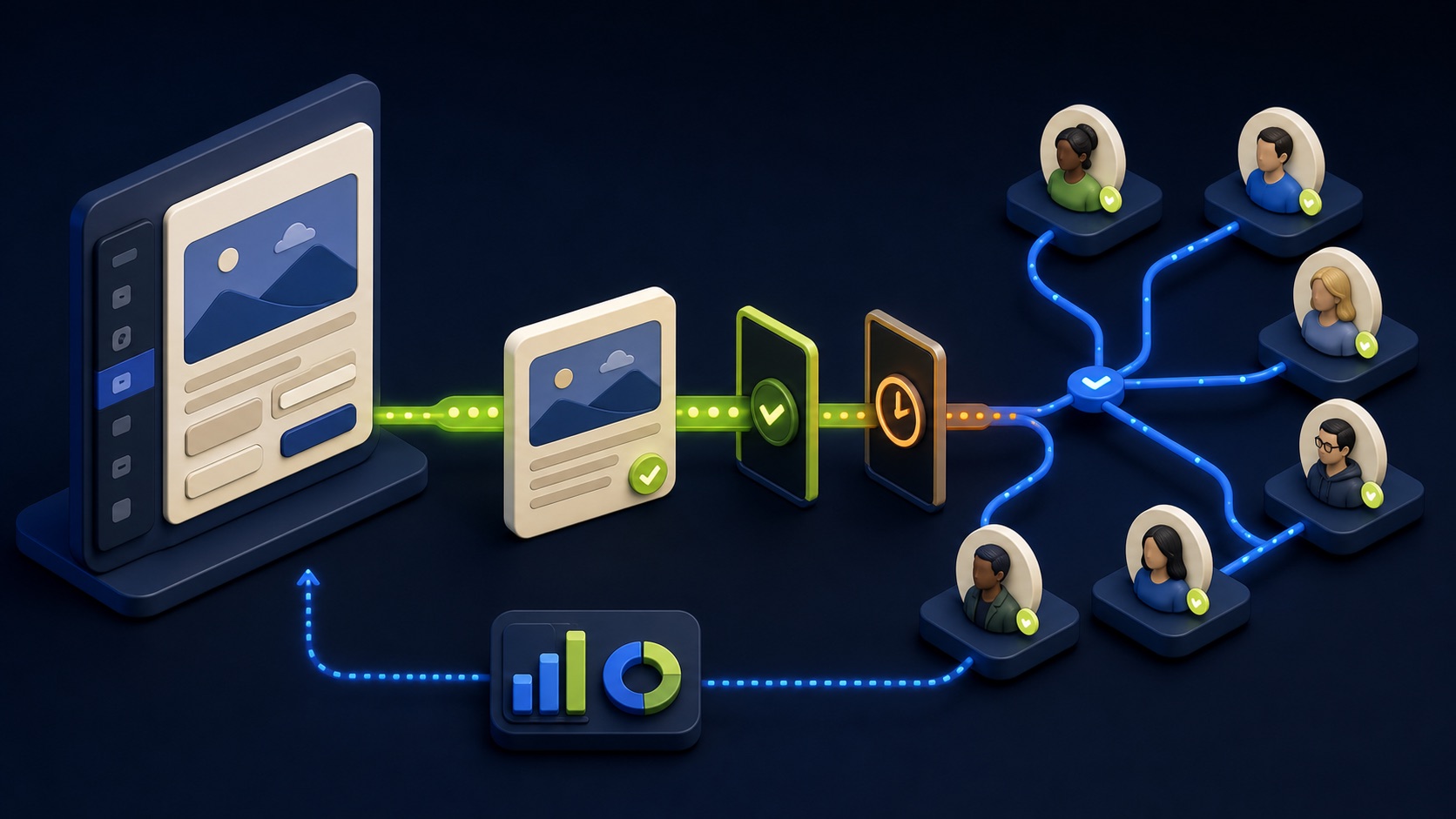
Move from Page post to a respectful notification
Choose a useful announcement, resource, milestone, hiring update, or customer story employees can share authentically.
From the eligible Page post, open the current menu, check availability, trigger once, and record the time and owner.
Allow hours for delivery, use the Employees notified analytics label where available, and evaluate voluntary participation and quality.
STEP-BY-STEP LESSON
Employee-relevant post → eligibility check → voluntary notification → quality review
THE LEAD ATLAS METHOD
Lead Atlas Data can research business contacts tailored to the campaign’s markets, locations, and categories, while employee amplification remains a voluntary social-distribution tactic with separate measurement.See how custom list research works ↗Choose a post worth amplifying
Select a Page post that employees can understand and represent honestly: a meaningful company update, useful industry resource, community initiative, hiring announcement, product education, or customer story with approved claims. Write why employee context improves the post’s usefulness.
Do not notify merely to manufacture engagement. Avoid pressuring employees to like, comment, or share, and do not use notification for confidential, politically sensitive, misleading, or personally targeted content without the appropriate review.
Check Page and post eligibility
Confirm the administrator has the required Page access and employees list the organization in their Work Experience. LinkedIn says notification can be unavailable when a company has zero or one associated employee, when the post is targeted, or when employees were already notified.
Review the post’s audience, format, publication status, language, claims, tags, links, and image rights before notifying. Fix the post first if the destination is broken or the content is not ready for broader employee attention.
Plan timing and employee context
Check when the feature was last used because LinkedIn limits employee notifications to once per day. Choose a time that respects the organization’s time zones and the post’s relevance, and let internal communications owners know why the post matters without requiring interaction.
Employees can opt out, and LinkedIn may use a relevance model rather than notify everyone. Treat those controls as expected product behavior; do not ask people to change preferences or repeatedly recreate posts to force delivery.
Send the notification from the Page
Open the eligible Page post as an admin, select the More menu, choose Notify employees, and confirm according to the live interface. Record the post URL, date, time, administrator, campaign context, and confirmation. LinkedIn notes that notifications may take several hours.
Do not send duplicate internal email or chat reminders immediately because platform notifications have not appeared yet. Wait for the stated processing window, respond to genuine questions, and provide optional share context only when useful.
Evaluate participation and quality
Review Page post analytics after a suitable window and use the Employees notified label where available. Compare impressions, reactions, comments, reposts, clicks, follower activity, destination visits, and qualified outcomes with similar non-notified posts while acknowledging editorial and timing differences.
Deliverable: post rationale, rights and claims approval, eligibility capture, prior-notification check, voluntary employee context, notification timestamp, analytics export, qualitative comment review, downstream outcome note, anti-coercion reminder, and decision about when the feature is appropriate again.
THE TAKEAWAY
Notify only when the post genuinely helps employees represent the company, verify the live eligibility rules, do not pressure engagement, and judge the result by relevant participation and downstream quality.OFFICIAL REFERENCES