LinkedIn Pages can create Events for an audience, but the organizer cannot be changed after creation. Event format, registration, access, and live-video requirements should therefore be decided before publishing. The lesson below treats the event as a complete campaign from promise to follow-up.
VISUAL LESSON
What you will learn
- 01Configure a Page Event from a complete brief.
- 02Build a coordinated promotion and operating plan.
- 03Segment follow-up by real behavior and permission.
ILLUSTRATIVE WORKED EXAMPLE
Trace an illustrative event funnel
PRACTICAL INTERFACE MAP
Move from Page organizer to measured follow-up
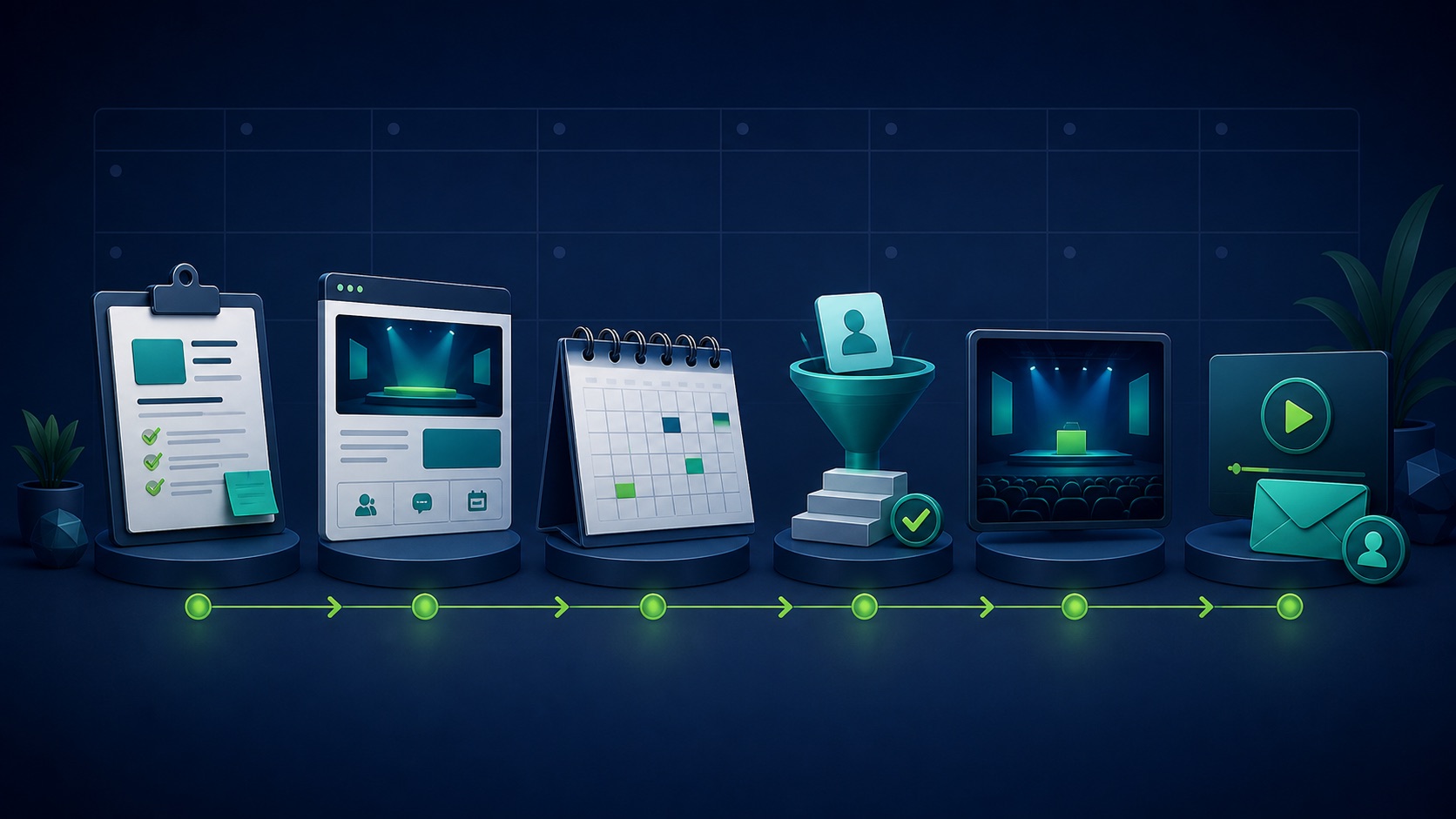
Choose the Page, event type, title, promise, date, timezone, access, registration, speakers, privacy, and operating owners.
Use the supported desktop Page admin flow, verify organizer, artwork, description, speakers, URL, and current live-event requirements.
Schedule posts and speaker amplification, run rehearsals, moderate live delivery, reconcile attendance, and follow up by permission and behavior.
STEP-BY-STEP LESSON
Event brief → Page setup → promotion and delivery → governed follow-up
THE LEAD ATLAS METHOD
Lead Atlas Data can create a custom business-contact list for the event's chosen campaign, categories, locations, and markets while the social team governs invitations and follow-up appropriately.See how custom list research works ↗Write the event brief
Define the audience, one concrete problem, learning promise, format, organizer Page, speakers, date, timezone, duration, access, registration, capacity, privacy path, recording plan, CTA, and success criteria. Assign production, moderation, speaker, technical, and follow-up owners.
Choose the organizer carefully because LinkedIn says it cannot be changed after creation. Confirm the person creating the event has the required Page admin access on the supported device and workflow.
Create the Page Event
Open the Page admin view on desktop and use the current Event creation flow. Enter the organizer, format, title, timezone, start and end, description, cover, location or broadcast details, speakers, registration or ticket path, and visibility controls shown.
If the event uses LinkedIn Live, verify the current scheduling and third-party broadcast requirements before publishing. Do not teach a button or access method that is absent from the live account.
Build the promotion sequence
Create a calendar for announcement, problem education, speaker proof, agenda, reminder, final-day instruction, live update, replay or recap, and follow-up. Give speakers approved copy and tracking while preserving authentic voice.
Make every post consistent with the event promise, access route, timezone, recording status, price, and privacy terms. Avoid inflating attendee counts or claiming limited space when none exists.
Rehearse and operate
Test host access, broadcast connection, camera, microphone, screen share, slides, captions, internet backup, moderation, questions, speaker handoffs, recording, emergency contacts, and the final CTA. Prepare a visible run of show.
During the event, welcome attendees, state the agenda and recording status, deliver the promised material, moderate respectfully, note unresolved questions, and give one clear next step without hijacking the lesson.
Segment follow-up and learn
Separate registrants, attendees, no-shows, high-engagement participants, explicit follow-up requests, speakers, partners, and opt-outs. Send the promised materials and only the next message justified by permission and behavior.
Deliverable: event brief, organizer verification, published Event URL, speaker approvals, promotion calendar, tracking plan, rehearsal log, run of show, moderation rules, attendance reconciliation, segmented follow-up, opt-out handling, result review, and owner.
THE TAKEAWAY
Lock the organizer, audience promise, format, registration route, speakers, operating plan, measurement, and follow-up rules before publishing the LinkedIn Event.OFFICIAL REFERENCES