LinkedIn Pages can invite eligible members to follow, and available invitation types and monthly credits can vary by Page and subscription. The invitation is sent in an identifiable context and should be relevant to the recipient. A useful process treats credits as a limited shared resource, not a quota that every admin should exhaust.
VISUAL LESSON
What you will learn
- 01Confirm Page and admin eligibility.
- 02Define a relevant invitation cohort.
- 03Coordinate credits and evaluate follower quality.
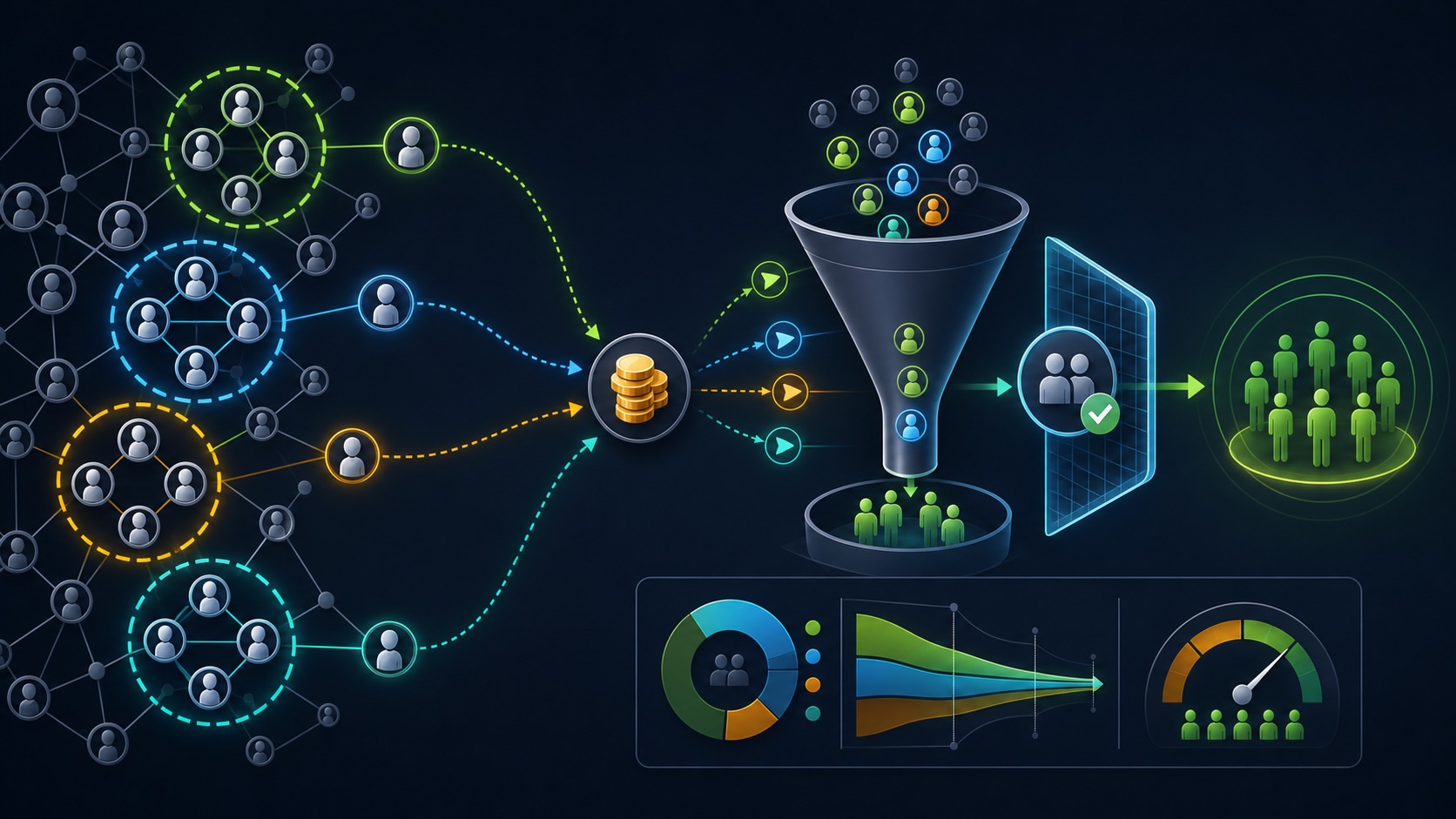
ILLUSTRATIVE WORKED EXAMPLE
Allocate an illustrative monthly credit pool
PRACTICAL INTERFACE MAP
Operate Page invitations from admin view
Confirm Overview, Industry, Company size, required language descriptions, Page identity, admin role, connection minimums, and live invite availability.
Use available connection or eligible Premium sources, review role and interest context, coordinate credits, and send a small named batch.
Track invitations, accepted followers where observable, audience relevance, content engagement, website actions, opt-outs, and the content plan that serves new followers.
STEP-BY-STEP LESSON
Complete Page → relevant cohort → shared credits → quality review
THE LEAD ATLAS METHOD
Lead Atlas Data can research business contacts tailored to the campaign’s categories, locations, and market, while LinkedIn Page invitations remain a separate platform feature for relevant eligible members rather than a substitute for permissioned outreach.See how custom list research works ↗Make the Page worth following
Complete the Page identity, Overview, Industry, Company size, descriptions for supported languages, website, locations, CTA, visual assets, recent useful posts, comment ownership, and editorial promise before sending invitations.
An invitation cannot repair an empty or confusing Page. A recipient should immediately understand what the organization does, what it posts, and why following is useful.
Confirm live eligibility and credits
Verify the current admin role, Page follower count, required profile connections, invite feature, monthly shared credit pool, renewal date, subscription-specific options, and any gradual rollout notes shown in the Page.
Do not publish a fixed credit number in the team playbook. LinkedIn can vary and change available credits and features; record the live state and date for each campaign.
Define a relevant cohort
Write the Page subject, intended follower roles, industries, geographies, relationships, and reasons for interest. Review candidates individually or in small groups using the filters the interface provides.
LinkedIn recommends inviting members likely to be interested. Do not treat every connection, content engager, similar-Page follower, employee, or customer as automatically relevant, and do not infer private intent from a profile.
Coordinate admins and invitation batches
Assign one credit owner, batch name, criteria, admin, date, count, and remaining balance. Prevent two admins from inviting the same or poorly matched groups, and save enough capacity for legitimate later opportunities.
The visible invitation can identify the sender depending on type. Use authentic admins, avoid pressure or misleading familiarity, and respect member notification and privacy settings.
Evaluate follower quality and content service
Track credits used, invites sent, new followers, follower demographics where available, engagement with subsequent posts, meaningful comments, website actions, qualified inquiries, unfollows, and content gaps without claiming direct causation where the platform does not provide it.
Deliverable: completed-Page audit, live eligibility capture, invitation audience rule, candidate review sheet, shared-credit ledger, admin coordination plan, batch log, follower-quality report, four-post welcome sequence, and next-month decision.
THE TAKEAWAY
Finish the Page, define a relevant invite audience, coordinate the shared credit pool, send reviewed batches, and evaluate whether invited followers actually fit and engage with the Page’s subject.OFFICIAL REFERENCES