A lead form submission tells Meta that a person completed a form; it does not tell the business whether the person was reachable, eligible, sales-accepted, or eventually became a customer. A conversion-leads workflow closes that gap by defining meaningful CRM stages, delivering leads reliably, and returning eligible downstream outcomes through the supported integration. This lesson treats the setup as a measurement project, not a switch that can repair an unclear sales process.
VISUAL LESSON
What you will learn
- 01Distinguish a form submission from a qualified lead.
- 02Map the complete lead-delivery and CRM feedback path.
- 03Stage a downstream conversion before using it for optimization.
ILLUSTRATIVE 200-LEAD COHORT
A deeper signal is smaller but closer to business value
SYSTEM INTERFACE MAP
Trace one test lead end to end
Use the supported leads setup, correct Page identity, form or website destination, and the intended performance goal.
Keep a stable lead ID, source context, created time, owner, lifecycle stage, and the evidence behind qualification.
Inspect event receipt, diagnostics, match information, timing, and duplicates before making the event primary for optimization.
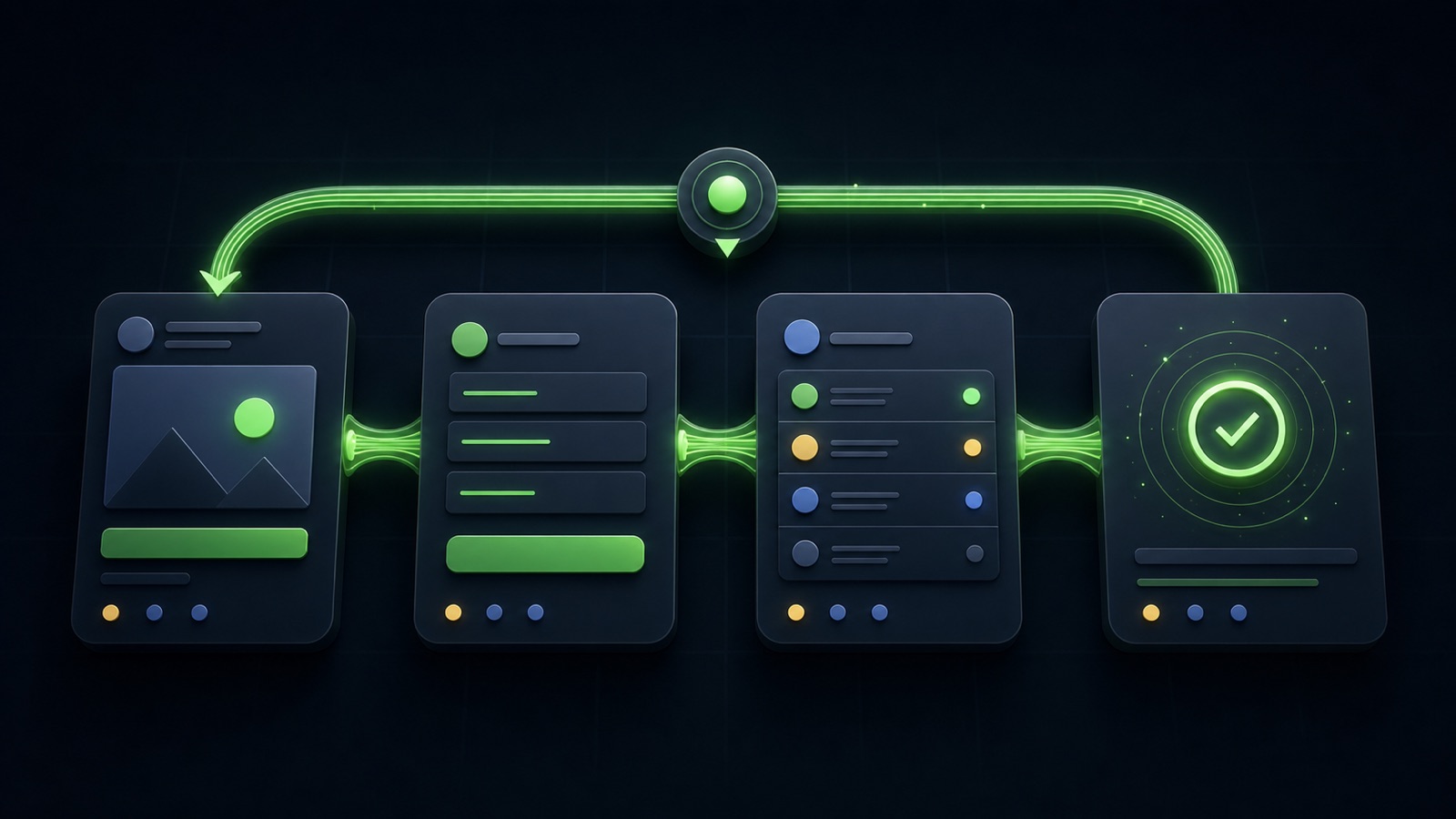
THE QUALITY FEEDBACK LOOP
Ad → lead → qualify → return outcome
THE LEAD ATLAS METHOD
Lead Atlas Data can create a separate done-for-you contact list for the campaign’s exact business categories, locations, and market, giving the team a campaign-specific outbound cohort while Meta’s CRM quality loop is measured independently.See how custom list research works ↗Define the outcome before connecting tools
Write the exact rule that moves a record from submitted to reachable, qualified, opportunity, and customer. A qualified lead might require a serviceable location, a genuine need, a valid contact, and an accepted next step. The rule should be observable and shared by marketing and sales.
Do not send vague stages such as “good lead” back to an ad system. Record the evidence, stage owner, and timestamp. If salespeople apply different rules, fix that process before interpreting optimization results.
- One lifecycle name per event
- Observable entry criteria
- Responsible owner
- Event time and source record
- Disqualification reasons
Map lead delivery and identity
Draw the path from the live ad or website form to Meta, the delivery integration, the CRM, the assigned owner, and the returned conversion. Preserve identifiers and campaign context that allow the same lead to be recognized without rebuilding identity from guesses.
Submit a real test lead through the published experience. Confirm that it appears once, contains the expected fields, reaches the correct queue, triggers the intended notification, and carries the source information needed for reconciliation.
Choose a supported feedback method
Meta supports direct, partner, gateway, and CRM-based Conversions API approaches. Choose the method the team can maintain, document, and monitor. Confirm the current product requirements in the live account and partner documentation rather than following an old screen recording.
Only send data the business is permitted to use, follow Meta Business Tools terms, and apply the organization’s privacy and retention practices. Conversions API is not a way to bypass consent, platform controls, or applicable rules.
Stage the signal before optimization
Return qualified events as a secondary observation signal first. Compare imported counts with the CRM over complete date ranges, allow for reporting delay, and investigate missing, late, or duplicated events. A downstream stage can be useful only when it occurs consistently enough and soon enough for the campaign’s learning job.
After the signal is stable, document the date and reason for any change to campaign optimization. Avoid changing the form, qualification rule, audience, budget, and primary conversion on the same day because the resulting movement will be difficult to interpret.
Run the workbook test
Take one recent lead and record every system, identifier, timestamp, owner, stage, and returned event. Mark where information is transformed or dropped. Then repeat the trace with a disqualified lead and a duplicate submission.
Deliverable: a one-page feedback map, the written qualified-lead rule, three tested records, an exception owner, and a decision on whether the imported event remains observational or is ready for a controlled optimization test.
THE TAKEAWAY
Define one stable qualified outcome, prove every handoff with test records, observe imported events before bidding on them, and judge success from real sales quality rather than form volume alone.OFFICIAL REFERENCES