A contact-research brief is the specification that turns a campaign idea into reviewable research. It should tell a researcher which businesses belong, which do not, where they operate, which contact paths are useful, and how the finished list will be checked. The brief should be precise enough for consistent decisions without pretending that public data reveals private buying intent.
VISUAL LESSON
What you will learn
- 01Convert a campaign goal into researchable account criteria.
- 02Separate required, preferred, and excluded traits.
- 03Define output fields and a sample acceptance test.
ILLUSTRATIVE 1,000-ROW REQUEST
A campaign list should narrow from market to usable records
BRIEF WORKSHEET MAP
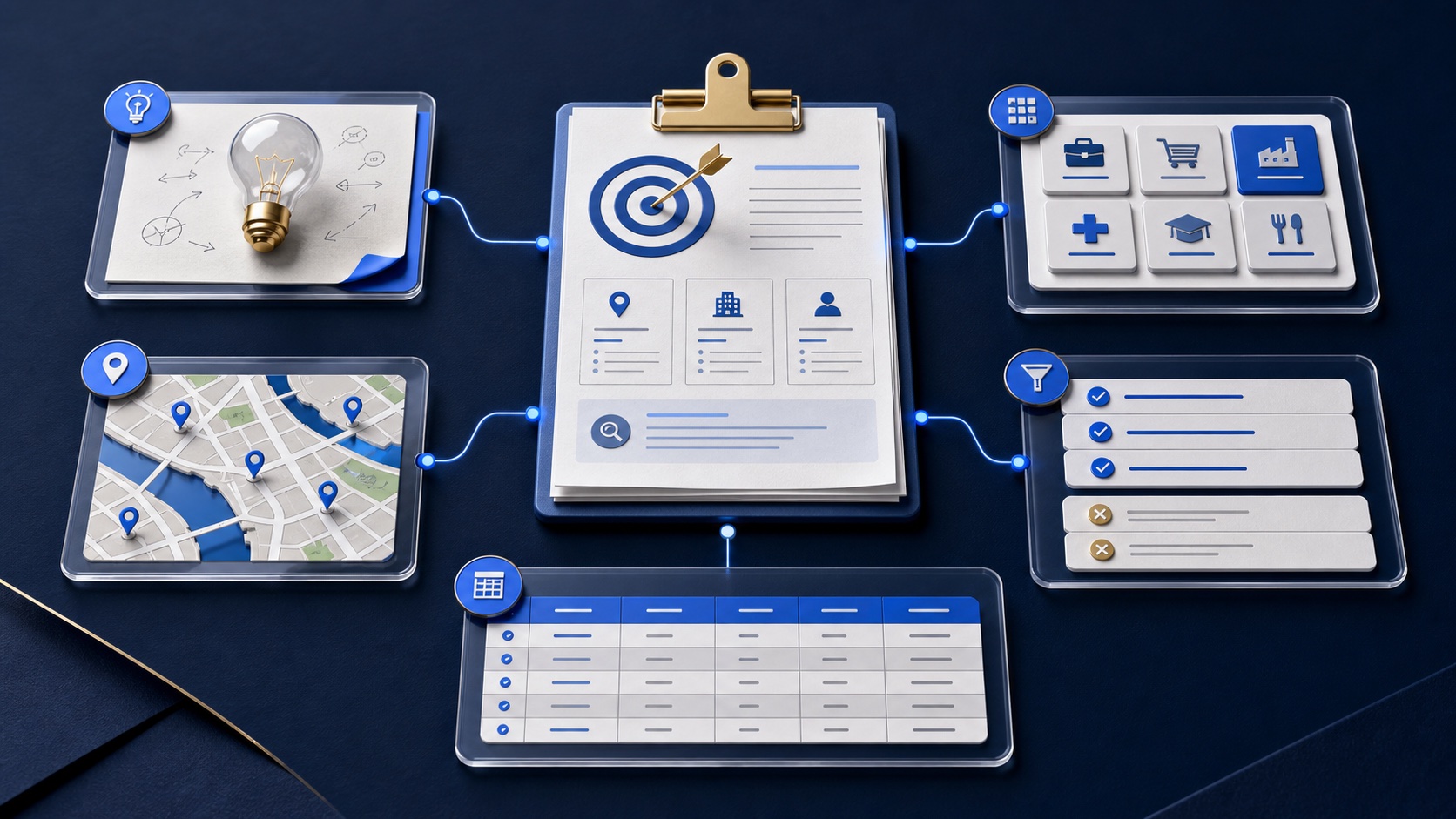
Complete six decisions before volume
Name the offer, recipient problem, service area, next action, and why this segment belongs together.
List categories, locations, must-haves, preferences, contact roles, public fields, and exclusions.
Choose review labels, minimum evidence, duplicate rules, file format, owner, and approval step.
THE RESEARCH BRIEF
Campaign into auditable rules
THE LEAD ATLAS METHOD
Lead Atlas Data is built for this workflow: customers specify the campaign, markets, up to the supported locations and business categories, and Lead Atlas Data researches a custom business-contact list around that request rather than selling a generic pre-made database.See how custom list research works ↗Start with the campaign, not the row count
Write the offer, who it helps, the business problem, service geography, next step, and evidence available to the outreach team. If the message cannot explain why the group should care, the research category is probably still too broad.
Volume is an operating constraint, not the audience definition. Estimate it after the account rules are clear.
Define categories and locations precisely
Use ordinary business labels and geographic boundaries the team can serve. Clarify ambiguous regions, franchises, branch offices, parent companies, and whether one location or one organization counts as an account.
Include a few positive examples and near-miss examples. Examples expose disagreements that category names alone can hide.
Separate requirements from preferences
A requirement determines acceptance; a preference helps prioritize. Public website, serviceable city, and business category might be required, while multi-location status or a specific public contact title might be preferred.
Only request traits that can be observed or supported. Do not ask research to infer private budgets, urgency, protected characteristics, or willingness to buy.
Write contact and exclusion rules
Name the useful contact roles and acceptable fallback paths, such as an owner, operations leader, location manager, published business inbox, or contact page. Public availability will differ by company.
Supply customer, active opportunity, partner, competitor, unsupported location, and other protected-account exclusions. Record whether exclusions apply to the parent company, branch, domain, or individual contact.
Define output and acceptance
List the fields needed for review and outreach, the duplicate key, freshness expectations, source notes, uncertainty labels, file format, and owner. Ask for a small sample before full scale when the brief is new or ambiguous.
Exercise: give the brief to a colleague with no campaign context. If they cannot classify five example businesses consistently, revise the rules before research begins.
Turn this lesson into a research brief.
Apply “How to Write a Business-Contact Research Brief” to one campaign before requesting or using a list.
- 01Market boundary
Name the locations and business categories this decision applies to.
- 02Fit evidence
Write the public signals that would make a business relevant enough to review.
- 03Exclusions
List the business types, markets, and records that should not enter the campaign.
- 04Outreach use
State who will review the list, personalize the message, and record outcomes.
THE TAKEAWAY
Define the campaign and acceptance rule before list size, separate requirements from preferences, and include examples and exclusions so the final list can be audited.