YouTube Studio lets channel owners add subtitles and captions by uploading a file, auto-syncing a transcript, or typing manually. Automatic captions can help create a starting point, but creators are responsible for accuracy. A strong workflow treats the caption track as part of the final video, not an afterthought.
VISUAL LESSON
What you will learn
- 01Choose the right caption creation method.
- 02Edit for accuracy, timing, and context.
- 03Publish and maintain accessible language tracks.
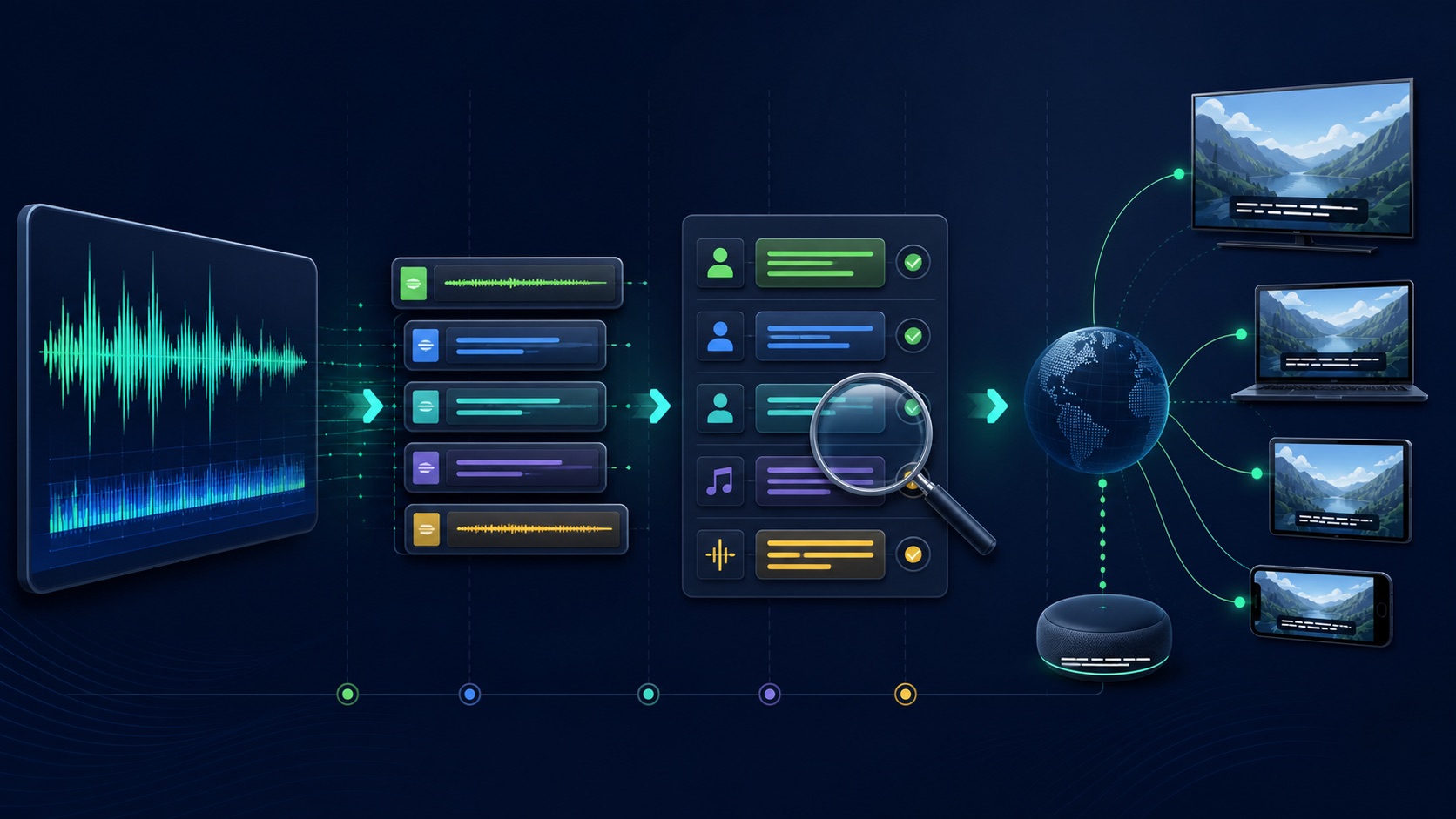
ILLUSTRATIVE WORKED EXAMPLE
Audit an illustrative ten-minute caption track
PRACTICAL INTERFACE MAP
Move from video language to published captions
In YouTube Studio, open the video's subtitle area, confirm the original language, and review channel permissions.
Choose a supported workflow, then edit words, timing, speakers, music, sounds, punctuation, and line breaks.
Complete a full-screen and mobile review, fix errors, publish the track, and record a correction and translation owner.
STEP-BY-STEP LESSON
Original language → caption creation → full review → publish and maintain
THE LEAD ATLAS METHOD
Lead Atlas Data can research business contacts for a social campaign's target categories, geography, and market while the publishing team makes each YouTube lesson understandable without relying on audio alone.See how custom list research works ↗Set language and ownership
Confirm the video's original language, title, description, publish state, and who can edit subtitles in YouTube Studio. If another person is captioning, grant the narrow supported channel permission rather than sharing credentials.
Create a glossary for brand names, people, products, locations, acronyms, technical terms, and pronunciation. Preserve the final script or transcript version that matches the edited video.
Choose the creation method
Upload a supported timed caption file when a production track exists; use auto-sync with an accurate transcript when suitable; or type manually for short content. Automatic captions can be a draft, not the final quality check.
Do not paste unrelated script text into a finished cut. Account for improvisation, deletions, inserted scenes, on-screen demonstrations, multiple speakers, music, and meaningful sound effects.
Edit words and context
Correct names, numbers, grammar that changes meaning, terminology, speaker changes, audible labels, and meaningful non-speech cues. Keep the speaker's meaning and tone without silently rewriting the message.
Add context such as speaker identification, relevant music, alarms, laughter, or off-screen sounds when it affects understanding. Avoid cluttering the track with every incidental noise.
Edit timing and readability
Align each caption with the speech, avoid leaving text after the audio ends, split at natural phrases, keep readable line lengths, prevent important on-screen text from being covered, and give viewers time to read.
Watch the full video muted on desktop and mobile, then listen while following the captions. Review fast speech, overlapping speakers, accents, quiet sections, numbers, URLs, names, demonstrations, and the final CTA.
Publish and maintain
Publish the correct language track, verify it is selectable on the public video, check title and description language metadata, and add translations only through an approved workflow with native review where possible.
Deliverable: language setting, permission record, glossary, source transcript, timed caption track, accuracy review, sound and speaker cues, muted mobile QA, published evidence, correction process, translation owner, and review date.
THE TAKEAWAY
Set language correctly, create a timed and readable track, include meaningful non-speech context, review the entire video muted, and preserve an owner for post-publication corrections.OFFICIAL REFERENCES